
- Full enterprise browsers control the rendering layer: copy, paste, print, screenshot, and DOM-level data exfiltration are enforceable at the browser engine, not just at the network perimeter. A Chrome extension cannot reach that layer.
- The core buying decision is not full browser versus extension. It is whether your highest-risk session type, BYOD contractors, third-party access, or unmanaged devices, justifies the per-user licence cost on top of your existing SSE stack.
- Adoption friction is the underreported operational cost. A forced browser swap fails differently across populations: engineers hate renderer-level restrictions on DevTools, finance teams adapt quickly, and contractors on personal devices present a separate deployment problem entirely.
- Chrome Enterprise Premium, Edge for Business, and Citrix Enterprise Browser are the lowest-friction paths for organizations already inside Google Workspace, Microsoft 365, or Citrix VDI respectively. Full replacements make the most sense for unmanaged-device and contractor-access scenarios where you have no existing endpoint control.
- Pricing for dedicated enterprise browsers is not public from most vendors. Evaluating total cost requires stacking the per-user licence against what you already pay for SWG, CASB, or SSE, because overlap on web filtering and DLP is significant.
The best enterprise browsers for most organizations in 2026 are Island, Palo Alto Prisma Access Browser, and Chrome Enterprise Premium, depending on deployment model. Island and Prisma Access Browser are purpose-built full replacements with rendering-layer controls that no extension can replicate. Chrome Enterprise Premium fits teams already in Google Workspace that want DLP and threat protection without a browser change. Edge for Business suits Microsoft-centric environments. LayerX, Push Security, and Seraphic serve teams that cannot or will not replace the browser but need session-level controls via extension.
What Does a Dedicated Enterprise Browser Actually Control That Chrome Policy Cannot?
Chrome Enterprise Core, the free policy management layer Google offers, controls browser configuration: homepage, extension allowlist, safe browsing settings, and certificate trust. What it does not control is what happens inside a rendered page once it loads. A user can still select text, press Ctrl+C, paste credentials into a personal Gmail tab, or screenshot sensitive data. Chrome’s managed browser is a configuration envelope, not a data-flow control plane.
Full enterprise browsers operate at a different layer. Island, Palo Alto Prisma Access Browser, Menlo Security, and Seraphic are built on Chromium but modify the rendering engine itself. That means they can intercept clipboard events before the OS receives them, block DOM-level data extraction, disable screenshot APIs, restrict print-to-PDF on specific web applications, and enforce read-only sessions where a user can view a CRM record but cannot copy a field. No extension running inside standard Chrome can do this, because extensions operate inside the browser sandbox with access to the DOM only through the browser’s extension API, not the rendering process.
The distinction matters for one specific threat model: insider risk and data exfiltration through the browser session itself, not through malware. If your primary concern is malware delivery via phishing, a secure web gateway or a mature email filter addresses most of that risk without a browser replacement. If your concern is a contractor copying customer PII from a web application they are legitimately allowed to access, you need rendering-layer controls.
The SecurityOpsWire Browser Control Stack: Four Layers to Evaluate Before Picking a Product
Most browser security evaluations stall because teams compare feature checkboxes across vendors without a framework for what each layer of control actually costs and which threats it addresses. The SecurityOpsWire Browser Control Stack maps enterprise browser capabilities to four distinct control layers, each answering a different question for your security program.
Layer 1: Configuration enforcement. Policy-based settings: extension allowlists, certificate pinning, HSTS enforcement, proxy routing. Chrome Enterprise Core and Edge for Business Group Policy handle this for free. Any product that sells only at this layer is not worth a per-user licence.
Layer 2: Network-level session control. Traffic inspection, URL categorization, SWG integration, TLS decryption. Menlo Security and Prisma Access Browser operate here with full traffic forwarding into a SASE stack. This layer overlaps heavily with what you already pay for in Zscaler, Netskope, or Palo Alto SASE.
Layer 3: Rendering-layer data control. Clipboard intercept, screenshot block, DOM-level DLP, print restriction, read-only page rendering, watermarking. Only full browser replacements reach this layer. Island, Seraphic, and Prisma Access Browser are the clearest examples. This is where the licence cost is justified or not.
Layer 4: Identity-anchored session enforcement. Tying browser session controls to identity posture, device trust, and real-time policy from your IdP. Push Security, LayerX, and Island all claim this layer. The differentiator is whether the control persists when identity signals change mid-session, or only at authentication time.
Full Browser Replacement vs. Extension: What the Adoption Friction Actually Looks Like
Security teams consistently underestimate the operational cost of a forced browser switch. The technical deployment is straightforward for managed endpoints. The friction is behavioral and political.
In practice, the populations that adapt with the least resistance are finance, legal, and customer success teams doing repetitive work in two or three web applications. These users notice almost nothing if the browser looks like Chrome, which all Chromium-based enterprise browsers do. The populations that push back hardest are software engineers, data analysts using browser-based notebooks, and security practitioners who rely on DevTools, custom extensions, and non-standard browser behaviors. Rendering-layer restrictions that silently fail, rather than explaining why an action was blocked, produce help desk tickets and shadow IT immediately.
Extension-based approaches from LayerX and Push Security avoid the browser-swap friction entirely. Users install an extension to their existing Chrome or Edge browser, and the vendor’s platform gains visibility into session behavior, credential use across SaaS applications, and phishing exposure. The trade-off is explicit: you get identity and session telemetry, but no rendering-layer controls. Whether that trade-off is acceptable depends on your threat model, not on which vendor’s marketing is more persuasive.
For contractor and BYOD populations specifically, the extension model often wins on deployment alone. You cannot push a managed browser to a contractor’s personal MacBook through MDM. You can require an extension as a condition of access. Island and Prisma Access Browser both offer agentless access modes that work without installing the full browser, but these are network-proxied sessions, not rendering-layer browser instances, which limits their data control capabilities to Layer 2.
The 12 Enterprise Browsers: What Each One Actually Does
Island
Island is a full Chromium-based browser replacement built from the ground up for enterprise control. It offers rendering-layer data controls including clipboard restriction, screenshot blocking, watermarking, and per-application policy. Island’s administrative console lets security teams apply different policy profiles to different application categories, so a user in the same browser session can have full clipboard access in their internal wiki and zero clipboard access in a third-party CRM. The agentless access mode lets contractors use a proxied Island session without installing the browser, though with reduced rendering-layer capability. Island does not publish pricing publicly; the vendor quotes per environment.
Palo Alto Prisma Access Browser
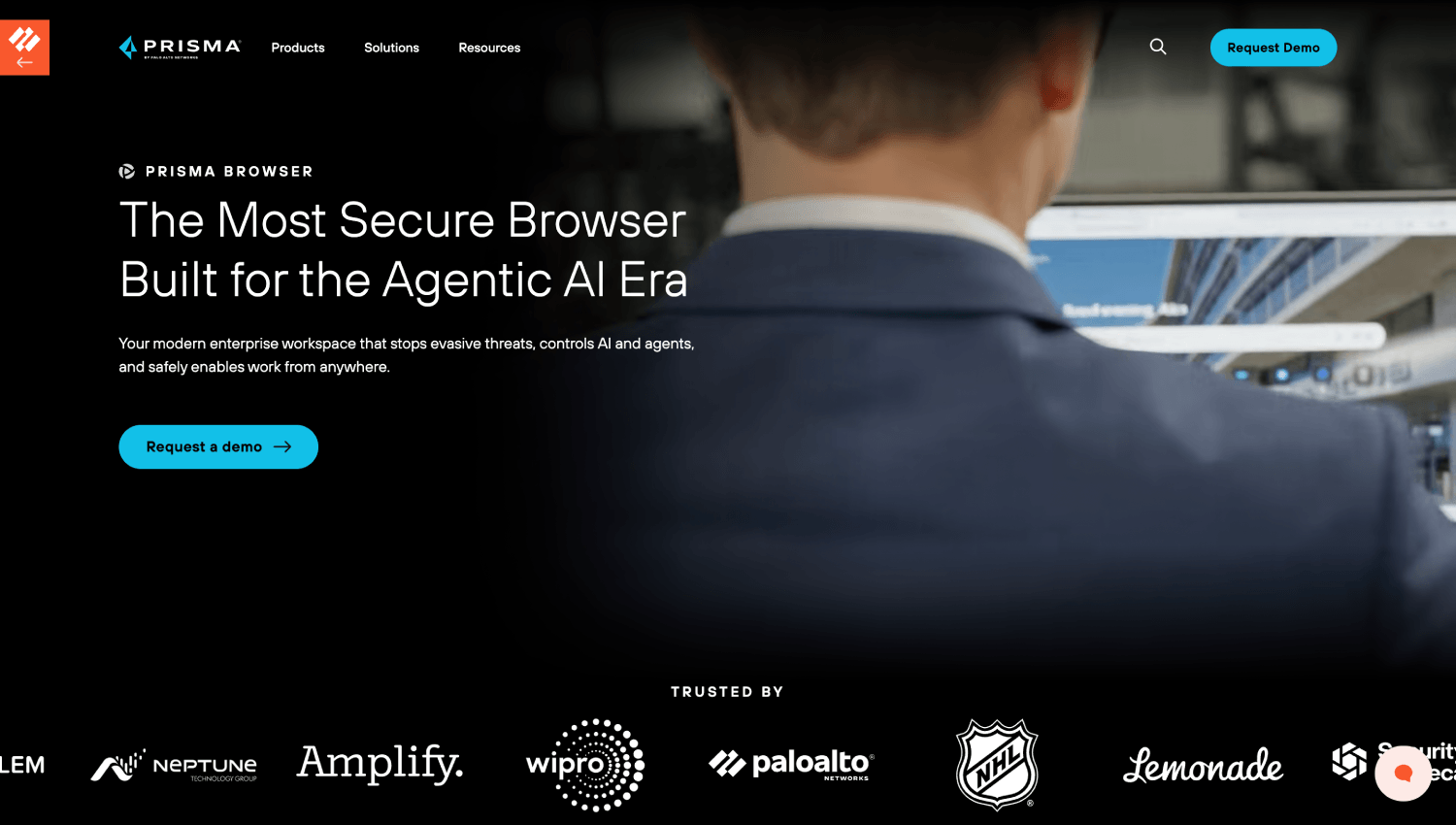
Palo Alto Prisma Access Browser is a Chromium-based full browser replacement that integrates directly with the Palo Alto SASE stack, routing traffic through Prisma Access for threat inspection and policy enforcement. The integration story is its primary differentiator: teams already running Prisma Access get a browser whose session telemetry feeds directly into their existing security operations without a separate SIEM integration project. For organizations not running Palo Alto’s SASE platform, the integration advantage largely disappears. Pricing is not publicly disclosed and is typically bundled with Prisma Access licensing.
Chrome Enterprise Premium
Chrome Enterprise Premium is Google’s paid tier above Chrome Enterprise Core. It adds DLP rules, context-aware access integration with Google BeyondCorp, URL filtering, threat and data protection reporting, and Chrome Browser Cloud Management. It is not a full browser replacement but a policy and DLP layer on top of the standard Chrome browser. For organizations running Google Workspace with existing BeyondCorp architecture, it is the lowest-friction path to meaningful browser-level data controls. Google does not publish per-user pricing for Chrome Enterprise Premium; contact sales for a quote.
Microsoft Edge for Business
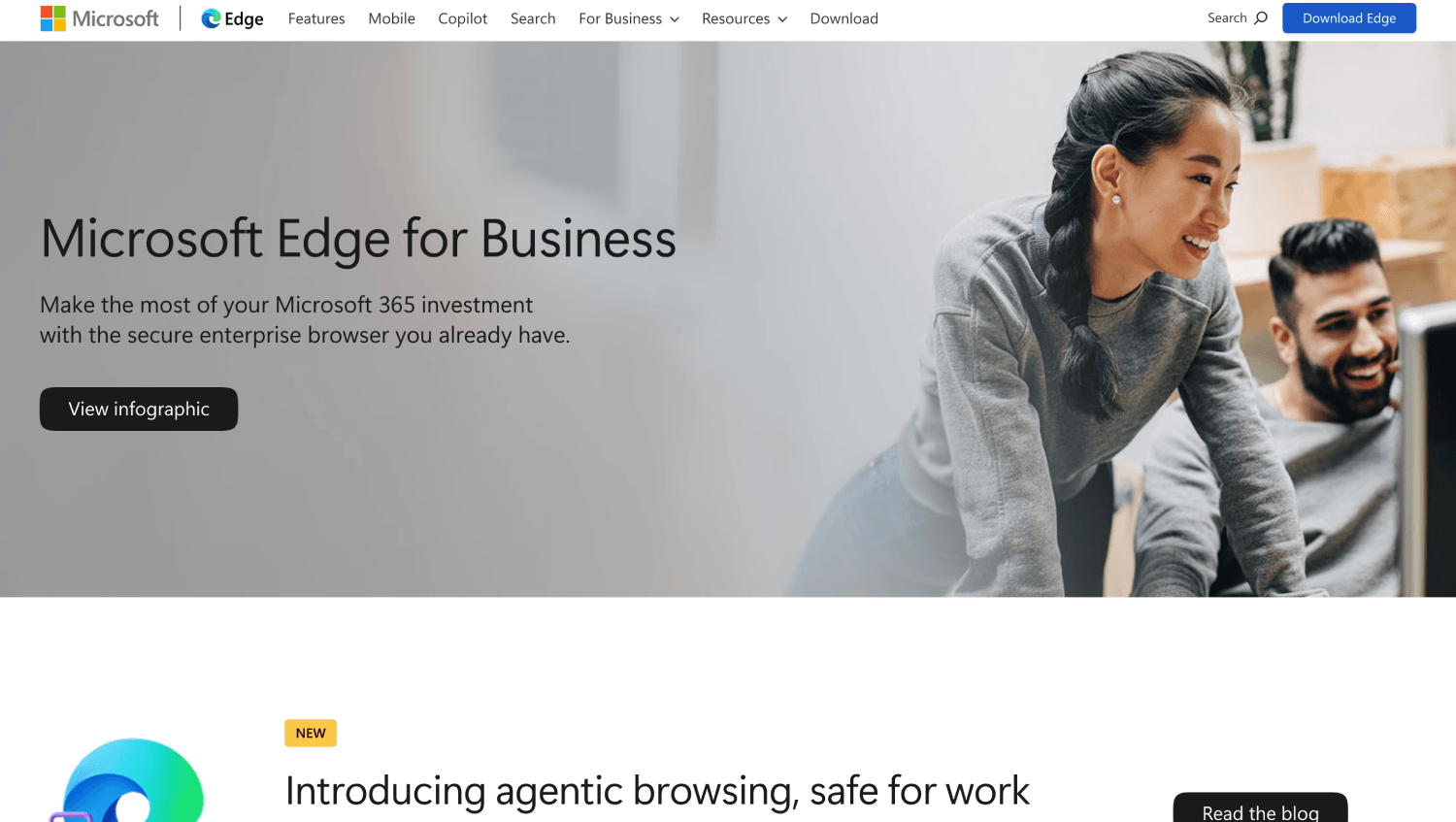
Microsoft Edge for Business is a managed Chromium browser that Microsoft’s site describes as available at no extra cost with Microsoft 365 plans. It supports Group Policy and Intune-based management, Microsoft Defender SmartScreen for phishing and malware protection, and optional Personal Browser separation that isolates work profiles from personal browsing. Microsoft Purview integration adds DLP signal from browser activity into the Purview compliance portal. Edge for Business is not a dedicated enterprise browser with rendering-layer controls. It is a well-managed browser with tight Microsoft 365 integration, and for Microsoft-centric organizations it eliminates the need to pay for a separate browser product entirely. Microsoft’s site does not enumerate which specific plans include which Purview or DLP features; contact Microsoft directly to confirm which capabilities apply to your licensing tier.
Palo Alto Prisma Access Browser (formerly associated with Talon Cyber Security)
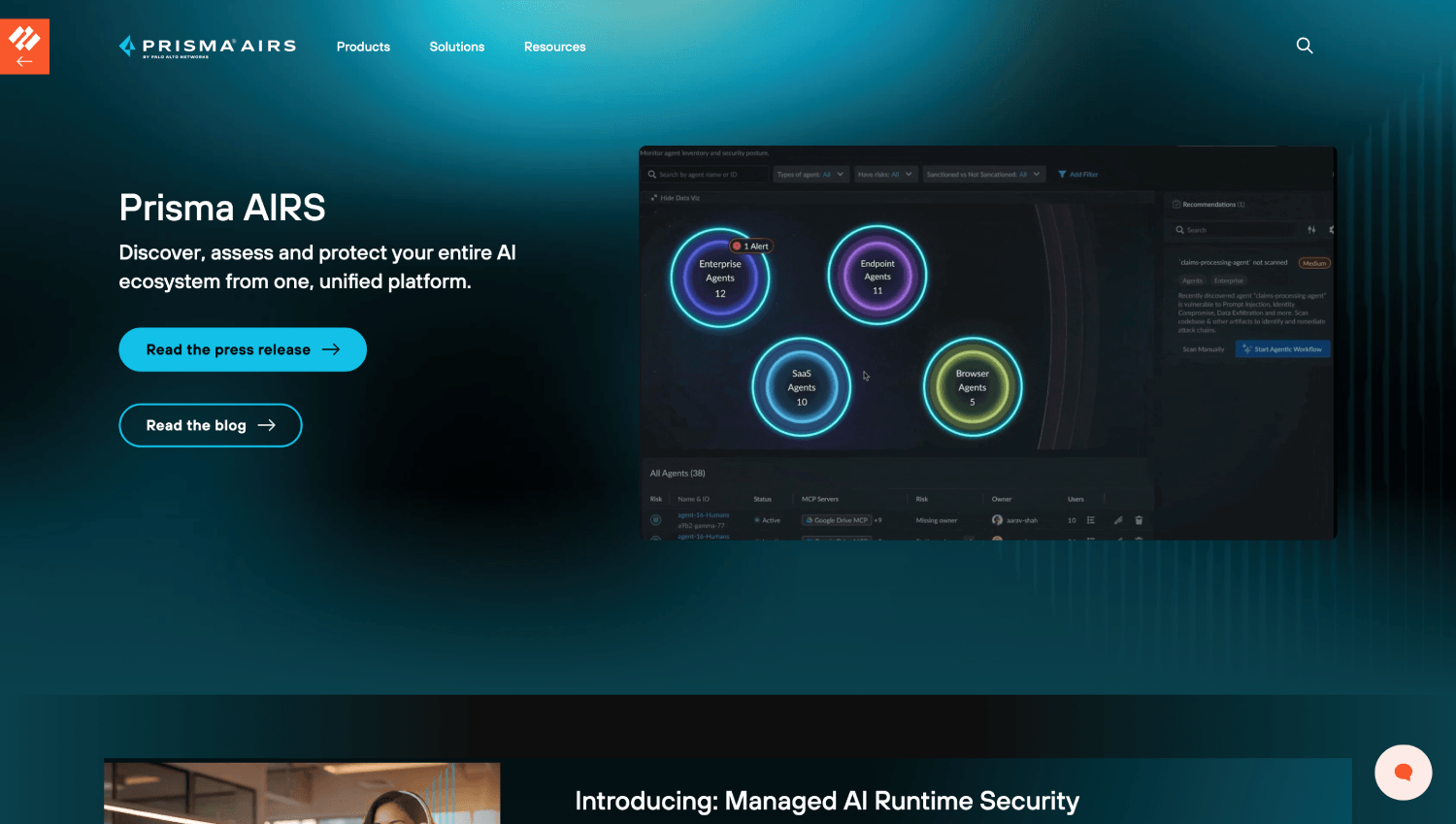
Palo Alto Networks markets the Prisma Access Browser as a standalone product. The Palo Alto Networks product page does not reference a Talon acquisition or describe any integration of a prior Talon product. Teams researching Talon Cyber Security should evaluate Prisma Access Browser on its current documented capabilities rather than on any assumed feature inheritance. The two product entries in this article cover the same current offering.
Seraphic Security
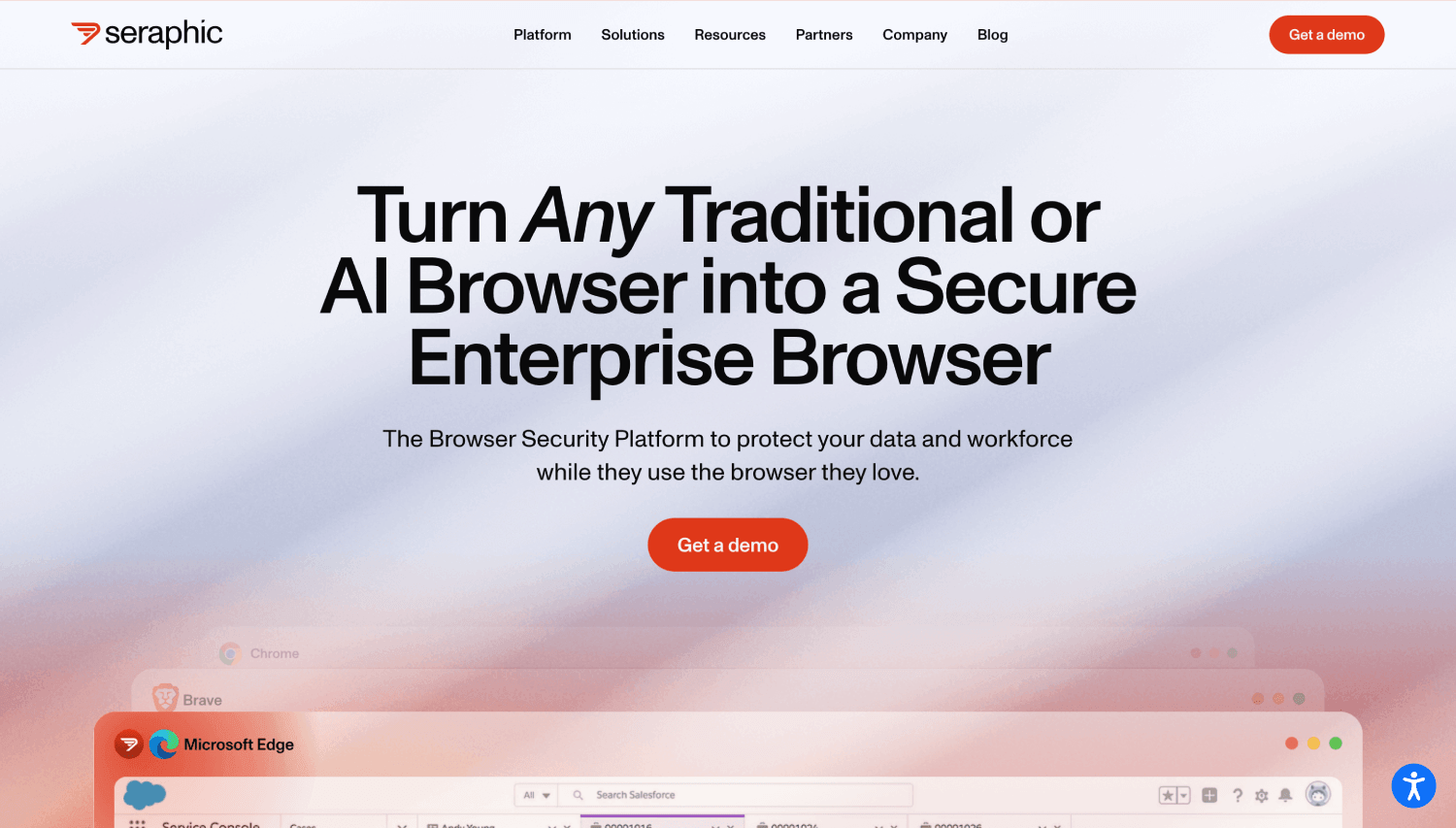
Seraphic takes a different architectural approach from Island and Prisma Access Browser. Rather than distributing a new browser binary, Seraphic deploys as a software layer that instruments existing Chrome, Edge, Firefox, or Safari browsers at a level below the extension API. Seraphic’s documentation describes this as operating within the browser’s rendering process, which gives it access to the rendered DOM and JavaScript execution context without requiring users to switch browsers. This matters operationally: the deployment model for Seraphic is closer to an agent than a browser replacement, and it supports browsers users already have. Seraphic appears in the Gartner reviews for secure enterprise browsers. Pricing is not publicly disclosed.
LayerX Security
LayerX is an extension-based platform that sits inside existing Chrome or Edge browsers and provides session-level visibility, SaaS application control, credential exposure detection, and phishing protection. It does not replace the browser and does not offer rendering-layer controls in the same sense as Island or Seraphic. LayerX’s value is in identity and session telemetry: which SaaS applications a user authenticates to, whether credentials are being reused, and whether a page is a credential-phishing attempt. For teams with a mature SaaS sprawl problem and no appetite for a browser replacement, LayerX is a legitimate path. Pricing is not publicly disclosed.
Push Security
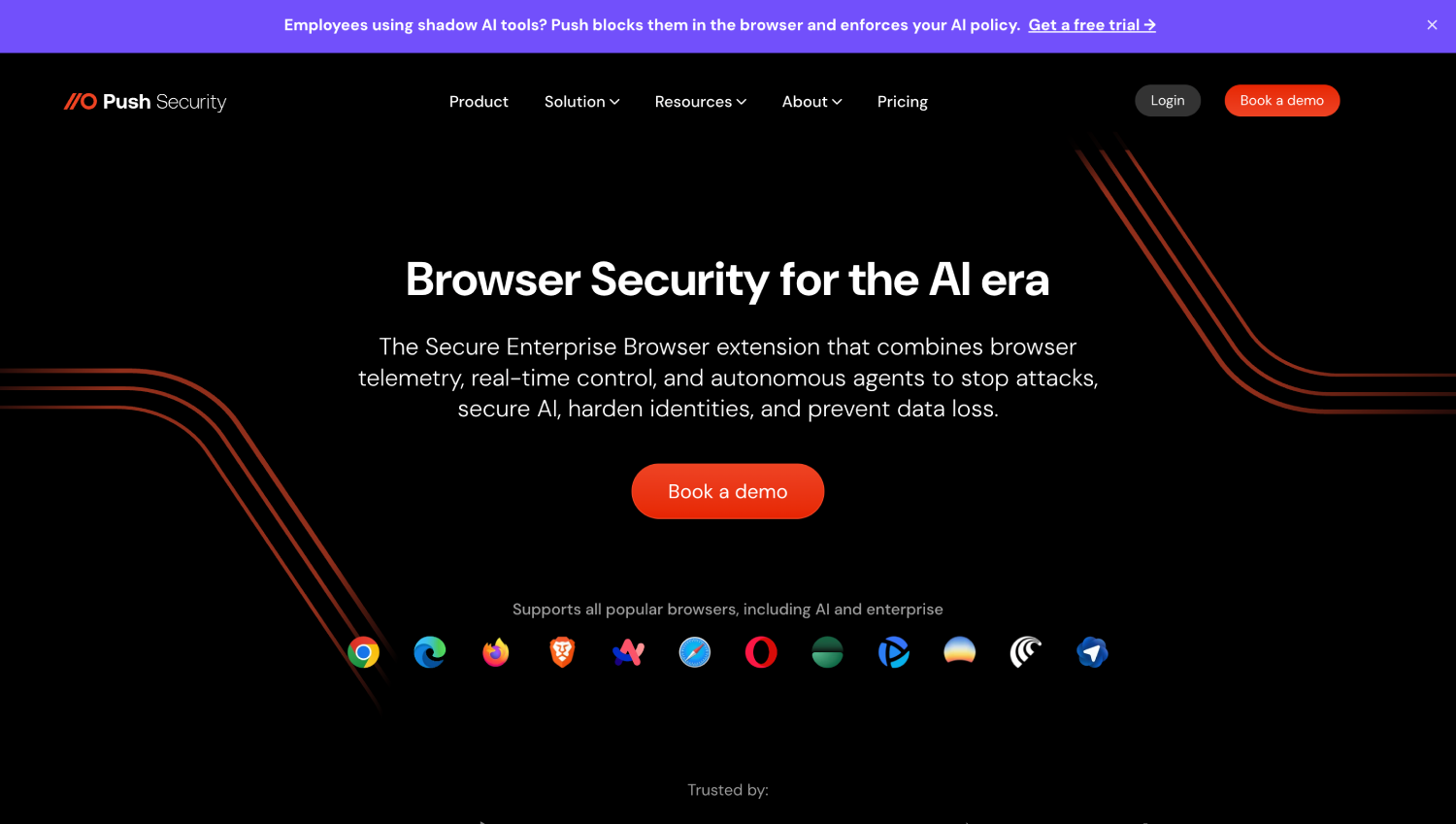
Push Security is primarily an identity threat detection platform that uses a browser extension as its telemetry source. The extension captures authentication events, credential reuse, shadow SaaS application discovery, and phishing exposure across Chrome and Edge. Push Security’s positioning is closer to ITDR than to an enterprise browser, but it appears in browser security comparisons because the extension model gives it session-level visibility that SIEM and IdP logs do not. It does not provide data-loss prevention at the rendering layer. Push Security is a strong fit for identity-focused security teams that want browser-based telemetry without a browser replacement. Pricing is not publicly disclosed; the vendor describes usage-based pricing on request. Security teams evaluating browser-anchored identity controls alongside AI agent security platforms may find Push Security’s session telemetry useful for both use cases.
Menlo Security
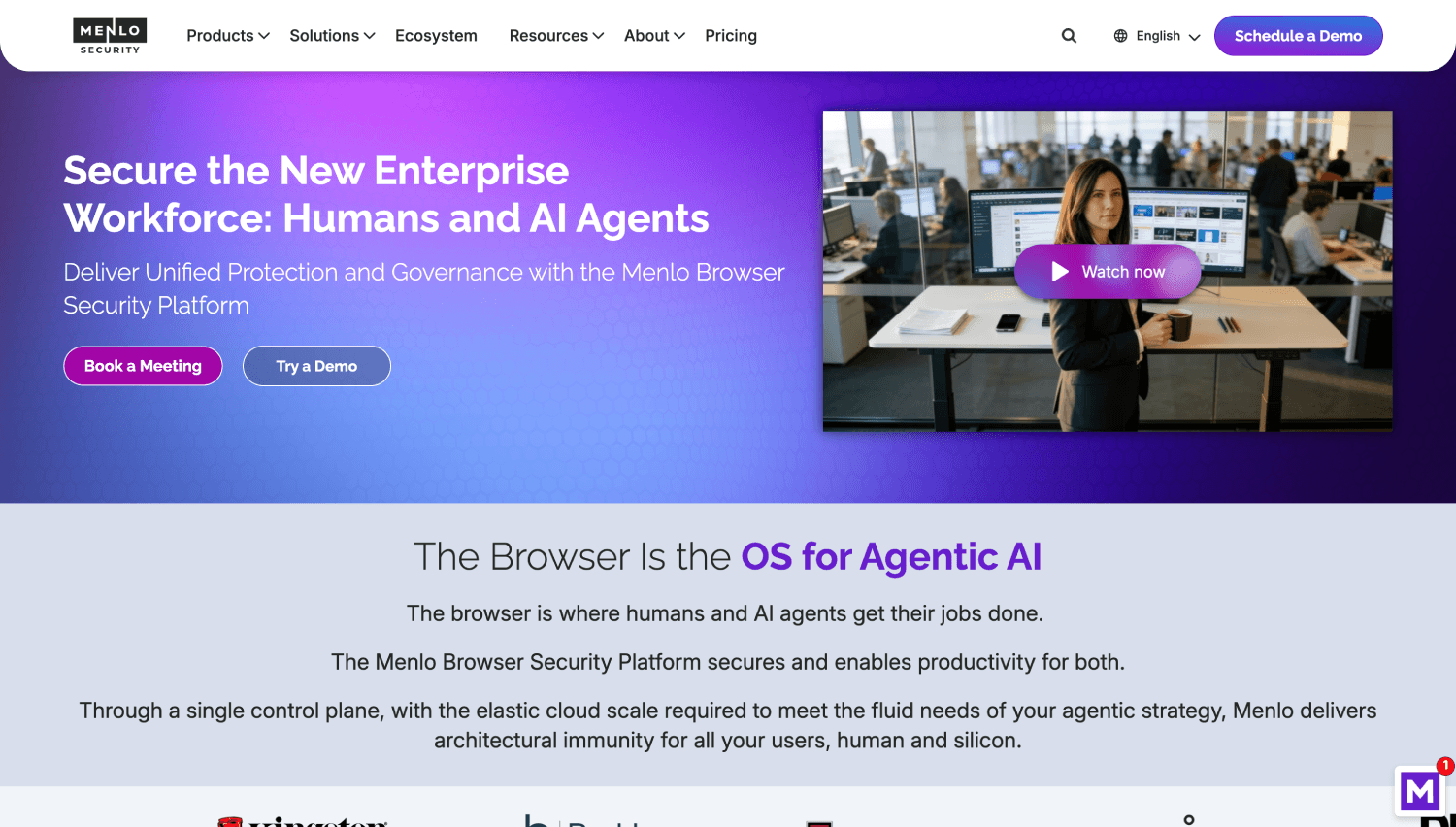
Menlo Security uses a cloud-based isolation architecture: web content is rendered in Menlo’s cloud infrastructure and only a safe rendering stream is delivered to the end user’s browser. This is remote browser isolation (RBI), which eliminates malware delivery through the browser by preventing actual page content from reaching the endpoint. RBI is the strongest control for malware isolation, and it is also the most disruptive to the user experience. Latency, broken web application behavior, and JavaScript-heavy application failures are documented operational problems with RBI deployments. Menlo has invested in making its isolation layer transparent for most traffic, but high-fidelity applications like video conferencing and browser-based development tools still break in isolated sessions. Pricing is not publicly disclosed.
Surf Security
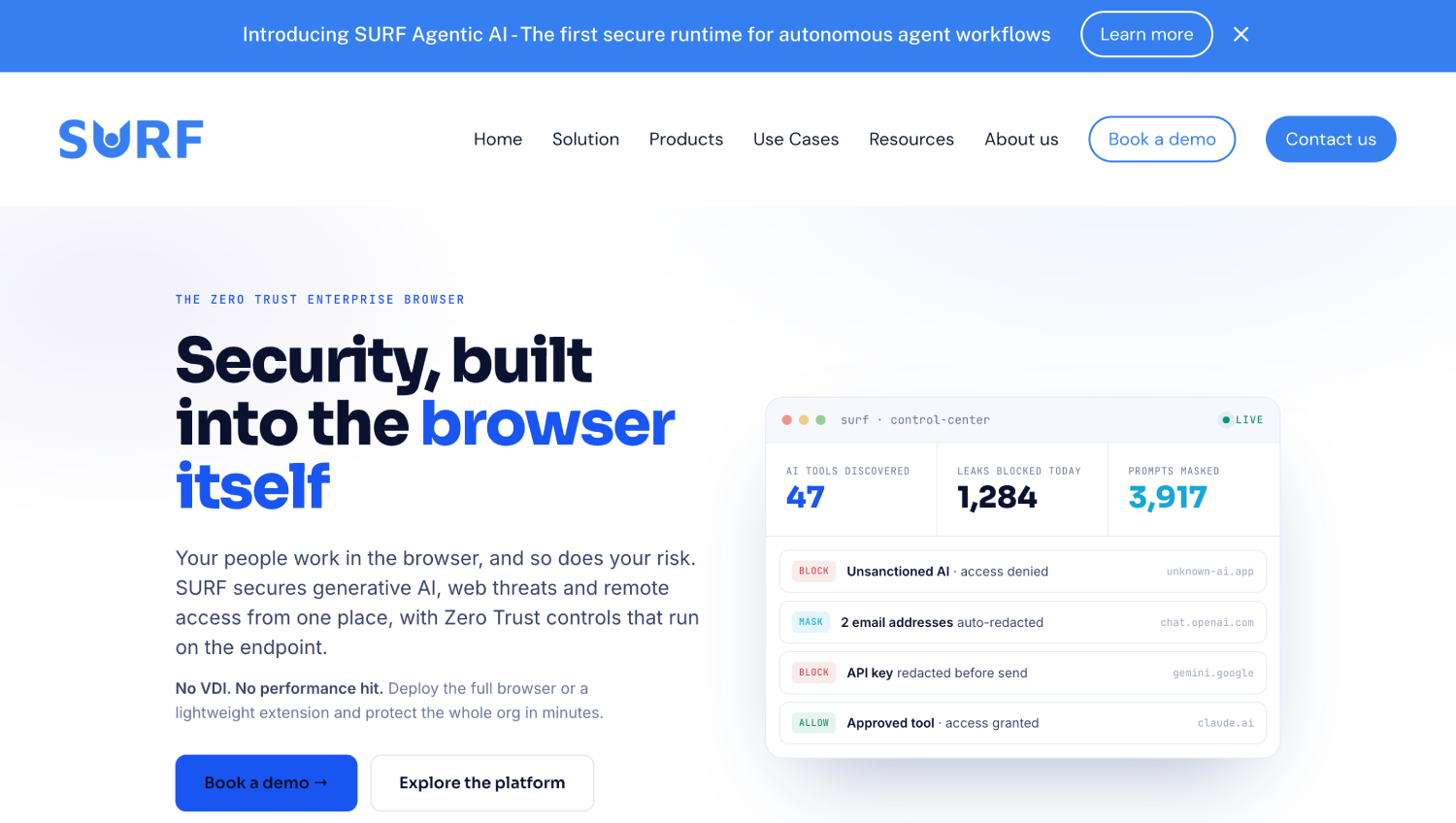
Surf Security is a Chromium-based full browser replacement positioned for enterprise use with built-in zero trust access, threat protection, and data loss prevention. Surf claims to support air-gap browsing scenarios where sessions are isolated from the local operating system. It is a smaller vendor than Island or Palo Alto and appears less frequently in analyst comparisons, but it covers the same core rendering-layer control surface. Pricing is not publicly disclosed.
Mammoth Security

Mammoth Security is a browser security platform targeting mid-market organizations that want enterprise browser controls without the full administrative overhead of Island or Prisma Access Browser. It is Chromium-based and positions on ease of deployment and policy management. Mammoth appears in fewer independent reviews than the larger vendors in this list, which makes it harder to assess independently without a direct evaluation. Pricing is not publicly disclosed.
Citrix Enterprise Browser
Citrix Enterprise Browser is a Chromium-based managed browser that integrates with Citrix Workspace and Citrix Secure Private Access. For organizations running Citrix VDI or DaaS environments, it provides a consistent managed browser experience that routes web application access through Citrix’s access layer, enabling the same policy enforcement, app protection, and session recording capabilities that Citrix applies to virtualized desktops. The primary use case is hybrid Citrix environments where some applications are VDI-delivered and others are web-based: the Citrix Enterprise Browser bridges those into a single policy context. For organizations without existing Citrix infrastructure, the integration advantage does not exist. Pricing is bundled with Citrix Workspace licensing tiers; Citrix does not publish standalone browser pricing.
Enterprise Browser Comparison: Rendering-Layer Controls, Deployment Model, and Key Fit
| Product | Deployment Model | Rendering-Layer Controls | Unmanaged/BYOD Device Support | Best Fit |
|---|---|---|---|---|
| Island | Full browser replacement + agentless mode | Yes: clipboard, screenshot, DOM DLP, watermark, read-only | Yes (agentless, Layer 2 only) | Enterprises with mixed managed/contractor populations needing per-app data controls |
| Palo Alto Prisma Access Browser | Full browser replacement | Yes: integrated with Prisma Access SASE | Limited | Palo Alto SASE customers wanting unified browser and network policy |
| Chrome Enterprise Premium | Managed Chrome browser + cloud policy | No rendering-layer DLP; network and app-level DLP only | No (requires managed Chrome) | Google Workspace orgs wanting DLP and BeyondCorp integration without browser swap |
| Microsoft Edge for Business | Managed Chromium browser | No rendering-layer controls; Purview DLP via network signal | No (requires managed device or Intune) | Microsoft 365 orgs wanting zero-cost managed browser with Defender and Purview integration |
| Seraphic | Agent installed into existing browsers | Yes: rendering process instrumentation without browser swap | Yes (agent deployed to existing browser) | Orgs needing rendering-layer control without user-facing browser change |
| LayerX | Browser extension | No rendering-layer; session-level DLP and phishing detection | Yes (extension install only) | Teams with SaaS sprawl wanting session telemetry and credential exposure detection |
| Push Security | Browser extension | No; identity and authentication telemetry only | Yes (extension install only) | Identity-focused teams wanting browser-sourced ITDR signals |
| Menlo Security | Cloud-based remote browser isolation | Yes via isolation; malware never reaches endpoint | Yes (cloud-rendered, no endpoint agent required) | High-security environments where malware isolation is the primary requirement |
| Surf Security | Full browser replacement | Yes: OS-isolated browsing sessions | Limited | Mid-market orgs wanting Island-like controls with simpler deployment |
| Mammoth Security | Chromium-based browser replacement | Yes (vendor-stated) | Limited | Mid-market without analyst-validated track record; requires direct evaluation |
| Citrix Enterprise Browser | Managed Chromium browser | Yes via Citrix app protection policies | Yes (browser-only access to Citrix resources) | Existing Citrix Workspace customers bridging VDI and web app access |
How Does Enterprise Browser Pricing Stack Against an SSE or CASB You Already Pay For?
None of the dedicated enterprise browser vendors publish per-user list pricing. Island, Prisma Access Browser, Seraphic, LayerX, Push Security, Menlo, Surf, and Mammoth all require a sales conversation for a quote. Chrome Enterprise Premium and Edge for Business are exceptions: Google does not publish per-user pricing for Chrome Enterprise Premium and requires a sales quote, and Edge for Business is available at no extra cost with Microsoft 365 plans according to Microsoft’s product page, though Microsoft does not enumerate on that page which specific features require additional licensing such as E5 Compliance or add-ons. Confirm your specific feature entitlements directly with Microsoft.
The more important pricing question for most security leaders is the overlap analysis. Consider a 1,000-person organization paying for a major SSE platform like Zscaler or Netskope. That SSE stack already includes a secure web gateway, CASB, and inline DLP. Adding a full enterprise browser to that environment means paying for web traffic inspection twice, because the browser’s network-layer controls duplicate what the SWG already does. The only controls that are truly additive are at Layer 3: rendering-layer clipboard, screenshot, and DOM-level restrictions. If those specific controls solve a specific risk you have documented, the incremental licence cost is defensible. If you are buying an enterprise browser primarily for URL filtering and phishing protection, you are paying twice for the same control.
For the contractor and BYOD scenario, the math changes. An unmanaged device contributes no telemetry to your EDR, no signal to your SWG unless you are routing via an agent the contractor will not install, and no data to your MDM. An enterprise browser extension or an agentless browser session is often the only security control you can realistically deploy to that population. On a per-contractor basis, even a meaningful per-user monthly cost can be cheaper than a full MDM enrollment and device provisioning program. Security leaders evaluating non-human identity and access controls for contractors alongside browser security may find relevant context in how MCP security tools handle unmanaged access paths, since the architectural tension between control and deployment friction is similar.
Which Enterprise Browsers Support Unmanaged and Contractor Devices?
Browser extension deployment to unmanaged devices is the lowest-friction path: require the extension as a precondition of SSO access, and enforce it via access policy. LayerX, Push Security, and Seraphic all support this model. The trade-off for LayerX and Push Security is that you get session telemetry but no rendering-layer controls. Seraphic’s agent-to-existing-browser approach gives you rendering-layer instrumentation without requiring a browser swap, which makes it the most capable option for unmanaged devices that need genuine data controls.
Island’s agentless mode and Menlo’s remote browser isolation both work without installing anything on the endpoint. Island’s agentless mode proxies web traffic through Island’s infrastructure without a local browser install, which limits rendering-layer controls but provides network-level policy. Menlo’s cloud isolation architecture means nothing executes locally at all, which is the strongest endpoint protection posture but introduces the most latency and application compatibility risk.
Citrix Enterprise Browser is a special case: it lets contractors access internal resources through a managed browser session tied to Citrix Workspace, without requiring a full VPN or MDM enrollment. For organizations using Citrix for third-party access, this is often the cleanest architecture.
What Should a Pilot Look Like Before a Full Deployment Decision?
Piloting with one contractor group is the right first step, and it should be structured to answer one specific question: does this product’s control level justify its licence cost for this access pattern? Select a contractor population that accesses one or two web applications containing sensitive data, where the risk of data exfiltration is documented and the acceptable controls are clear.
Measure three things during the pilot. First, deployment completion rate: what percentage of contractors successfully installed and consistently used the browser or extension within the first two weeks, without help desk intervention? Anything below 80 percent signals an adoption problem that will not improve at scale. Second, policy violation volume: how many blocking events occurred, and how many were false positives that required an exception? High false-positive rates indicate policy calibration debt that will consume analyst time post-deployment. Third, application breakage: list every web application in scope and verify that it functions correctly under the browser’s policy controls. JavaScript-heavy applications, SSO flows, and anything using browser APIs for file access are the highest-risk categories.
A pilot that passes these three tests at the contractor group level is ready for an expanded rollout. One that fails on deployment completion rate should prompt a hard evaluation of whether the extension model would have had a better outcome for that population specifically. Security engineering teams evaluating the full-stack integration of browser telemetry into their detection platform will find relevant architectural considerations in AI security posture management discussions, where session context from browsers increasingly feeds into model training and policy decisions.
Frequently Asked Questions
What does an enterprise browser control that a Chrome extension cannot?
A full enterprise browser built on a modified Chromium rendering engine can intercept clipboard operations before the operating system receives them, block the screenshot API at the rendering process level, restrict DOM-level data extraction, enforce read-only page rendering, and apply per-application watermarking. Chrome extensions operate inside the browser sandbox through the browser’s extension API and cannot access the rendering process directly. This means extensions can detect or log certain behaviors but cannot reliably prevent them at the layer where data actually moves.
Is Chrome Enterprise free, and what does it include?
Chrome Enterprise Core, which provides policy management, extension controls, and Chrome Browser Cloud Management, is free. Chrome Enterprise Premium is a paid tier that adds DLP rules, context-aware access integration, URL filtering, and threat protection reporting. Google does not publish public per-user pricing for Chrome Enterprise Premium. The free Core tier covers most configuration enforcement use cases; Premium is relevant only if you need browser-based DLP integrated with Google BeyondCorp or Google Workspace DLP policies.
Is Microsoft Edge for Business a true enterprise browser?
Edge for Business is a managed Chromium browser with strong Microsoft 365 and Intune integration. It includes Defender SmartScreen for phishing and malware protection, Purview-based DLP signal, and profile separation between work and personal browsing. It does not provide rendering-layer controls like clipboard interception or screenshot blocking at the same level as purpose-built enterprise browsers such as Island or Seraphic. For Microsoft-centric organizations that do not need rendering-layer controls, Edge for Business is the practical default because it requires no additional licensing for most Microsoft 365 plans.
What is remote browser isolation and how does Menlo differ from Island?
Remote browser isolation executes web page content in a cloud environment and streams only a visual or interactive rendering of the page to the end user’s browser, so no actual web content or JavaScript runs on the endpoint. Menlo Security uses this model, which provides strong malware isolation because the endpoint is never exposed to page content. Island runs a full browser locally on the endpoint with modified rendering-layer controls. Menlo’s model is stronger for malware isolation; Island’s model is stronger for data-flow control within pages the user is legitimately allowed to access, because Island can enforce per-application DLP policies on content that a user is authorized to see.
Which enterprise browsers work on contractor and BYOD devices without MDM?
LayerX and Push Security deploy as extensions to existing browsers and require only that the user install the extension, making them practical for BYOD and contractor populations where MDM enrollment is not feasible. Seraphic deploys as an agent into the existing browser rather than replacing it, supporting unmanaged devices with more control than a pure extension. Menlo Security works on any device with any browser because all rendering happens in the cloud. Island offers an agentless proxied session mode for unmanaged devices, though with reduced rendering-layer capability compared to its full browser installation.
How much do enterprise browsers cost compared to an SSE stack?
No dedicated enterprise browser vendor in this comparison publishes per-user pricing publicly. Island, Seraphic, LayerX, Push Security, Menlo, Surf, Mammoth, and Palo Alto Prisma Access Browser all quote per environment through sales. The more important financial question is overlap: if you already pay for a secure web gateway or CASB, most network-level browser controls are redundant. The incremental value of a paid enterprise browser is the rendering-layer control set, and whether that specific capability justifies the licence cost depends on your documented risk for data exfiltration through browser sessions.
How long does an enterprise browser deployment actually take?
For managed endpoints via MDM or group policy, a browser replacement package deploys in the same operational window as any other managed software, typically within one to two weeks for a phased rollout. The deployment timeline is rarely the constraint. Policy calibration, application compatibility testing, and user communication take longer. Most teams piloting enterprise browsers report four to eight weeks to reach a stable policy configuration with an acceptable false-positive rate for a single application tier. Extension-based products deploy faster because users install them independently, but require SSO policy enforcement to confirm the extension is actually present at session time.
Where does an enterprise browser fit relative to a SASE or SSE platform?
SASE and SSE platforms inspect network traffic and enforce policy at the network layer. They do not control what a user does inside a rendered page on an application they are authorized to access. An enterprise browser complements SASE by adding session-level and rendering-layer controls that network inspection cannot reach. The overlap is at the web filtering and phishing detection layer, where both product categories offer similar coverage. Teams already paying for mature SSE should scope their enterprise browser evaluation narrowly to rendering-layer controls and contractor or unmanaged device access, where the additive value is clearest. Teams building out identity-layer controls alongside their browser stack may also want to review shadow AI discovery tooling, where browser telemetry increasingly feeds unsanctioned application detection.
The Decision That Actually Matters
The extension versus full browser replacement debate is a proxy for a more specific question: do you have a documented data exfiltration risk that happens inside authorized sessions, on devices you do not fully control? If the answer is yes, and if those sessions involve rendering a page that a user is legitimately credentialed to view, then an extension cannot solve the problem. The rendering layer is where the data moves, and extensions do not reach it.
If your primary browser security concern is malware delivery through phishing, credential exposure across SaaS applications, or shadow SaaS discovery, an extension-based product solves that more cheaply and with far less deployment friction than a full browser replacement. Push Security and LayerX are legitimate products for that threat model, not consolation prizes.
The organizations most likely to get value from a full browser replacement are those with significant contractor or third-party populations accessing sensitive internal web applications, where endpoint controls are absent and network-layer DLP cannot reach session content. Island and Seraphic are the two products in this list whose architecture is most clearly designed for that specific scenario. Start the pilot there, with one contractor group, one application, and three measurable success criteria. The answer to whether it justifies the licence will be visible within six weeks.