
- Domain-based blocking in a CASB or secure web gateway catches standalone AI sites like ChatGPT and Bard, but misses AI features embedded inside sanctioned SaaS tools: Salesforce Einstein, Microsoft Copilot, Notion AI, and dozens of others transit the same hostnames as their parent applications.
- The four detection methods available today (network inspection, browser agent, identity and OAuth telemetry, and API-level integration) each have structural blind spots; no single method covers all four and every vendor leads with whichever method their existing architecture already supports.
- Encrypted traffic, personal devices, and mobile endpoints are where most discovery tools lose coverage simultaneously, which is where the highest-risk unsanctioned AI usage tends to happen.
- Per-user pricing on a point-solution shadow AI discovery tool almost always overlaps with telemetry your SSE stack already collects, so the real procurement question is whether your SSE vendor has surfaced that data in a usable form or buried it.
- A two-week discovery baseline before any policy enforcement is the minimum viable starting point; skipping it and going straight to blocking creates an instant shadow-IT complaint loop that poisons the program.
Shadow AI discovery tools detect unsanctioned employee use of AI applications across network traffic, browser activity, identity provider logs, and SaaS API integrations. The tools covered here range from SSE platforms with built-in AI app catalogs to dedicated OAuth and browser-native discovery products. The right choice depends on whether your primary gap is at the network perimeter, the endpoint, or inside sanctioned SaaS platforms where AI features are already running.
Why Your CASB’s AI App Report Is Missing Most of the Problem
A CASB or secure web gateway identifies AI tool usage by matching destination hostnames and IP ranges against an application catalog. That method works for direct-to-service traffic: a browser tab opened to chat.openai.com or gemini.google.com generates a clearly attributable DNS query and TLS handshake. The catalog flags it, a policy fires, and a report lands in a dashboard. Security teams see that and reasonably conclude they have shadow AI covered.
The gap is everything that does not generate a standalone hostname. When a sales rep uses Salesforce Einstein to summarize a deal, that request routes through salesforce.com, which is sanctioned and decrypted at the gateway. The AI call is invisible to domain-based detection. When a developer uses GitHub Copilot, the traffic goes through github.com. When a product manager asks Notion AI to rewrite a spec, it goes through notion.so. Every one of those tools is in most organizations’ allowed lists, and none generates a flaggable network event under traditional CASB logic.
The second gap is OAuth. Employees who connect third-party AI tools to their Google Workspace or Microsoft 365 accounts do so entirely through browser-based OAuth flows. The connection persists as a token, and that token grants the AI tool access to email, calendar, documents, or Drive without any further network traffic that passes through the gateway. A CASB watching the perimeter never sees the data movement because it happens server-to-server after the token is issued.
The Four Shadow AI Detection Methods and What Each One Misses
Every tool in this category anchors its detection to one of four data sources. Understanding which source a vendor relies on is more decision-relevant than any feature comparison, because the source determines both the coverage ceiling and the blind spots your team will inherit.
Network inspection (inline or out-of-band)
Tools in this category inspect DNS queries, TLS SNI headers, and where decryption is applied, request and response content. Netskope and Zscaler are the reference implementations. Both maintain large AI application catalogs and can tag traffic by application, user, device, and data content where SSL inspection is enabled. Out-of-band variants pull from firewall or proxy logs and run catalog matching without sitting in the traffic path.
What network inspection misses: any traffic that does not pass through the inspection point. Personal devices on cellular or home Wi-Fi are invisible. Applications that bundle AI features inside existing sanctioned hostnames are invisible. If the organization does not perform SSL inspection (and many do not, for privacy or performance reasons), payload-level detection is unavailable and only hostname matching applies.
Browser agent or managed browser
A browser extension or managed browser can observe what the network layer cannot: the specific page, form field, and content a user interacts with inside a sanctioned SaaS application. Island takes this approach through a Chromium-based enterprise browser. Push Security deploys a browser extension that reads identity-layer signals directly from the browser session. Harmonic Security uses a browser extension model to detect sensitive data being pasted into AI tools, including embedded AI features within sanctioned apps.
What browser-based detection misses: any activity outside the managed browser. Native desktop AI clients (Claude’s desktop app, OpenAI’s desktop app), API access via scripts or developer tools, and any device that does not have the extension or managed browser deployed are outside coverage. Mobile devices are typically excluded unless a separate mobile management profile applies.
Identity and OAuth telemetry
Nudge Security and Push Security both index SaaS applications discovered through identity provider telemetry and OAuth grant activity. When an employee authorizes an AI application to access their Google or Microsoft account, that authorization event appears in the IdP log. These tools parse those logs, classify the connected application, and flag AI tools by category and permission scope. Obsidian Security approaches a similar surface from a SaaS security posture angle, mapping connected applications and their permissions across Microsoft 365 and Google Workspace environments via API , though Obsidian’s official website was not included in the source materials for this article, and specific capability claims should be verified directly at obsidiansecurity.com before relying on them for procurement decisions.
The coverage of this method depends entirely on whether the employee used a corporate identity provider account to authorize the connection. Personal Google accounts used to log into AI tools on a work laptop generate no corporate IdP event. AI tools accessed via API key rather than OAuth are also invisible to this method.
API-level SaaS integration
Reco is positioned as an API-integration SaaS security product. Reco’s official website was not included in the source materials for this article, so specific claims about its detection approach and platform coverage should be verified directly at reco.ai before relying on them for procurement decisions. Harmonic Security combines browser extension telemetry with API integrations for a layered approach.
API-level detection is bounded by the APIs that SaaS vendors choose to expose. If a SaaS vendor does not surface AI feature activity through its API, that activity is not visible to any tool using this method. Coverage maps directly to which SaaS platforms the tool has built integrations for, which varies significantly by vendor.
The SecurityOpsWire Shadow AI Detection Coverage Matrix
The table below maps each tool to its primary detection method, secondary signals where applicable, and the structural blind spots that follow from the architecture. This is intended as an evaluation starting point; coverage details change as vendors update their products, and any shortlist should be validated against current vendor documentation.
| Tool | Primary Detection Method | Secondary Signals | Structural Blind Spots | Block or Report? |
|---|---|---|---|---|
| Netskope | Inline network + SSL inspection | App catalog, DLP content inspection | Personal devices off-network; embedded AI in sanctioned apps without distinct hostnames | Block and report |
| Zscaler Internet Access | Inline network + SSL inspection | App catalog, cloud application risk scoring | Same as Netskope; depends on SSL inspection deployment | Block and report |
| Microsoft Defender for Cloud Apps | Log-based (proxy/firewall upload or integration with Entra Internet Access) | OAuth app governance, Entra ID telemetry | Non-Microsoft IdP environments; limited embedded AI detection in third-party SaaS | Block and report (conditional access integration) |
| Microsoft Global Secure Access | Network (SSE/ZTNA) | Entra ID, Defender for Cloud Apps catalog | Devices not running Global Secure Access client; embedded AI in M365 not separately attributed | Block and report |
| Reco | SaaS API integration | Identity graph, behavioral analysis | SaaS platforms without API integration; non-OAuth AI access; personal devices | Report (with workflow-based response) |
| Nudge Security | OAuth and IdP telemetry | SaaS app catalog, email header analysis | Personal email OAuth grants; API key access; non-IdP-connected AI tools | Report and nudge (email/Slack prompts to users) |
| Push Security | Browser extension (identity-layer) | IdP OAuth events, credential exposure detection | Devices without extension; native AI desktop clients; mobile | Report and prompt (in-browser guidance) |
| Island (Enterprise Browser) | Managed browser (full session visibility) | Data transfer policies, clipboard and paste monitoring | Any browser activity outside Island; native clients; personal devices | Block and report (policy enforcement in browser) |
| Harmonic Security | Browser extension + SaaS API | Data classification, sensitive data detection in AI prompts | Devices without extension; API-based AI access outside browser | Report (with configurable user coaching) |
| Obsidian Security | SaaS API + identity telemetry | Connected app inventory, permission mapping | Non-API-accessible SaaS; API key access; network-layer blind spots remain | Report (investigation workflow) |
10 Shadow AI Discovery Tools Compared
1. Netskope
Netskope sits inline as a cloud-native proxy and inspects traffic at the application layer when SSL inspection is enabled. Its AI application catalog is one of the larger ones in the SSE market, covering thousands of AI tools by name with risk ratings. For organizations that have already deployed Netskope as their SSE platform, shadow AI detection is largely a matter of activating the AI category in existing policies rather than buying a new product.
The operational reality is that Netskope’s coverage is exactly as wide as its SSL inspection deployment. Organizations that have exempted large blocks of traffic (common in financial services and healthcare for privacy reasons) will see significant gaps. Embedded AI features inside Microsoft 365 are a persistent gap because Microsoft traffic often runs through dedicated network paths that Netskope may not inspect.
Netskope does not publish standard list pricing. Pricing is per-user and quote-based depending on modules selected.
2. Zscaler Internet Access
Zscaler Internet Access provides shadow AI detection through its cloud application discovery capability, which classifies traffic against an application catalog and assigns risk scores to AI tools. Like Netskope, it operates inline and requires SSL inspection for content-level analysis. Zscaler’s integration with its own ZTNA product allows per-application access controls tied to device posture.
For teams already running Zscaler as their SSE, this is the lowest-friction path to an AI app inventory. The trade-off is the same as Netskope: any traffic not routed through Zscaler is invisible. Zscaler does not publish standard list pricing. Note that Zscaler’s homepage references a partnership with OpenAI and mentions integrating AI capabilities into Zscaler products; however, specific product names and integration details cited in that marketing language are not corroborated by Zscaler’s product documentation or solutions pages provided for this article, and should be verified directly with Zscaler before being treated as confirmed capabilities.
3. Microsoft Defender for Cloud Apps
Microsoft Defender for Cloud Apps offers shadow AI detection through two mechanisms: log-based cloud discovery (uploading firewall or proxy logs for catalog matching) and its OAuth app governance module, which surfaces AI applications connected to Microsoft 365 accounts via OAuth. For organizations running Microsoft E5 or Defender for Cloud Apps as a standalone product, the OAuth governance piece is genuinely useful because it shows which AI tools have been granted what permissions against which Microsoft accounts.
The log-based discovery path is weaker than inline inspection because it is retrospective and dependent on the quality and completeness of uploaded logs. The product is strongest in Microsoft-centric environments and weaker in organizations running significant Google Workspace or other non-Microsoft SaaS. Defender for Cloud Apps is included in Microsoft 365 E5 and is also available as a standalone plan; Microsoft does publish plan-level pricing at its product page.
4. Microsoft Global Secure Access
Microsoft Global Secure Access is Microsoft’s SSE offering, and it includes a shadow AI discovery capability that surfaces generative AI app usage across managed devices running the Global Secure Access client. According to Microsoft’s documentation, the feature lets administrators see which generative AI apps employees are using without IT approval, drawing on the same app catalog that Defender for Cloud Apps uses.
Coverage is limited to devices with the client installed and traffic routed through the service. For organizations deep in the Microsoft security stack this is a natural addition; for mixed-vendor environments it adds another agent to manage without necessarily improving coverage over what an existing SSE already provides.
5. Reco
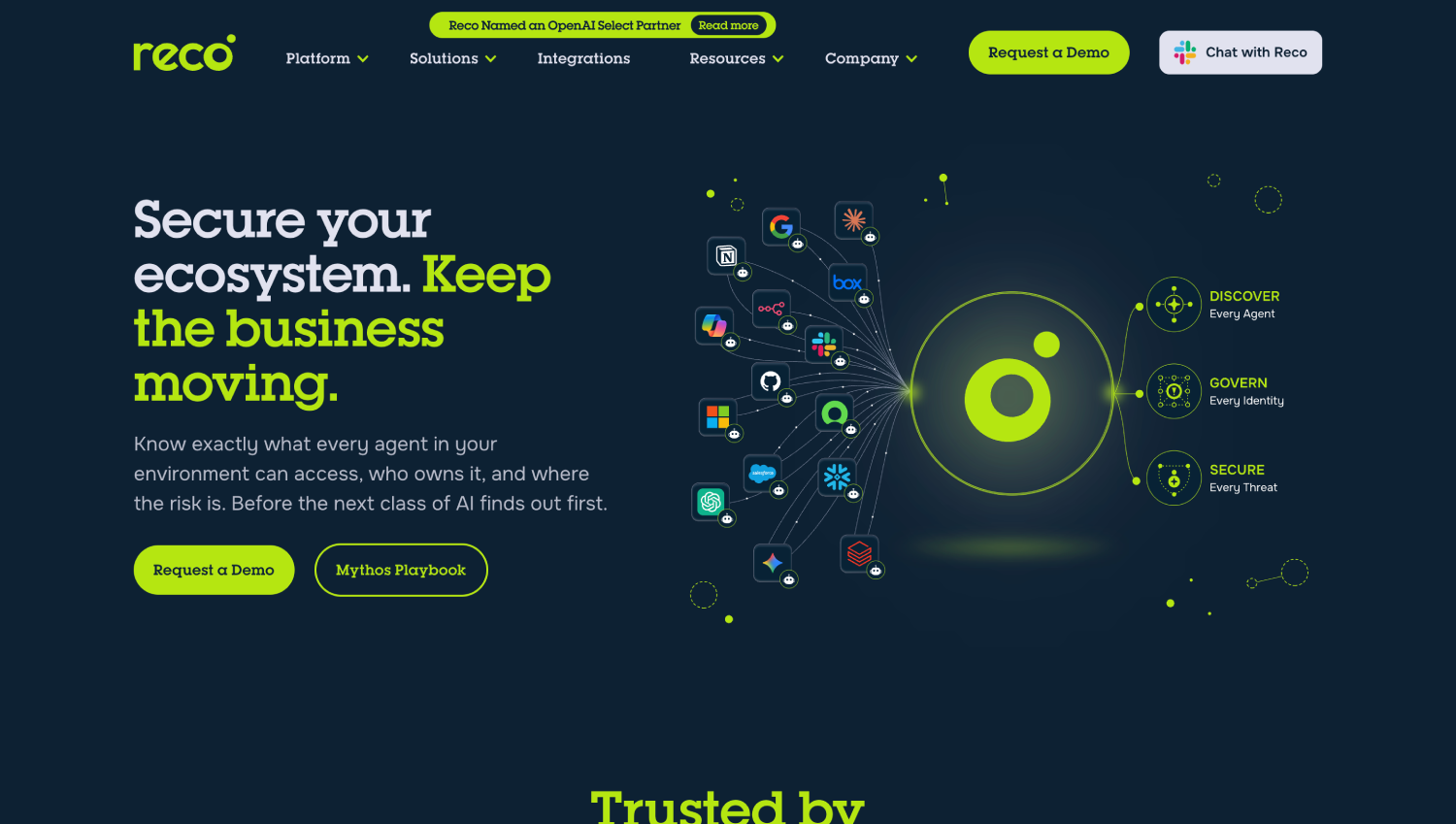
Reco is positioned as an API-integration SaaS security product. Its official website was not included in the source materials for this article, so specific claims about its detection approach, platform integrations, and coverage model should be verified directly at reco.ai before relying on them for procurement decisions. The general architectural trade-offs of API-integration tools , lower deployment friction than inline SSE, coverage limited to platforms with production integrations , apply to any tool in this category. Reco does not publish standard pricing.
6. Nudge Security
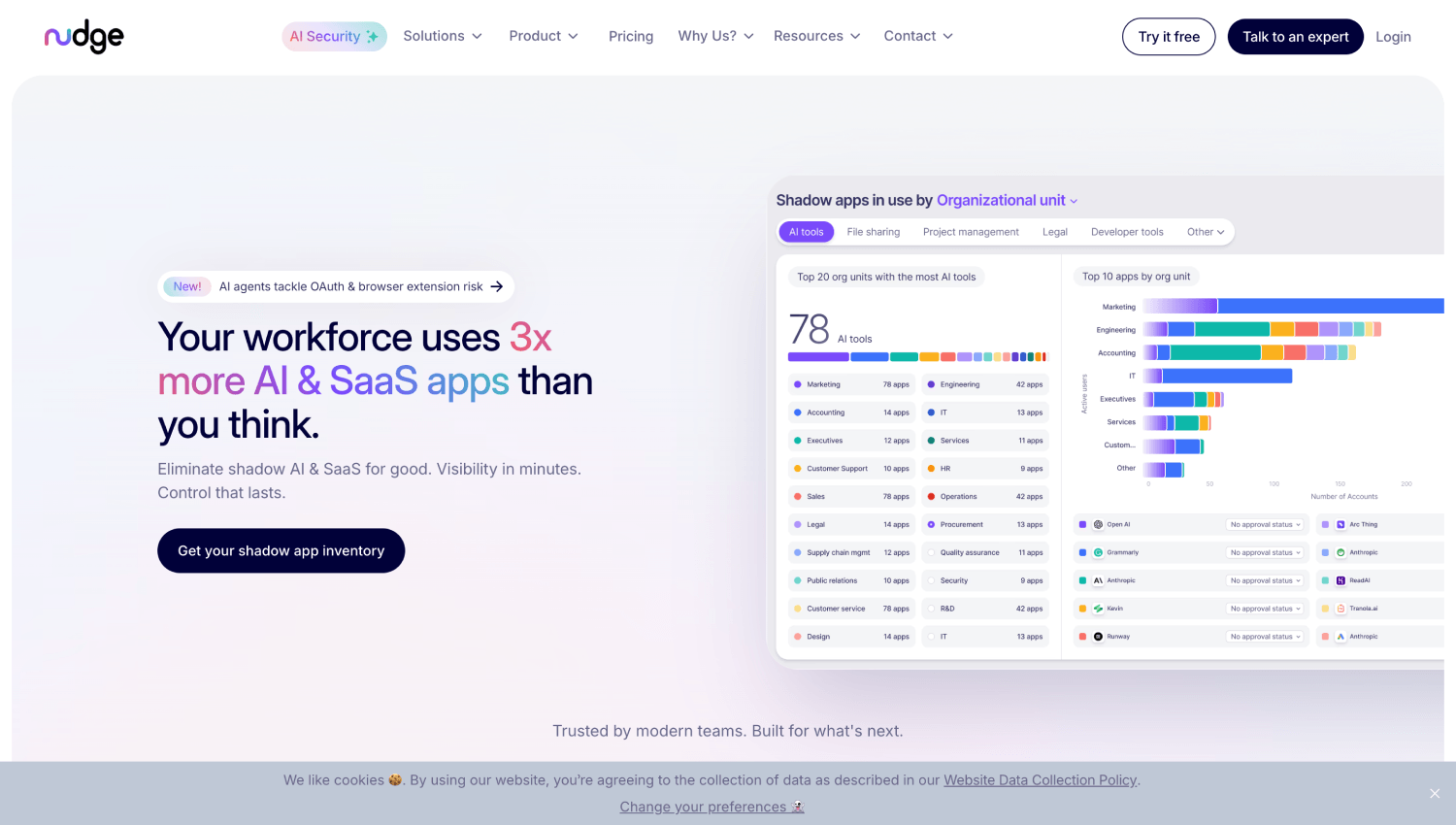
Nudge Security discovers SaaS and AI tool usage through IdP telemetry and email header analysis, building a continuous inventory of applications employees have connected to corporate accounts. Its differentiating mechanism is behavioral nudging: when an employee connects an unsanctioned AI tool, Nudge Security can trigger an automated message via email or Slack prompting the user to review or justify the connection, rather than blocking it outright.
This approach fits organizations that want visibility and governance without a hard blocking posture. It performs well in Google Workspace environments where OAuth grant telemetry is rich. Its blind spots are API-key-based AI access and any tool an employee uses with a personal identity. Nudge Security publishes pricing on its pricing page.
7. Push Security
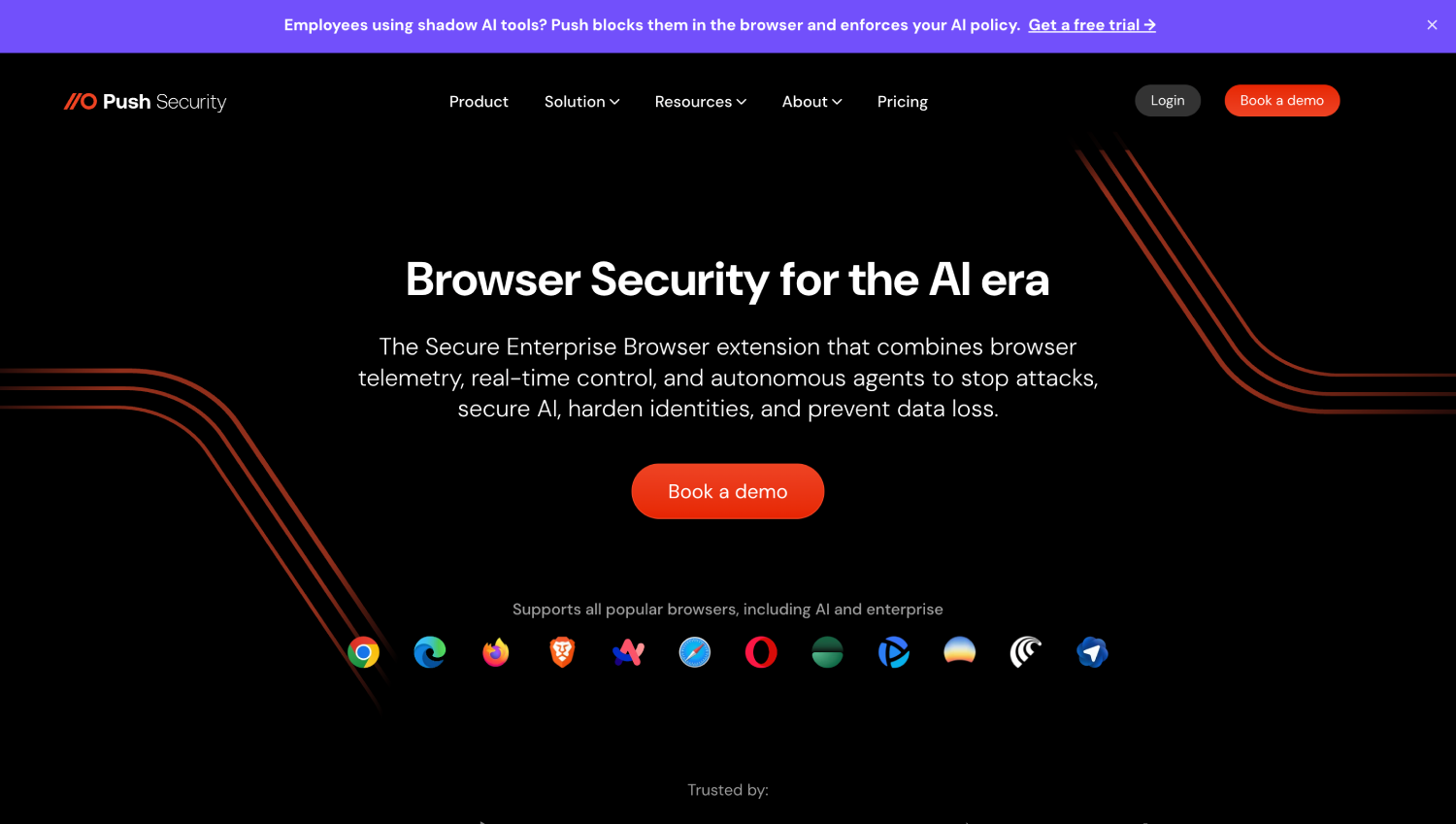
Push Security deploys a browser extension that reads identity signals directly from browser sessions, detecting when employees create accounts with AI tools, log in to unsanctioned services, or expose credentials. The extension approach gives Push visibility into activity inside sanctioned SaaS platforms that a network proxy cannot see, and it can deliver in-browser prompts or coaching at the moment an employee tries to paste sensitive data into an AI tool.
Push Security also ingests IdP OAuth event data to correlate browser-level activity with identity-layer permissions. The extension requirement creates a coverage gap on any device where it is not deployed. Push Security does not publish standard pricing.
8. Island (Enterprise Browser)

Island replaces the standard browser with a Chromium-based enterprise browser that enforces policy at the session level. Shadow AI detection is a function of that full session visibility: Island can see every web application a user interacts with, including embedded AI features within SaaS platforms, and can enforce controls like blocking paste into AI input fields, watermarking AI-generated content, or restricting file uploads to specific AI tools.
The coverage ceiling is the highest of any browser-based approach because the managed browser sees everything a user does in the browser. The coverage floor is also defined by the browser: any activity in a non-Island browser, any native desktop AI client, and any mobile usage falls outside the policy perimeter. Island is best suited for organizations willing to standardize on a managed browser as part of a broader endpoint control posture. Island does not publish standard pricing.
9. Harmonic Security
Harmonic Security focuses specifically on data security in the context of AI tool usage, using a browser extension to detect when sensitive data (PII, source code, financial data, credentials) is submitted to AI tools. The product classifies data by sensitivity in the browser context and can alert or block based on data type, with the stated goal of letting employees use AI tools productively while preventing sensitive data from leaving the organization via AI prompts.
Harmonic’s AI-specific data classification, tuned for the types of content employees typically share with LLMs rather than generic DLP categories, is a meaningful capability difference from broader SSE DLP. The extension-based architecture shares the same personal device and native client gaps as Push Security. Harmonic does not publish standard pricing.
10. Obsidian Security
Obsidian Security approaches the problem from a SaaS security posture angle, mapping connected applications and their permission scopes across Microsoft 365 and Google Workspace environments via API. Its AI app discovery surfaces AI tools that have been granted OAuth access to corporate SaaS platforms, and its investigation workflows allow security teams to trace what data those applications may have accessed. Obsidian’s official website was not included in the source materials for this article; specific capability claims should be verified directly at obsidiansecurity.com before relying on them for procurement decisions.
Obsidian is stronger as an investigation and posture management tool than as a real-time detection or blocking product. For teams whose primary concern is understanding what AI tools already have access to corporate data rather than preventing future connections, it addresses a gap that network-layer tools miss entirely. Obsidian does not publish standard pricing.
Does Per-User Shadow AI Discovery Pricing Overlap With Your Existing SSE?
This is the operational cost question most evaluations skip. If you are running Netskope or Zscaler at full deployment, you already have an AI application catalog, telemetry routing, and a policy engine. The question is whether you have turned that capability on and configured it, not whether you need to buy something new. Adding a dedicated per-user shadow AI discovery tool on top of an existing SSE stack creates pricing overlap, management overhead, and potentially a second alert queue to triage.
The cases where a dedicated tool justifies its cost over the SSE’s native capability are narrow but real. If your SSE does not perform SSL inspection broadly, its AI app catalog is covering only the hostname layer and a browser-extension or API-based tool will fill genuine gaps. If your primary concern is embedded AI features inside sanctioned SaaS rather than standalone AI sites, an API-integration tool like Reco or Obsidian covers ground an SSE cannot reach. And if you want user-facing governance (prompts, coaching, justification workflows) rather than admin-facing reporting, Nudge Security and Push Security offer mechanisms that SSE platforms generally do not build.
Consider an organization running 1,200 employees across a Zscaler deployment that routes all managed-device traffic through SSL inspection. The network layer AI catalog is functional but the security team has discovered that most high-risk data exposure incidents involve employees pasting customer PII into Notion AI and ChatGPT within browser sessions that Zscaler flags only at the hostname level. A browser extension tool covering those sessions would add genuine detection coverage. A second network-layer AI catalog tool would not. The evaluation question is architectural, not feature-by-feature.
Security teams evaluating how shadow AI discovery fits into a broader AI security program may also want to review the AI agent discovery and monitoring tools that address a related but distinct problem: tracking autonomous agents rather than human-initiated AI app usage.
What Does Encrypted Traffic and Personal Device Usage Actually Hide?
SSL inspection requires the security tool to act as a TLS intermediary, terminating the connection from the client and re-establishing it to the destination. Where this is not deployed, or where traffic certificate pinning prevents it (common in mobile applications and some desktop clients), tools operating at the network layer see only the hostname from the TLS SNI field and the IP address. That is enough to identify that a user connected to anthropic.com, but not whether they pasted a contract or a customer database export into the prompt.
Personal devices are the harder gap. An employee using a personal laptop or phone on a home network generates no corporate network telemetry at all. Browser extensions require a managed device to install the extension. IdP telemetry only captures events where the employee used a corporate account. API key access to AI services does not generate any of these signals. The combination of personal device, personal account, and API key access is the detection blind spot that all ten tools in this list share in common.
For organizations concerned about developer-side AI usage specifically (API key access to OpenAI, Anthropic, or Mistral from developer workstations or CI/CD pipelines), the detection surface shifts toward secrets management and code scanning rather than network or browser monitoring. That is a different tooling problem. Teams building out that layer should understand how it connects to the AI agent security platforms that monitor autonomous code execution and API-level tool access.
Do Shadow AI Discovery Tools Block or Only Report?
The blocking-versus-reporting axis often maps directly to the detection method. Inline network tools (Netskope, Zscaler) can block at the network layer by dropping connections to AI destinations or enforcing conditional access. Enterprise browser tools (Island) can enforce controls at the session level, including blocking specific actions like paste or file upload without blocking the entire application. Browser extension tools (Push Security, Harmonic) can deliver in-browser prompts but typically cannot block network connections; they operate at the application interaction layer.
API-based tools (Reco, Obsidian) and IdP telemetry tools (Nudge Security) are primarily detection and reporting products. They can trigger automated responses through workflow integrations (revoke an OAuth token, trigger a Jira ticket, send a Slack message), but they do not sit in a position to block traffic in real time.
Whether blocking is the right posture depends on the organization’s AI governance maturity. Teams that go straight to blocking before running a discovery baseline typically generate an immediate wave of employee help desk tickets and CISO escalations, which discredits the program before it surfaces meaningful risk. A two-week report-only baseline gives the security team an honest picture of what employees are actually using and why, which makes the subsequent policy conversation significantly more productive.
For teams thinking about how shadow AI governance connects to securing AI tools that are already sanctioned and running in production, the AI guardrail platforms for production LLMs address the next layer of the problem.
How to Run a Two-Week Shadow AI Discovery Baseline
The goal of a baseline run is to produce a defensible inventory of AI tools in use before any policy decision. Two weeks covers most weekly behavioral cycles including month-end reporting patterns where spreadsheet-to-AI-tool usage spikes.
- Activate AI application discovery in report-only mode on your existing SSE or firewall. Most SSE vendors have an AI application category; turn it on and capture raw event data without enforcing any block policies.
- Deploy the browser extension or OAuth discovery tool to a representative sample of managed devices covering at least engineering, sales, finance, and legal. These four functions typically account for the highest-risk AI usage patterns.
- Pull IdP OAuth grant logs covering the same two-week period and filter for third-party application categories that include AI tools. Most modern IdPs expose this via their admin APIs or audit log exports.
- Cross-reference the three data sources: network events, browser telemetry, and IdP grants. Deduplicate by application and user. Tools that appear in all three sources are confirmed in active use. Tools that appear only in IdP grants were authorized but may not have active recent usage.
- For each discovered AI tool, record: the application name, the user count, the data categories those users typically handle (public, internal, confidential), and whether the tool has a published data processing agreement or privacy policy compatible with your data classification requirements.
- Present the inventory to stakeholders as an observational report before proposing any blocking. This separates the discovery program from the enforcement program and prevents the common failure mode where blocking decisions are made on incomplete data.
The output of this process is the data your AI governance policy should be written against, not the policy itself.
Frequently Asked Questions
What tools can I use to detect shadow AI use?
The main categories are: SSE platforms with AI app catalogs (Netskope, Zscaler, Microsoft Defender for Cloud Apps, Microsoft Global Secure Access), which detect network-level AI app traffic; browser extension tools (Push Security, Harmonic Security, Island Enterprise Browser), which detect usage inside the browser session including embedded AI features in sanctioned SaaS; IdP and OAuth discovery tools (Nudge Security, Push Security), which surface AI applications connected via OAuth; and SaaS API integration tools (Reco, Obsidian Security), which detect AI activity inside specific SaaS platforms through direct API connections. No single tool covers all four surfaces.
How do shadow AI discovery tools handle encrypted traffic?
Network-layer tools require SSL inspection to analyze traffic content. Without SSL inspection, they detect AI tool usage only by hostname (from the TLS SNI field) and cannot inspect what data was shared. Browser extension and managed browser tools bypass this limitation because they operate at the application layer after TLS termination happens in the browser. API-based tools are not affected by network-layer encryption because they connect directly to SaaS APIs using credentials rather than inspecting transit traffic.
Do these tools cover AI usage on personal devices?
None of them do reliably. Network-layer tools cover only traffic routed through a corporate proxy or VPN. Browser extensions require a managed device where the extension can be installed and enforced. IdP telemetry covers only events where the employee used a corporate identity account. API key access from any device generates no corporate telemetry that any of these tools can observe. This is the universal blind spot across the category, and it means shadow AI discovery programs should be designed with the assumption that personal-device usage is undercounted.
What is the difference between shadow AI detection and AI app governance?
Discovery is the process of identifying what AI tools are in use and by whom. Governance is the process of classifying those tools by risk, establishing acceptable use policies, and enforcing decisions about which tools are sanctioned, conditionally allowed, or blocked. Discovery tools provide the inventory. Governance requires adding risk classification, policy definition, and enforcement mechanisms on top of that inventory. Some tools in this list cover both; others focus on discovery and rely on integration with separate policy engines for enforcement.
How does shadow AI discovery overlap with CASB or SSE licensing I already have?
If you have a deployed SSE platform with SSL inspection activated, you likely already have AI app catalog detection available. The gap is not the license; it is the configuration. Check whether your SSE vendor has an AI application category active in your current policy set before buying a separate tool. Dedicated shadow AI discovery tools add value when your SSE does not perform SSL inspection broadly, when your primary concern is embedded AI features inside sanctioned SaaS that the network layer cannot distinguish, or when you want user-facing governance workflows rather than admin-facing reporting.
Which shadow AI discovery tools report only versus block?
Inline network tools (Netskope, Zscaler, Microsoft Global Secure Access) and enterprise browser tools (Island) can enforce blocking policies. Browser extension tools (Push Security, Harmonic) and IdP-based tools (Nudge Security) typically deliver in-browser or out-of-band prompts rather than hard blocks, though they can trigger automated responses like OAuth token revocation via workflow integrations. API-based tools (Reco, Obsidian) are primarily investigation and reporting products with workflow-triggered responses rather than real-time blocking.
What is the relationship between shadow AI discovery and AI agent security?
Shadow AI discovery focuses on human-initiated use of AI tools: an employee opening ChatGPT, connecting Notion AI to their account, or using GitHub Copilot. AI agent security addresses autonomous agents that operate without human initiation: code execution loops, tool-calling chains, and inter-agent communication. The two problems are related because an employee-authorized AI tool can spawn autonomous agent behavior, but they require different detection approaches. Teams working on the agent side of this problem should review dedicated AI agent discovery and monitoring capabilities separately from their shadow AI program.
The Detection Method Is the Product
Every vendor in this category has a polished UI, an AI application catalog, and a risk-scoring framework. The capability that differentiates them is where in the stack their telemetry originates. Choosing a shadow AI discovery tool without knowing your primary detection gap means buying coverage you may already have or missing the blind spot you actually care about.
For most enterprise security teams, the practical starting point is auditing what the existing SSE already surfaces before adding a new product line. If SSL inspection is deployed broadly and the AI app catalog is active, the network layer is probably doing its job. The remaining gap is almost certainly embedded AI features inside sanctioned SaaS and OAuth-connected AI tools, which points toward an API-integration or browser-extension approach as the additive layer. Teams that understand the detection architecture of each tool can make that judgment; teams that evaluate based on feature lists or vendor-produced risk scores cannot.
The two-week discovery baseline is not a delay tactic. It is the difference between an AI governance program built on real usage data and one built on assumptions about what employees are doing. The security teams that skip it and go straight to policy enforcement are the ones who find themselves explaining to the CISO why the help desk ticket count doubled the week after launch. The ones who run the baseline first show up to that conversation with an inventory, a risk classification, and a defensible rationale for every decision. That is the program worth building.
For organizations working through how shadow AI governance connects to securing the AI tools that are already in production, the broader AI security market context and the relationship between discovery and runtime controls are covered in the AI agent security market map and in the AI-SPM versus AI agent security comparison on SecurityOpsWire.