
- For teams where 80% or more of work happens in SaaS and internal web apps, an enterprise browser can replace VPN for that workload entirely , no tunnel, no split-routing complexity, no client to patch.
- The residual VPN need is real but smaller than most teams assume: thick-client apps, legacy non-web protocols, and on-premises file shares still need network-level access. That estate is worth auditing before you decide VPN is irreplaceable.
- Island is the current market leader by mindshare and SERP dominance, but Prisma Access Browser, Netskope, and Zscaler each win in specific environments depending on what your team already owns.
- The honest cost comparison is not browser licence versus VPN licence , it is browser licence versus VPN infrastructure plus VDI plus endpoint management plus the headcount to operate all three.
- Chrome Enterprise Premium, Cloudflare, and Venn serve distinct segments; the right pick depends on your existing IdP, whether you need BYOD support, and how much tolerance your team has for deploying a managed binary versus a policy layer.
Enterprise browsers replace VPN access for SaaS applications and internal web apps by enforcing session-level controls , copy/paste restrictions, watermarking, screenshot blocking, data loss prevention , directly inside the browser without routing traffic through a corporate tunnel. They do not replace VPN for thick-client applications, non-HTTP protocols, or on-premises workloads that require layer-3 network adjacency. Most enterprise environments find that SaaS and web-delivered apps represent 70 to 85 percent of daily work, which means the VPN-dependent estate is already smaller than the “VPN is irreplaceable” instinct suggests. Choosing the right enterprise browser for remote work starts with that audit, not with a vendor demo.
What Does an Enterprise Browser Actually Do That a VPN Cannot?
A VPN extends a network perimeter. An enterprise browser enforces a work context. Those are different problems, and conflating them is where most teams go wrong in their initial evaluation.
When a remote employee connects through a corporate VPN, the tunnel gives their device network-level access to whatever subnets are in scope. Security teams then bolt on web proxies, endpoint agents, and DLP tools to control what happens inside that tunnel. The browser becomes a dumb client for whatever the network allows.
An enterprise browser inverts that architecture. The control plane lives in the browser process itself , or in a policy layer wrapped around the browser. Access policy is evaluated per session, per application, per user identity, with no assumption that the underlying network is corporate-owned. A contractor on a personal laptop in a coffee shop gets the same policy enforcement as a full-time employee on a managed device, because the enforcement point is the browser, not the network.
What enterprise browsers do well: DLP at the paste/print/download level, session watermarking, phishing-resistant authentication via passkey or hardware key, blocking credential entry on non-approved sites, and generating rich audit logs of what users did inside a web application rather than just which IPs they hit. What they do not do: carry non-HTTP traffic, reach a file server on a private subnet via SMB, or run a thick-client ERP that expects a routable IP on the corporate network.
Which Applications Still Need a VPN or ZTNA Tunnel?
Before evaluating any enterprise browser, audit your application portfolio against one criterion: does the app deliver its primary interface over HTTPS in a standard browser, or does it require something else? The “something else” category is your residual tunnel requirement.
Applications that still need a tunnel after an enterprise browser deployment typically fall into four groups. First, legacy thick-client ERP and finance systems , SAP GUI, older Oracle deployments, any app that ships an installed Windows or Java client rather than a web UI. Second, non-web developer tooling , SSH, RDP direct to internal hosts, database clients connecting over native protocols. Third, shared network resources: SMB file shares, print servers, legacy NFS mounts. Fourth, internal APIs that your cloud workloads call without a browser in the path, which is a machine identity problem rather than a human access problem.
For an honest assessment of what ZTNA handles when you do need that tunnel, the SecurityOpsWire enterprise browser comparison covers the overlap between browser-based access and network-level zero trust controls in more detail.
The practical finding for most mid-market organizations: after mapping application traffic, the tunnel-dependent workload is 15 to 30 percent of daily sessions. That number matters for the cost model below.
The SecurityOpsWire VPN Displacement Audit: Sizing What Actually Moves Off the Tunnel
Before signing a browser licence, run what we call the VPN Displacement Audit. It has four steps, and it produces the number you actually need to size a licence trade.
Step 1 , Application inventory by protocol. Pull your VPN gateway logs for 30 days. Separate traffic by destination port and application layer protocol. HTTPS to known SaaS hostnames is browser-eligible. Everything else is not. Tools like Zscaler App Connector logs or Palo Alto’s App-ID can accelerate this if you already run them.
Step 2 , Session count by user group. Contractors and BYOD users are typically the highest-value segment for enterprise browser deployment, because they are also the hardest to manage under a traditional VPN model. Count their sessions separately from managed-device employees.
Step 3 , Application ownership mapping. For each VPN-dependent app, identify the application owner and ask one question: is there a web UI planned in the next 18 months? For SaaS vendors, the answer is almost always yes. For on-premises legacy systems, the answer is often no, and that is your long-term VPN tail.
Step 4 , Cost model per head. Take the percentage of sessions that are browser-eligible and multiply by your total remote headcount. That is your addressable population for an enterprise browser licence. The remainder still needs VPN or ZTNA. Price both and compare the combined total against your current VPN infrastructure cost including hardware refresh cycles, concentrator licensing, and the operational headcount to run it.
Consider a company with 600 remote workers paying approximately $120 per user per year for VPN concentrator capacity, plus VDI for 200 of those users at roughly $400 per user per year. If a VPN Displacement Audit reveals that 480 of those 600 users touch only SaaS and internal web apps, an enterprise browser , vendors in this space do not publish list prices, but a sales conversation typically produces per-user-per-year figures , can eliminate the VDI cost entirely for that cohort and reduce VPN capacity to a smaller footprint. The per-head cost often appears higher on the browser line item and lower across the combined infrastructure budget. This scenario is illustrative , your numbers will vary , but the structure of the trade is consistent across mid-market deployments.
How Does Browser-Based Remote Access Perform Compared to VPN and VDI?
VPN performance varies by concentrator location and split-tunneling configuration. Full-tunnel VPNs route all traffic through a corporate gateway before it reaches SaaS, which adds latency proportional to geographic distance from that gateway. Enterprise browsers send traffic directly to the SaaS endpoint with policy enforced at the browser layer, eliminating that backhaul entirely. For users accessing Microsoft 365, Salesforce, or Google Workspace from outside the region where the VPN gateway sits, the latency difference is noticeable and measurable.
VDI performance is a different problem. The user is rendering pixels transmitted from a remote desktop rather than running a local browser, so any network fluctuation produces input lag and display artifacts. Enterprise browsers run locally, so rendering is native. The tradeoff is that the device itself must be trusted enough to run a managed application, which is why BYOD deployments require either the enterprise browser binary or a containerization approach like Venn’s.
For BYOD-specific deployment architectures, the enterprise browser options for BYOD environments article covers the containerization versus managed binary tradeoff in detail and is worth reading alongside this evaluation.
9 Enterprise Browsers for Remote and Hybrid Work: How Each One Positions
Island Enterprise Browser

Island built its product on a Chromium fork with the policy engine embedded in the browser process rather than bolted on via extension or proxy. That architecture means Island can enforce controls , clipboard restrictions, screenshot blocking, data exfiltration prevention , without a network intermediary, which makes it functional even on unmanaged networks. Conditional access in Island evaluates identity, device posture, network, location, and application in a single policy decision at session start.
Island’s strongest use case is contractor and third-party access to internal web apps and SaaS without issuing managed devices or requiring VPN client installation. For internal employees on managed endpoints, the value proposition is more about DLP and audit than about access architecture. Island does not publish pricing; the company quotes per environment. The sales motion is direct and the deployment typically requires IT coordination to push the browser binary via MDM for managed fleets, or a download link for unmanaged users.
Island dominates search for enterprise browser terms, which reflects genuine market momentum. The limitation worth naming: Island’s policy configuration has a learning curve, and organizations without a dedicated browser security owner often underutilize the platform’s depth during initial deployment.
Prisma Access Browser
Palo Alto Networks positions Prisma Access Browser as the browser layer of its SASE platform. For organizations already running Prisma Access for ZTNA and cloud SWG, adding the browser extends the same policy framework into the session layer without a separate vendor contract. The integration with Prisma’s identity and risk engine means that browser session policy can respond to real-time posture signals already being evaluated by the broader platform.
The argument for Prisma Access Browser is consolidation. If your team is already managing Prisma, adding the browser is incremental. If you are not a Palo Alto shop, the browser alone does not justify adopting the platform , the integration value is the point. Palo Alto does not publish standalone browser pricing; it is sold as part of Prisma Access commercial arrangements.
Netskope Browser
Netskope’s browser offering integrates with its Cloud Access Security Broker and SSE platform. The design intent is to extend Netskope’s inline data visibility into browser sessions without requiring all traffic to traverse the Netskope proxy, which is a meaningful performance and coverage improvement over pure proxy-based approaches. For Netskope customers running CASB policies, the browser adds session-level enforcement for SaaS apps that use APIs rather than traffic inspection.
Netskope’s strength is in data-centric policy: its DLP engine has more granular content inspection than most purpose-built enterprise browsers. The tradeoff is complexity , Netskope’s platform is deep, and organizations that want a browser without the broader SSE platform will find the pricing and deployment model oriented toward that larger context. Pricing is not publicly disclosed.
Zscaler Browser Isolation
Zscaler approaches browser security through isolation rather than a managed browser binary. Traffic is rendered in a remote cloud container and streamed to the user’s existing browser, so the endpoint never directly executes web content. This is a different architectural bet from Island or Prisma: no browser to deploy, no binary to manage, but the rendering adds latency and the user experience for pixel-streamed sessions can degrade on slower connections.
Zscaler’s isolation product makes most sense for specific high-risk scenarios , unmanaged BYOD access to sensitive internal apps, contractors in environments where installing a browser binary is not possible , rather than as a general-purpose remote access tool for a full workforce. For organizations already on Zscaler Internet Access, Browser Isolation is an add-on to an existing commercial relationship. Pricing is not publicly listed.
Chrome Enterprise Premium
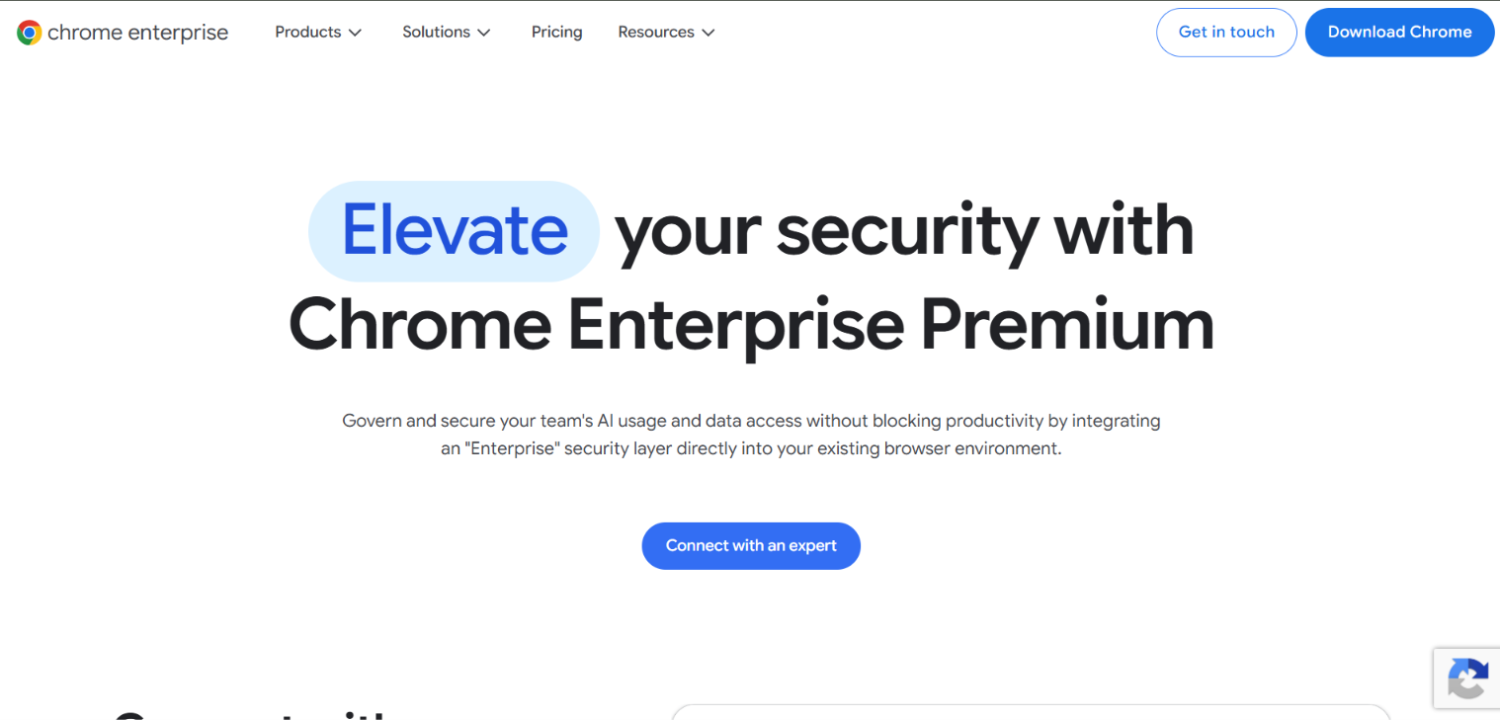
Chrome Enterprise Premium (formerly Chrome Enterprise Upgrade) adds security policy controls, threat protection, and data loss prevention to standard Chrome through Google’s management infrastructure. For Google Workspace shops already managing Chrome through Google Admin Console, Premium adds browser session-level DLP, URL filtering, malware protection, and integration with BeyondCorp Enterprise for context-aware access decisions.
Google does not display a pricing figure on the Chrome Enterprise Premium product page; pricing is available through Google’s sales channel and may vary by contract. That makes Chrome Enterprise Premium difficult to compare on a pure per-seat basis without a sales conversation, though it is generally positioned as the lower-cost entry in this category for Google Workspace accounts. The limitation is that policy enforcement depends on the user actually running Chrome , it provides no controls if a user switches browsers, and its DLP capabilities are less granular than purpose-built enterprise browsers.
Chrome Enterprise Premium fits Google Workspace organizations with managed endpoints where browser policy enforcement is the primary need and dedicated enterprise browser depth is not required. It does not fit BYOD-heavy environments or organizations where contractors use their own machines and their own browser preferences.
Venn
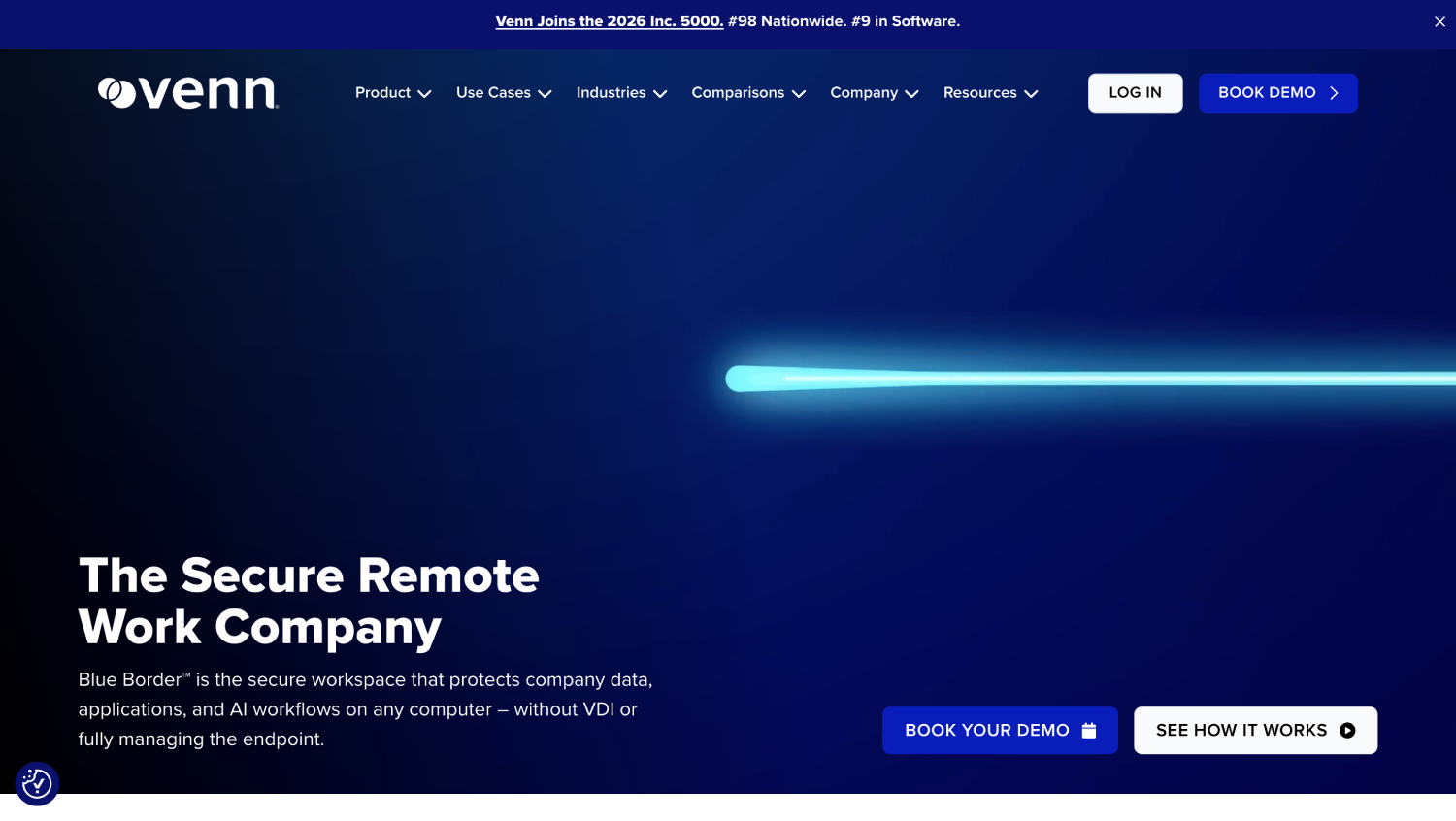
Venn takes a different architectural approach from every other product in this list. Rather than deploying a purpose-built browser, Venn wraps a work-mode container around the user’s existing Chrome or Edge installation. Work applications run inside the container with DLP and session controls applied; personal browsing runs outside it on the same browser binary. The visual distinction is a blue border around the secure work window.
The practical implication is significant for BYOD deployments: users do not change their browser, they do not learn a new interface, and IT does not push a new binary. The container enforces the same controls as a managed browser without the friction. Venn’s model is purpose-built for the contractor and BYOD use case, and it is a credible answer to the “our contractors won’t install another browser” objection that slows Island and Prisma deployments. Pricing is not publicly disclosed.
CrowdStrike Falcon Seraphic
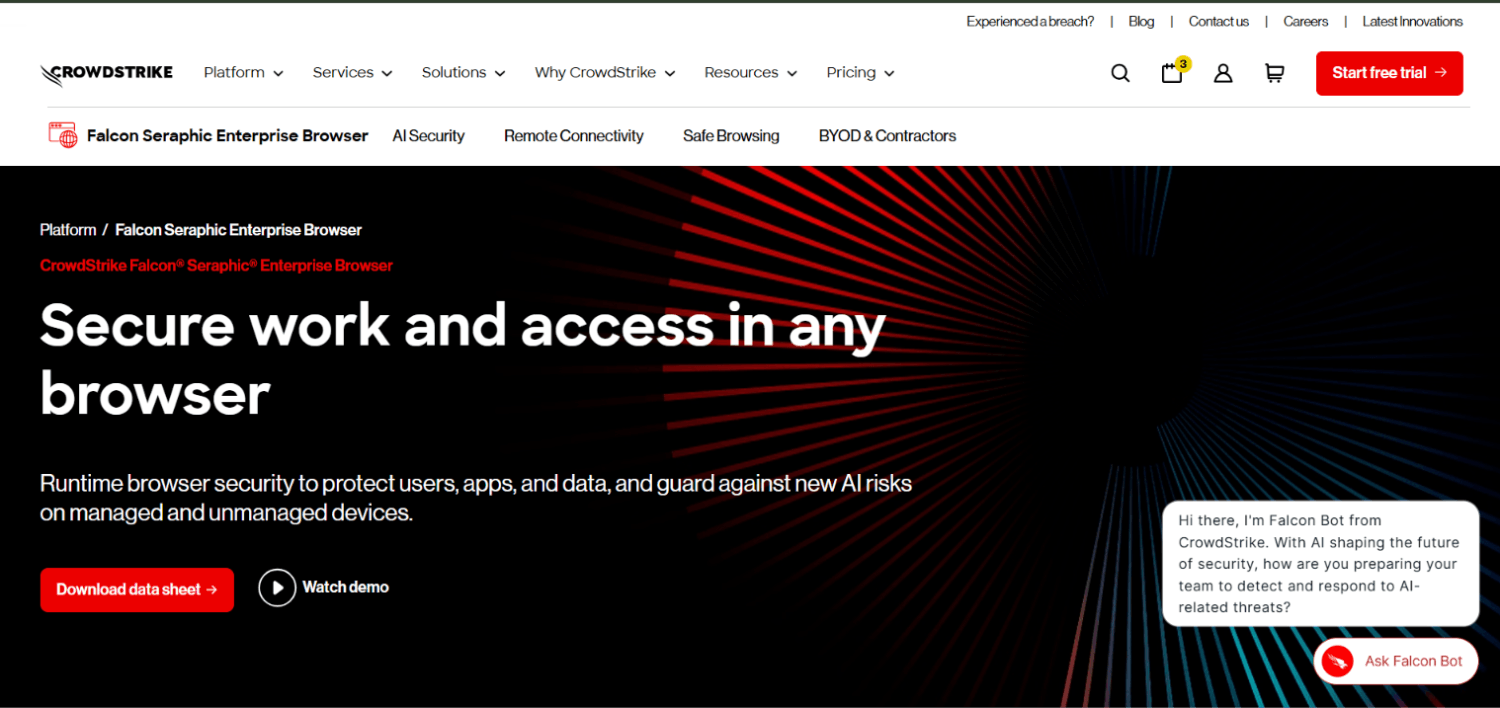
CrowdStrike Falcon Seraphic works as an extension or plugin layer on top of existing browsers rather than as a standalone binary or container. The agent intercepts browser-level operations , clipboard access, file downloads, form submissions , and applies policy without requiring users to change browsers. The product’s stated focus is on zero-day browser exploit prevention alongside DLP, arguing that most browser security products protect data movement but not the browser process itself from memory-based attacks.
The extension-based model has a deployment advantage: it can be pushed to existing managed browsers without user-facing change. The security model is also different from isolation-based approaches , the user’s browser executes web content locally, which CrowdStrike argues is appropriate with in-process protection, rather than streaming pixels from a remote container. Pricing is not publicly listed. This is a less mature brand in the enterprise browser category than Island or the SASE incumbents, and the security team should pressure-test the exploit prevention claims during a proof of concept.
Citrix Enterprise Browser
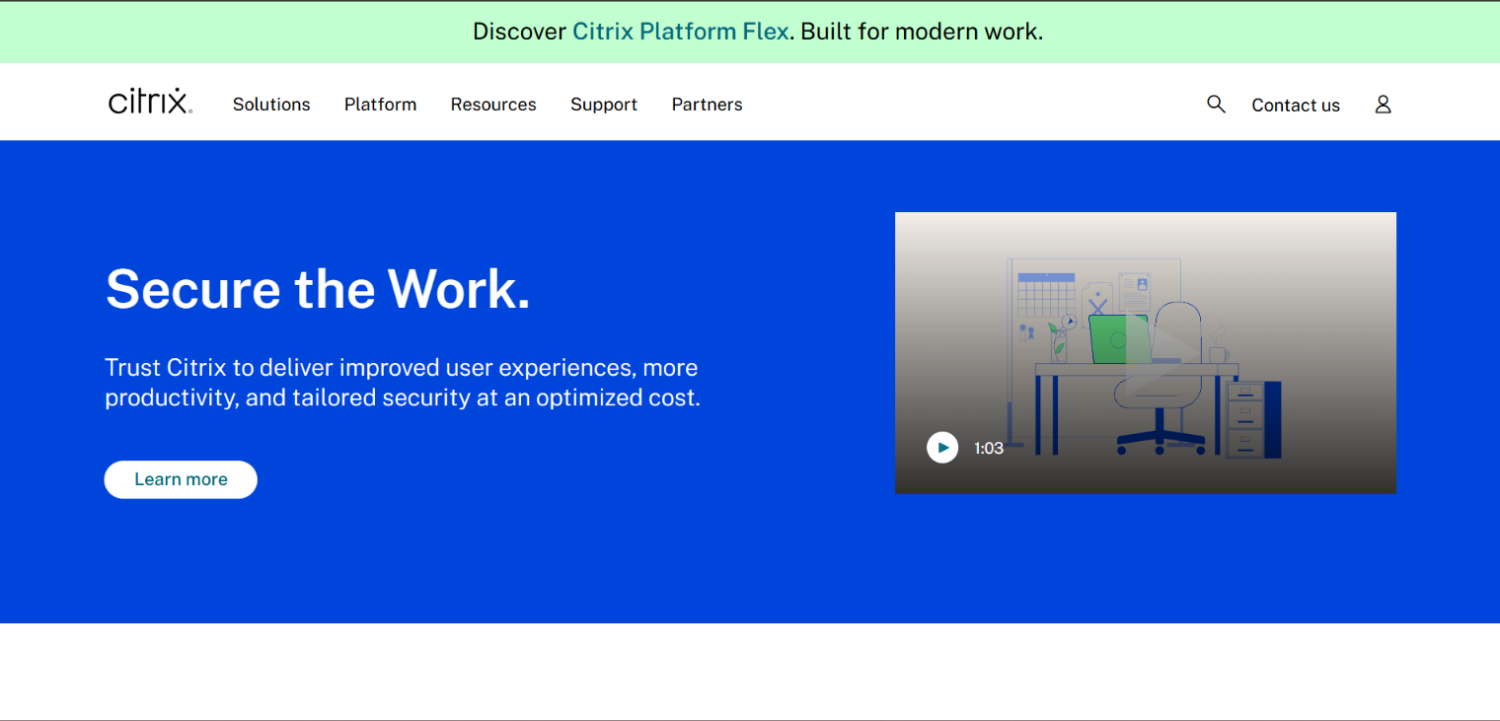
Citrix Enterprise Browser is designed to integrate with Citrix Secure Private Access and the broader Citrix DaaS platform. For organizations already running Citrix for virtual app and desktop delivery, the browser provides a managed Chromium experience for web and SaaS apps that does not require full VDI overhead for those workloads. The policy engine integrates with Citrix’s identity and session recording infrastructure.
Citrix Enterprise Browser is not a standalone play. Its value is in extending an existing Citrix investment to web-delivered workloads without spinning up full desktop VMs for users who need browser access only. For organizations evaluating Citrix from scratch as a remote access solution in 2024, the TCO conversation starts with whether the broader Citrix platform makes sense , the browser follows from that decision, it does not drive it. Pricing is not separately published and is bundled into Citrix commercial agreements.
Cloudflare Browser Isolation
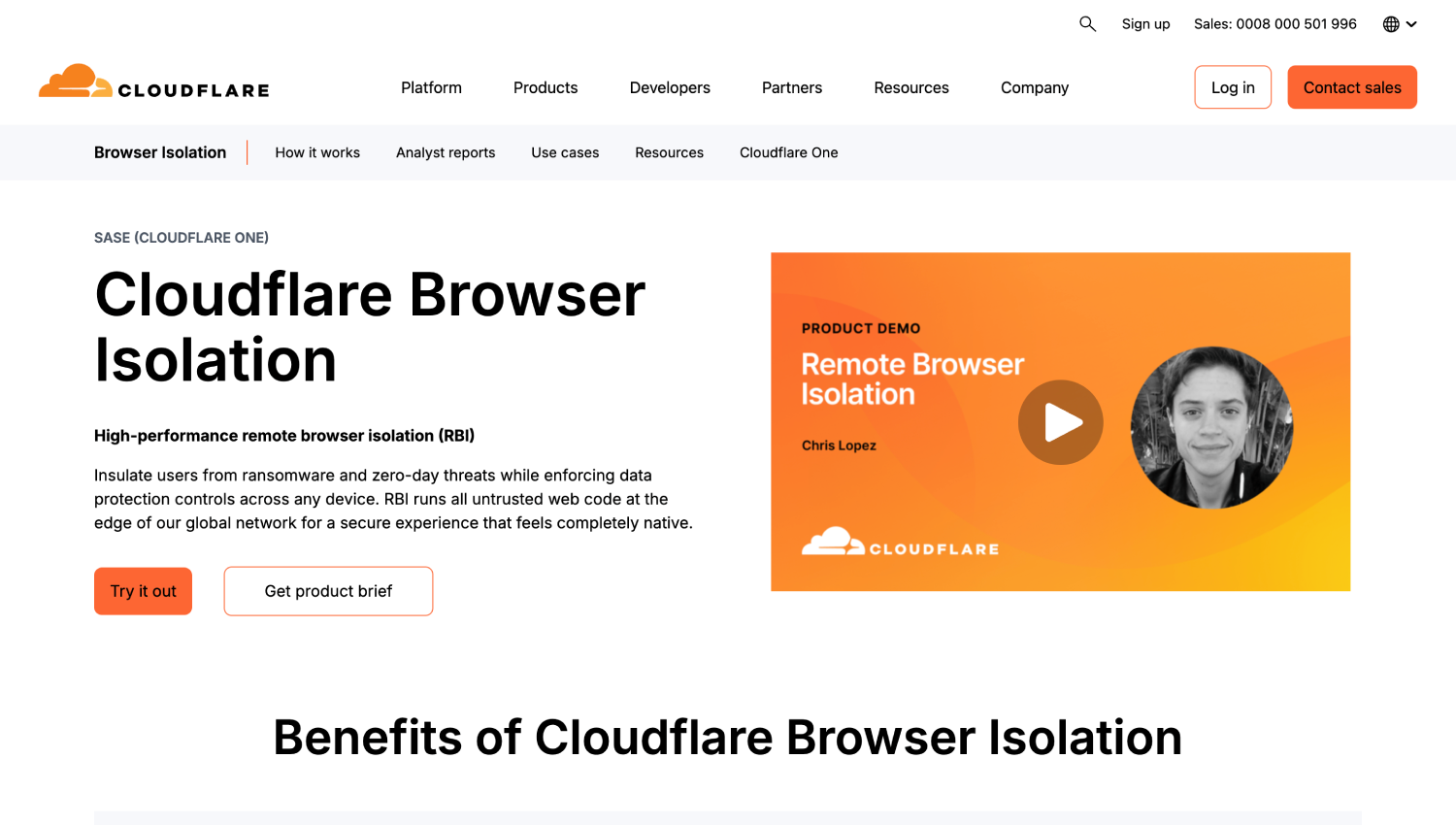
Cloudflare Browser Isolation uses a network vector rendering approach that transmits drawing commands rather than pixel streams, which Cloudflare’s documentation describes as producing lower latency than traditional pixel-streaming isolation. The product integrates with Cloudflare Access for ZTNA and the broader Zero Trust platform, meaning browser isolation policies can be applied selectively based on the same identity and device posture signals used for application access decisions.
For organizations already running Cloudflare Access or Cloudflare Gateway, Browser Isolation adds session-level protection for the highest-risk browsing scenarios without a separate browser binary. Cloudflare’s product page describes Browser Isolation as part of the Zero Trust platform; for current pricing and plan details, contact Cloudflare directly or visit their Zero Trust plans page. The product is competitive for SaaS-heavy environments where Cloudflare is already the access and gateway layer, and it is a natural extension rather than a standalone browser purchase.
Side-by-Side: Which Browser Fits Which Remote Work Scenario
| Product | Architecture | Best fit | BYOD support | Pricing model | Existing platform dependency |
|---|---|---|---|---|---|
| Island | Chromium fork, embedded policy engine | Contractors and third parties needing SaaS/internal web access on unmanaged devices | Yes, via download link | Not publicly disclosed | None required |
| Prisma Access Browser | Chromium fork, SASE-integrated | Palo Alto Prisma Access customers extending session controls | Yes | Bundled with Prisma Access | Prisma Access |
| Netskope Browser | Browser with SSE/CASB integration | Data-centric orgs needing deep DLP beyond proxy coverage | Yes | Not publicly disclosed | Netskope SSE preferred |
| Zscaler Browser Isolation | Remote isolation, pixel/vector stream | High-risk BYOD or contractor sessions where installing a binary is blocked | Yes, no binary required | Not publicly disclosed | Zscaler Internet Access |
| Chrome Enterprise Premium | Policy layer on Chrome | Google Workspace shops with managed endpoints needing basic browser DLP | Limited | Not publicly listed; contact Google | Google Workspace |
| Venn | Containerized work mode on existing browser | BYOD and contractor deployments where users reject a new browser binary | Yes, primary use case | Not publicly disclosed | None required |
| CrowdStrike Falcon Seraphic | Extension/plugin on existing browser | Managed fleets needing DLP plus browser exploit protection without binary swap | Yes, via extension | Not publicly disclosed | None required |
| Citrix Enterprise Browser | Managed Chromium within Citrix platform | Existing Citrix DaaS shops extending to web-only users without full VDI | Via Citrix Secure Private Access | Bundled in Citrix agreements | Citrix DaaS or Secure Private Access |
| Cloudflare Browser Isolation | Network vector rendering, no binary | Cloudflare Zero Trust customers adding session isolation for specific risk tiers | Yes, no binary required | Not publicly listed; contact Cloudflare | Cloudflare Access or Gateway |
What Does an Enterprise Browser Licence Actually Cost Per Remote User Per Year?
Most enterprise browser vendors do not publish list pricing. Island, Netskope, Prisma Access Browser, Zscaler, Venn, CrowdStrike Falcon Seraphic, and Citrix all require a sales conversation before a number appears. That is not unusual for the enterprise security market, but it makes direct cost comparison difficult without issuing RFPs.
Chrome Enterprise Premium does not display pricing on its product page; figures are available through Google’s sales channel. For every product in this category, the relevant comparison is not the browser line item alone , it is the browser licence cost versus the combined cost of the access infrastructure it replaces.
For a 500-user remote workforce where 400 users are browser-eligible (SaaS and internal web apps only), the displacement math typically looks like this: calculate your current VPN concentrator capacity cost including hardware or cloud VPN gateway spend, divide by total remote headcount to get a per-user-per-year figure, then add any VDI costs for users who received desktop virtualization as a workaround for remote access. An enterprise browser that costs more per user than the VPN per-user allocation still wins if it eliminates VDI for that cohort, because VDI per-user costs are typically two to four times higher than VPN per-user costs at equivalent scale. The operational cost savings from reducing VPN support tickets and concentrator maintenance are real but harder to line-item in a first-pass business case.
When sizing the licence trade, also account for the platforms you no longer need standalone licences for: some enterprise browsers bundle DLP, session recording, and phishing protection that would otherwise come from separate tools. Island, for example, competes with endpoint DLP agents for the web-exfiltration use case in browser-based environments.
Where Enterprise Browsers Break for Distributed Teams
Enterprise browsers have three common failure modes in remote and hybrid deployments that vendor documentation undersells.
The first is application compatibility. Chromium-based enterprise browsers render the vast majority of modern web apps correctly, but internal apps built against older WebKit behaviors, specific ActiveX controls, or Internet Explorer compatibility modes can fail. A pre-deployment application audit against a test instance of the enterprise browser is not optional , it is the step that determines your rollout timeline.
The second is identity chain complexity. Enterprise browsers enforce policy based on the authenticated user identity. If your organization has multiple IdPs, federated identities for contractors, or SAML configurations that do not pass consistent attributes, the policy engine may evaluate sessions incorrectly. Testing the identity chain across every user segment before rollout surfaces these mismatches before they become access outages.
The third is the offline and poor-connectivity scenario. Most enterprise browser controls require a connection to the vendor’s policy enforcement infrastructure to evaluate session state. Users in locations with intermittent connectivity may encounter policy enforcement failures or access blocks that do not happen on a traditional VPN with local authentication cache. This matters for field teams and users in regions with unreliable internet infrastructure.
For organizations also managing non-human identities and machine-to-machine access alongside human remote access, the architectural boundary between human browser sessions and service account access is worth defining explicitly. The non-human identity security platform evaluation covers the machine identity side of that boundary.
Does an Enterprise Browser Replace Remote Browser Isolation?
Remote Browser Isolation (RBI) and enterprise browsers address overlapping but distinct problems. RBI routes browsing through a cloud-based renderer so that no web content executes locally , it is primarily a malware containment strategy. Enterprise browsers run locally with a managed policy engine , they are primarily an access control and DLP strategy.
Zscaler and Cloudflare both offer isolation architectures that carry properties of both categories. Island and Prisma Access Browser are local-execution managed browsers that do not isolate execution from the endpoint. For organizations whose primary concern is endpoint compromise via browser-delivered malware, RBI is the more direct answer. For organizations whose primary concern is data exfiltration, insider behavior, and access governance for remote workers, a managed enterprise browser addresses the use case more directly with lower user experience impact.
The remote browser isolation tools comparison on SecurityOpsWire covers the RBI-specific product space if that is the primary driver.
Frequently Asked Questions
Can an enterprise browser completely replace a VPN for remote workers?
For users whose work is entirely in SaaS and internal web applications, yes. An enterprise browser delivers session-level access control, DLP, and authentication without a network tunnel. The replacement fails for thick-client applications, non-HTTP protocols like SSH and RDP direct to private hosts, SMB file shares, and any on-premises system that requires layer-3 network adjacency. Audit your application portfolio before concluding VPN is irreplaceable , most teams overestimate the VPN-dependent workload.
What is the performance difference between an enterprise browser and VPN for SaaS apps?
For SaaS applications, an enterprise browser typically delivers lower latency than a full-tunnel VPN because traffic goes directly to the SaaS endpoint rather than backhauling through a corporate gateway. Split-tunnel VPN configurations reduce that gap, but enterprise browsers eliminate the backhaul entirely for browser-based work. For pixel-streamed isolation architectures like Zscaler or Cloudflare, there is additional rendering latency that varies with network conditions and the vendor’s infrastructure proximity to the user.
What breaks when you deploy an enterprise browser in a hybrid environment?
The most common breakage points are internal web apps built to older browser compatibility standards, identity federation mismatches between the browser’s authentication mechanism and your IdP configuration, and any application that uses browser plugins or extensions that the enterprise browser restricts or blocks. Chromium-based enterprise browsers support most Chrome extensions, but policy may block unsigned or unapproved extensions by default. Run an application compatibility pilot with a representative cross-section of your application portfolio before full deployment.
How does enterprise browser pricing work for contractors and third parties?
Most enterprise browser vendors license per named user or per active user, which includes contractors. Island, Venn, and CrowdStrike Falcon Seraphic all support unmanaged device deployments for contractors through download links or extension installation rather than MDM push, so the licence model accommodates third-party users. Chrome Enterprise Premium requires a Google account for policy enforcement, which complicates true contractor scenarios where you do not manage the user’s identity. Verify licensing terms with each vendor for non-employee user populations, as contract terms for third parties vary.
Is an enterprise browser the right answer for BYOD employees, or just for contractors?
Enterprise browsers work for both, but the deployment model differs. Managed employees on BYOD devices typically receive an MDM-lite profile or the browser binary directly. Contractors and unmanaged users often receive a download link or browser extension. Venn’s containerization model is specifically designed to address the BYOD adoption friction, since users keep their existing browser. The BYOD-specific evaluation criteria , data residency on device, personal/work separation, user consent for policy enforcement , are covered in the enterprise browser BYOD security comparison at securityopswire.com/best-enterprise-browsers-byod-security/.
Which enterprise browser is easiest to deploy for a mid-market team without a dedicated browser security owner?
Chrome Enterprise Premium has the lowest operational overhead for Google Workspace shops already managing Chrome through Google Admin Console , the policy layer is additive to existing management infrastructure. For organizations not on Google Workspace, Venn’s approach of wrapping the existing browser requires less policy configuration depth than Island or Prisma Access Browser to reach a functional baseline. Island offers more capability but the policy depth requires someone to configure and maintain it; organizations deploying Island without dedicated ownership tend to underutilize the platform significantly in the first six months.
The Decision You Are Actually Making
The enterprise browser evaluation is not a browser-versus-VPN decision. It is a question of where you put the enforcement point , in the network, on the endpoint, or in the work context itself. VPNs enforce at the network layer and are blunt instruments for application-level policy. Endpoint agents enforce at the OS layer and require managed devices. Enterprise browsers enforce at the session layer and work regardless of what network or device sits underneath.
For most distributed teams in 2024, the session layer is where the real risk lives: data exfiltrated through a browser paste, credentials phished through an unblocked lookalike site, contractors accessing sensitive SaaS data from devices with unknown security posture. A VPN does not address any of those. An enterprise browser addresses all of them, for the workloads that run in a browser.
The residual VPN requirement is real and worth funding. But it is a smaller scope than the inherited assumption suggests , and scoping it honestly is what makes the licence trade arithmetic work in the browser’s favor.