
TLDR
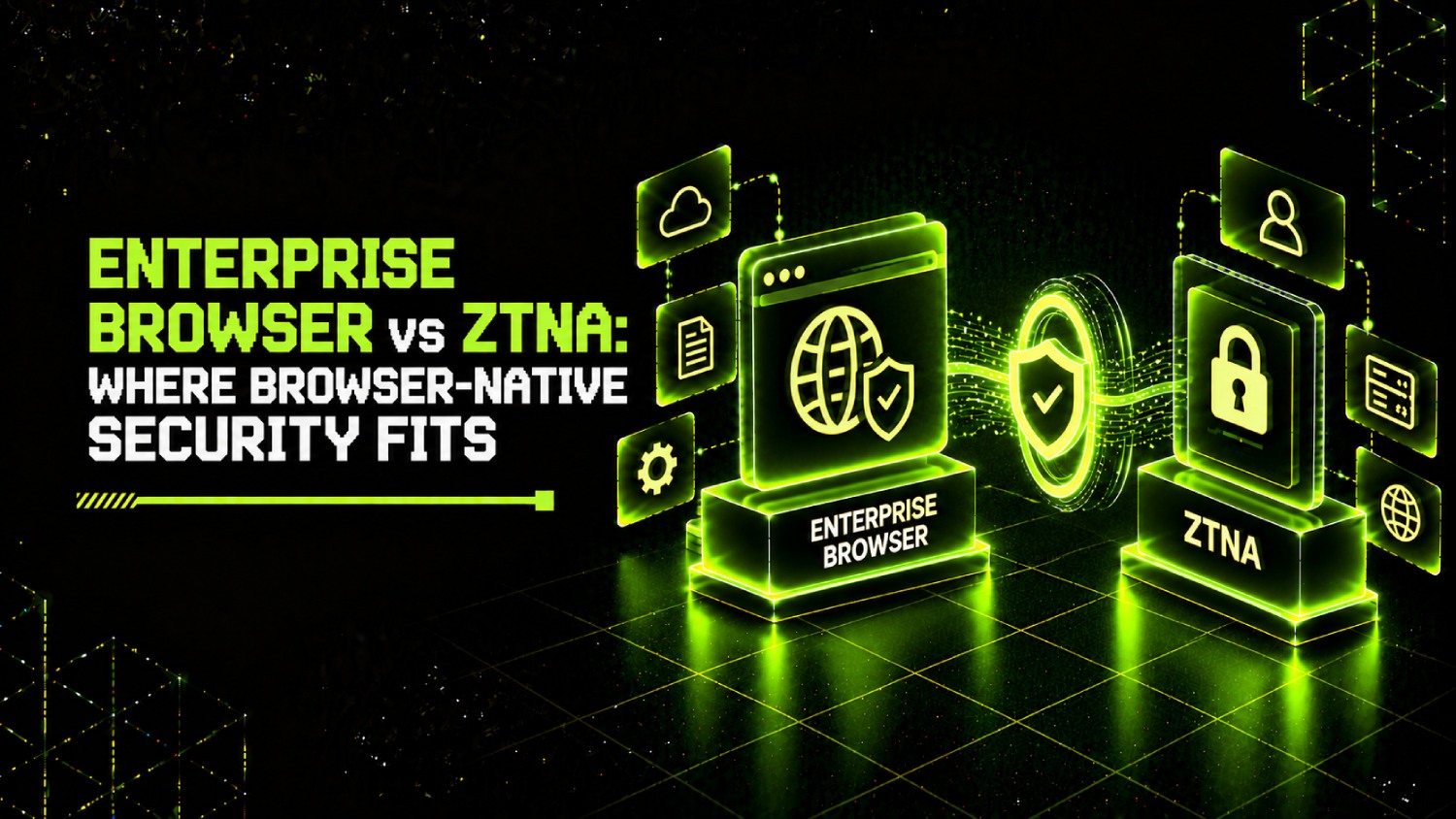
- ZTNA controls whether a connection is permitted at the network layer, based on identity, device posture, and policy. An enterprise browser controls what happens after the connection is granted: what can be copied, pasted, downloaded, printed, or screenshotted inside the session.
- Treating an enterprise browser as a lighter ZTNA replacement leaves the network access layer uncontrolled. Treating ZTNA alone as sufficient leaves the data-exfiltration surface inside the browser entirely unaddressed.
- The two tools share no meaningful policy overlap at runtime. ZTNA decisions happen at the perimeter; browser decisions happen inside the tab. Rules written in one place do not cascade to the other.
- For BYOD, contractor, and unmanaged-device scenarios, an enterprise browser can extend post-access controls where a ZTNA agent cannot be installed. That is complementary, not substitutional.
- The clearest operational failure is duplicating access policy in both systems without a defined owner. Pick one layer to hold the authoritative access rule, and let the other enforce context within its domain.
Understanding the enterprise browser vs ZTNA decision starts with recognizing that these tools operate at different OSI layers and govern different risks. ZTNA determines whether a user and device can reach an application. An enterprise browser determines what the user can do once they are inside it. A team that deploys both without assigning policy ownership to one layer ends up with conflicting rules, duplicated audit trails, and gaps between the two that neither vendor’s support team will claim.
What Does ZTNA Actually Control, and What Does It Leave Unaddressed?
Zero Trust Network Access is a control framework that replaces implicit network trust with explicit, per-session verification. Before a connection is established, a ZTNA broker evaluates user identity (usually from an IdP), device posture (certificate presence, EDR enrollment, OS patch level), and contextual signals such as geolocation and network type. If the evaluation passes, the broker creates an application-specific tunnel. The user reaches the application; they do not reach the network segment the application lives on.
That perimeter enforcement is ZTNA’s strength and its scope limit. Once the tunnel is open and the page loads, ZTNA has no visibility into what the user does. A sales rep authenticated through a ZTNA broker can still select all customer records in a browser tab and paste them into a personal Google Doc. The tunnel remains authorized. Nothing in the ZTNA policy fires.
ZTNA also has an agent problem in mixed-device environments. Agent-based ZTNA requires software installed on the endpoint, which works cleanly for corporate-managed laptops but creates friction for contractors, BYOD users, and personal devices. Clientless ZTNA, offered by vendors including Cloudflare Access and Zscaler Private Access, proxies browser-based access without an installed client, but it generally covers web and SaaS applications only. Non-web protocols, thick-client applications, and legacy infrastructure still require an agent or a different approach entirely.
What Does an Enterprise Browser Actually Control, and What Does It Leave Unaddressed?
An enterprise browser is a Chromium-based browser, or a browser extension layered over an existing one, that the organization administers through a management console. Vendors in this category include Island, Talon, and Seraphic Security. The browser intercepts events at the tab and DOM level: clipboard operations, file downloads, print commands, screenshot actions, form submissions, and extension behavior. Those events are policy-governed in real time.
That session-layer visibility is the enterprise browser’s core value. It is also where its boundary ends. An enterprise browser does not replace network-level access decisions. It assumes the user has already been granted access to the application, and it governs what they do inside it. Deploy an enterprise browser without ZTNA, and you have detailed session controls sitting on top of an unrestricted network path. A compromised credential can still reach anything the IdP says the user can reach, and the browser can observe the session but cannot block the initial connection.
Enterprise browsers also do not cover non-browser application traffic. SSH sessions, RDP connections, thick-client database tools, and CI/CD pipeline agents produce no browser events. For environments that rely heavily on developer tooling or legacy desktop applications, the browser security layer is structurally incomplete without a separate network access control sitting beneath it. Our coverage of enterprise browsers as VPN alternatives covers this boundary in detail.
Is ZTNA Better Than VPN? A Direct Answer
For most organizations running hybrid work, yes. VPN grants network-level access to a segment, which means a user authenticated to the corporate VPN can probe adjacent systems on that subnet whether or not their role requires access to them. ZTNA grants application-specific access only, so a compromised credential reaches the application it was scoped to and nothing else on the network behind it. ZTNA also enforces device posture at connection time, which VPN concentrators typically do not. The tradeoffs are real: ZTNA requires an identity provider, a broker, and either an agent or a clientless proxy; it adds latency through the broker; and it does not handle all non-web protocols without additional configuration. For organizations with legacy infrastructure that predates web-based administration, a full VPN-to-ZTNA migration may require application modernization work that extends beyond the access control project itself.
How Do the Two Models Handle Non-Web Protocols?
This is where the comparison becomes most relevant to infrastructure and platform teams, and where vendor positioning most frequently obscures the gap.
Agent-based ZTNA handles non-web protocols by routing all TCP and UDP traffic from the endpoint through the ZTNA client. SSH, RDP, database connections, and proprietary application protocols can all be tunneled, provided the agent is installed and the policy is configured. Vendors such as Palo Alto Networks Prisma Access and Fortinet FortiClient ZTNA support this model. The agent footprint is meaningful: installation, certificate enrollment, policy push, and update management all require endpoint management infrastructure.
Clientless ZTNA handles web and SaaS applications only. It proxies HTTP/HTTPS through a browser-based reverse proxy, requires no installed software, and has no mechanism to tunnel raw TCP or UDP. Contractors logging into a Salesforce org work fine. The same contractor trying to SSH into a build server does not.
Enterprise browsers sit entirely in the web layer. They have no path to non-browser traffic. An enterprise browser policy has no concept of an SSH session because the browser is not the client for that session. Teams evaluating browser-based zero trust access as a replacement for their VPN need to separately account for all non-browser traffic before they can declare the VPN retired.
What Is the Agent Footprint of Each Model?
| Model | Agent Required? | What Gets Installed | Supported Traffic | BYOD Viability |
|---|---|---|---|---|
| Agent-based ZTNA | Yes | Network tunnel client, policy engine, certificate store | Web, SaaS, TCP/UDP, thick clients | Low (installation required on personal device) |
| Clientless ZTNA | No | Nothing (browser-proxied) | Web and SaaS only | High |
| Enterprise Browser (managed) | Effectively yes (browser binary) | Browser application or extension | Web and SaaS only | Medium (browser install required) |
| Enterprise Browser (extension model) | Extension only | Browser extension over existing browser | Web and SaaS only (extension-intercepted events) | Medium to High |
The agent footprint question matters most during incident response. An agent-based ZTNA client that can be revoked immediately terminates all tunneled access from that device. An enterprise browser installation revoked through the management console terminates session controls, but if ZTNA is not present, the user may still be able to reach applications through an unmanaged browser using cached IdP tokens. That gap is a design flaw in any architecture that relies on browser controls without a network-layer enforcement point.
How Do the Licensing Models Compare?
Neither category has standardized public pricing, and most enterprise browser and ZTNA vendors require a scoped quote. What the pricing structures reveal is worth understanding even without list prices.
ZTNA vendors typically price per user per month, often bundled into a broader SASE or SSE package; specific figures are generally not published and require a quote. Zscaler does not disclose pricing on its Zscaler Private Access product page. Cloudflare Access publishes a free tier for up to 50 users and a pay-as-you-go plan at $7 per user per month (paid annually), as listed on Cloudflare’s Access pricing page. Palo Alto Networks and Fortinet pricing for ZTNA is bundled with broader SASE licensing and not published independently.
Enterprise browser vendors including Island and Seraphic do not publish list pricing. Island’s positioning as a comprehensive security browser means it is often priced to replace or consolidate other controls, which makes point comparisons against ZTNA pricing structurally difficult. Talon’s pricing is not publicly disclosed; for current information, contact the vendor directly at talon-sec.com.
The practical budget question for a security leader is whether the enterprise browser cost offsets something else. If it replaces a remote browser isolation (RBI) solution, a separate DLP tool, and some portion of CASB functionality for web-accessed SaaS, the consolidated cost may justify the per-seat price. If it sits on top of an existing ZTNA deployment and a CASB without replacing either, the licensing stack grows. Our comparison of enterprise browsers versus remote browser isolation tools covers the RBI displacement case in more detail.
The Access-Control Ownership Problem: Where Teams Actually Get Stuck
The most operationally costly mistake is writing access policy in both the ZTNA platform and the enterprise browser management console without designating which system owns the authoritative rule. Consider a scenario: a company runs Cloudflare Access for ZTNA and Island for browser session control. The ZTNA policy says contractors can access the internal ticketing application. The browser policy says contractors cannot download attachments. That configuration is coherent, because the two controls govern different events.
The problem appears when both systems have a policy that governs the same decision. Say ZTNA has an application-level rule that blocks access to the finance portal after business hours, and the enterprise browser also has a time-based restriction on the same portal. When a legitimate exception is needed, the security team updates one system and forgets the other. The user either stays blocked (and calls the help desk) or gets through in a way that leaves one audit trail inconsistent with the other. Multiply that across dozens of applications and you get tuning debt that nobody owns.
The SecurityOpsWire Access Policy Ownership Model resolves this by assigning each policy decision to the layer that is structurally authoritative for it:
- ZTNA owns: whether a connection is permitted, based on identity, device posture, geolocation, and application scope.
- The enterprise browser owns: what the authenticated user can do inside the session, based on data classification, content type, and action (copy, paste, download, print, screenshot).
- Neither system owns both. No rule that belongs to one layer is duplicated in the other.
This model requires that both systems integrate with the same IdP so identity attributes flow through without re-assertion. It also requires that application onboarding documentation names the authoritative policy layer for each application before any rules are written. That process discipline is what prevents the duplication problem from re-emerging during growth.
Where Enterprise Browsers Genuinely Replace ZTNA Components
For web-only access to SaaS applications on unmanaged devices, an enterprise browser can serve as the functional equivalent of clientless ZTNA. The browser establishes the session, enforces posture signals available at the browser level (extension presence, OS version reported by the browser’s platform API), and controls the session itself. A contractor accessing a SaaS CRM through a managed browser profile gets access control and data-loss prevention in one layer without requiring a ZTNA broker deployment.
That substitution is bounded. It works for web and SaaS applications. It does not work for private applications hosted on-premises or in a cloud VPC that require network-level routing to reach. For those, ZTNA’s network tunnel is the only mechanism that works without exposing the application to the public internet.
The market has noticed this. Vendors including Zscaler have moved to position zero trust browser capabilities within their existing ZTNA platforms, reflecting an attempt to extend session-layer controls rather than treating browser and network access as competing architectures. The enterprise browser layer and the ZTNA layer are converging inside platform vendors, which means the choice for many organizations will eventually be whether to buy a platform that includes both or to integrate best-of-breed products across the two layers.
Which Architecture Fits Which Environment?
Take a 600-person financial services company: fully managed endpoints, heavy use of internal web applications behind a private VPC, a small set of contractors on BYOD devices accessing a customer portal. Agent-based ZTNA handles the managed-device population for private application access. For the contractor population, a clientless ZTNA or enterprise browser profile handles the customer portal without requiring device management. The enterprise browser adds session-layer controls (no screenshot, no download to unmanaged device) that the ZTNA broker cannot enforce post-connection. This architecture uses both layers for what each does well, with policy ownership clearly separated.
Now take a 200-person software company: mostly SaaS applications, no private VPC applications, BYOD-heavy workforce, no on-premises infrastructure. An enterprise browser with an IdP integration handles access governance and session control for SaaS applications. ZTNA adds minimal value here because there are no private applications to tunnel to. The browser is the right primary control. If the company later builds internal APIs or data infrastructure, the architecture needs revisiting.
The size and composition of the non-web application inventory is the single most useful variable for deciding which control takes precedence. Organizations with significant non-web infrastructure need ZTNA. Organizations that are entirely SaaS-native can get further with browser-based controls alone, though the session-control gap remains if an enterprise browser is not in the mix. Our broader comparison of enterprise browsers across security use cases covers how different vendors handle these scenarios.
What About Browser-Based Zero Trust and Remote Browser Isolation?
Remote Browser Isolation (RBI) renders web content in a cloud-based container and streams a visual representation of the page to the user’s device. The user’s device never receives executable web content. Enterprise browsers, by contrast, execute web content locally in a managed browser environment. RBI protects against malicious web content by preventing it from reaching the endpoint at all. Enterprise browsers protect against data exfiltration and policy violations within a session where the content itself is trusted.
The two are not interchangeable. RBI is most valuable for high-risk browsing categories: untrusted URLs from phishing campaigns, dark web research, or unknown external sites. Enterprise browsers are most valuable for controlled access to trusted SaaS and internal applications where the content is safe but the user’s actions need governance. Running both in parallel makes sense for some organizations, with RBI handling the untrusted web tier and the enterprise browser handling the managed application tier. Running only RBI for managed SaaS access is operationally expensive for limited added value in that context.
For teams weighing session data controls specifically, the browser-based DLP capabilities in platforms like Island compete with standalone DLP tools deployed at the web proxy layer. Our comparison of browser security platforms with built-in DLP covers that tradeoff in detail.
Frequently Asked Questions
Does an enterprise browser replace ZTNA, or does it sit on top of it?
An enterprise browser sits on top of ZTNA in most architectures, governing what a user can do after access is granted. For SaaS-only environments on unmanaged devices, a browser can serve some of the same access governance functions as clientless ZTNA for web applications, but it cannot handle non-web protocols or private application routing. Calling it a ZTNA replacement for mixed environments is architecturally incorrect and leaves non-web traffic uncontrolled.
Which model handles non-web protocols like SSH and RDP?
Agent-based ZTNA handles non-web protocols by tunneling all TCP and UDP traffic from the endpoint through the ZTNA client. Clientless ZTNA and enterprise browsers are limited to web and SaaS applications. If your environment includes SSH access to servers, RDP to Windows hosts, or thick-client database tools, you need an agent-based ZTNA deployment to cover those protocols.
What is the agent footprint difference between ZTNA and enterprise browsers?
Agent-based ZTNA requires a network client that manages certificates, tunneling, and policy enforcement at the OS level. Enterprise browsers require either a browser binary or a browser extension. Clientless ZTNA requires no client at all, but is limited to web applications. For BYOD environments, clientless ZTNA and browser extensions carry the lowest installation friction. For full protocol coverage, the ZTNA agent is unavoidable.
How should teams avoid duplicating policy across both systems?
Assign each policy decision to the layer structurally responsible for it. ZTNA owns the connection decision: who can reach which application, under what device and identity conditions. The enterprise browser owns the session decision: what data actions are permitted inside the application. No rule governing a connection-level decision belongs in the browser policy, and no rule governing in-session data behavior belongs in the ZTNA policy. The IdP should be the shared authority for identity attributes used by both.
Is ZTNA faster than VPN for end users?
In most deployments, yes. ZTNA creates application-specific tunnels to the closest broker point-of-presence rather than backhauling all traffic through a central VPN concentrator. For organizations with a distributed SASE platform that has regional points of presence, the latency difference is significant for users far from the corporate data center. For small organizations with a single VPN concentrator close to their user base, the difference is minimal.
What does browser-based zero trust actually mean?
Browser-based zero trust refers to applying zero trust access principles through the browser itself rather than through a network-layer agent. The browser enforces identity verification, session controls, and data-action policies at the application level. It does not enforce network-layer segmentation. Vendors using this term, including Zscaler with its zero trust browser positioning, generally mean that the browser replaces or augments a ZTNA agent for web application access, not that it provides full zero trust network access.
Where does non-human identity fit in a ZTNA or browser architecture?
ZTNA and enterprise browsers both address human user sessions. Service accounts, API keys, CI/CD pipeline tokens, and machine-to-machine connections are outside the scope of both controls as typically deployed. Those identities require separate governance through secrets management, workload identity platforms, and service mesh policies. Organizations building a zero trust access model that includes automated workloads need a separate control plane for non-human identities, covered in depth in our guide to non-human identity security platforms.
The Architecture Decision That Matters Most
Security leaders evaluating these two categories tend to ask the wrong first question. “Should we buy an enterprise browser or a ZTNA platform?” assumes a substitution relationship that does not exist for most organizations. The productive first question is: “What is our non-web application inventory, and who are the users who cannot run an agent?” The answers to those two questions define the architecture more precisely than any feature comparison.
If the non-web inventory is significant, ZTNA is not optional. The enterprise browser adds meaningful value on top of it for session-layer data controls, particularly for SaaS applications where clipboard, download, and screenshot behavior creates real exfiltration risk. If the non-web inventory is minimal or zero, a browser-based model can carry more weight, but it still requires ZTNA for any private application that cannot be exposed to the public internet.
The market convergence happening inside platforms like Prisma SASE and Zscaler’s SASE portfolio suggests that within a few years, most organizations will not make a discrete choice between these layers. They will buy a platform that bundles both. The architectural clarity matters now precisely because teams that understand the layer model can evaluate platform bundles more accurately, knowing which layer to probe during a proof-of-concept and which vendor claims to ignore. A platform that combines ZTNA and browser controls is only as useful as the team’s ability to configure the policy boundary between them correctly.