
- Most PAM deployments vault service account credentials without knowing what depends on them, which is why rotation attempts keep breaking production services and getting rolled back.
- The hard problem is dependency mapping, not password rotation. Until you can answer “what process, scheduled task, or application reads this credential,” rotation is a guess.
- Discovery tooling and PAM vaulting solve different problems. Some tools on this list do both; most do one well and the other passably.
- Hybrid Active Directory and cloud environments need tools that enumerate both Windows service accounts and cloud workload identities in a single inventory, or you end up with two separate programs that never talk to each other.
- For teams with under 5,000 accounts and a lean security staff, the free discovery tools from BeyondTrust and ManageEngine are a reasonable starting point before committing to a full PAM deployment.
The best service account management tools for security teams are Delinea Secret Server, CyberArk Privileged Access Manager, BeyondTrust Endpoint Privilege Management, ManageEngine PAM360, Securden Unified PAM, Silverfort Identity Protection Platform, Oasis Security, and Entro Security. Choosing between them turns on one question: does the tool tell you what breaks before you rotate a credential, or does it only vault the credential after you have already mapped the dependency yourself?
Why Rotation Without Dependency Mapping Breaks Service Account Programs
A service account password rotation sounds simple until the first attempt takes down a batch job at 2 a.m. that nobody documented. That is not a failure of the PAM tool. It is a failure of inventory. The account existed somewhere in Active Directory, the PAM tool vaulted it, and the rotation fired on schedule without anyone knowing that the account was also hardcoded into a legacy ERP connector that the application team inherited three acquisitions ago.
This is the operational reality that PAM vendors understate in their sales cycles. Vaulting is straightforward. The hard part is the dependency graph: which Windows services, scheduled tasks, IIS application pools, COM+ applications, and ODBC connections are reading which credentials at runtime. Without that map, every rotation is a gamble. With it, rotation is an engineering task with a known blast radius.
The tools on this list vary significantly in how much of that dependency work they do for you. The framing to carry into every evaluation is the SecurityOpsWire Dependency Clarity Test: before a rotation fires, can the tool tell you the specific process name, service, or application that reads the credential, and can it tell you whether that dependency is on-premises, cloud-hosted, or both? Tools that answer yes to all three parts of that question earn the top tier. Tools that answer yes to one or two are still useful, but require more manual pre-work before you can run a rotation program safely.
What Counts as a Service Account and What Does Not
The definition matters because scoping errors lead to missed accounts. Microsoft’s documentation on Windows Server service accounts defines several account types specific to Active Directory and Windows Server environments: standard user accounts used by applications, Managed Service Accounts (MSAs), Group Managed Service Accounts (gMSAs), Delegated Managed Service Accounts (dMSAs), and Virtual Accounts. For gMSAs, according to that documentation, Windows generates and manages the password automatically, with the domain controller managing the password and authorized hosts retrieving it , a process of automatic password generation and management rather than periodic rotation in the PAM sense. That distinction matters when comparing gMSA behavior against PAM vaulting workflows.
It is worth being explicit about scope here: sMSA, gMSA, dMSA, and Virtual Accounts are Windows Server-specific constructs. The term “service account” also applies across cloud environments, but those environments implement the concept differently , as AWS IAM roles assumed by Lambda functions, GCP service accounts attached to Compute Engine instances, Azure Managed Identities, and Kubernetes service accounts used by pods. These are functionally equivalent to on-premises service accounts in terms of access scope and blast radius, but they are not the same object types and are not visible to AD-centric PAM tools unless those tools have a cloud connector or a native cloud identity integration. That gap is where many hybrid programs fall apart.
For a broader treatment of non-human identity classes beyond service accounts specifically, the comparison of non-human identity security platforms on SecurityOpsWire covers the full taxonomy including API keys, OAuth tokens, and workload certificates.
The Dependency Clarity Test: How to Evaluate Any Tool Before You Buy
The SecurityOpsWire Dependency Clarity Test has four questions. Apply them in this order during any proof-of-concept evaluation.
- Discovery completeness: Does the tool find service accounts that do not have “svc” in the name, that have not logged in recently, or that exist in OUs that were not explicitly scoped? Stale and misconfigured accounts are the ones attackers use.
- Dependency enumeration: After finding an account, does the tool enumerate the specific Windows services, scheduled tasks, IIS app pools, or cloud workloads reading that credential? Or does it stop at “this account exists and has these permissions”?
- Pre-rotation validation: Before executing a password rotation, does the tool check that the new credential has been successfully propagated to all known dependencies, or does it rotate first and wait for break/fix reports?
- Hybrid coverage: Does the same tool inventory both AD service accounts and cloud workload identities, or do you need a second product for AWS, Azure, and GCP service principals?
No tool on this list answers all four questions perfectly. The table below shows where each one sits against these criteria before the individual reviews go deeper.
| Tool | AD Discovery | Dependency Enumeration | Pre-Rotation Validation | Cloud Coverage | Best Fit |
|---|---|---|---|---|---|
| Delinea Secret Server | Strong | Service/task level | Yes (dependency aware) | Connector-based | Mid-enterprise AD-heavy |
| CyberArk PAM | Strong | Service/task level | Yes (CPM-driven) | Strong (Cloud Entitlements) | Large enterprise, regulated |
| BeyondTrust EPM/PRA | Moderate (free tool) | Limited without PAM | Partial | Moderate | Teams starting discovery |
| ManageEngine PAM360 | Strong | Service/task level | Yes | AWS, Azure, GCP connectors | Mid-market, IT ops-led |
| Securden Unified PAM | Strong | Service/task level | Yes | Limited | Mid-market AD-centric |
| Silverfort | Strong (agentless) | Behavioral mapping | Policy-driven | Strong (identity fabric) | Hybrid, no-agent requirement |
| Oasis Security | Moderate | Strong (NHI-native) | Rotation with rollback | Strong (cloud-native) | Cloud-first, NHI programs |
| Entro Security | Moderate | Strong (secrets context) | Rotation with dependency graph | Strong (multi-cloud) | DevSecOps, secrets sprawl |
8 Service Account Management Tools: Detailed Assessments
1. Delinea Secret Server
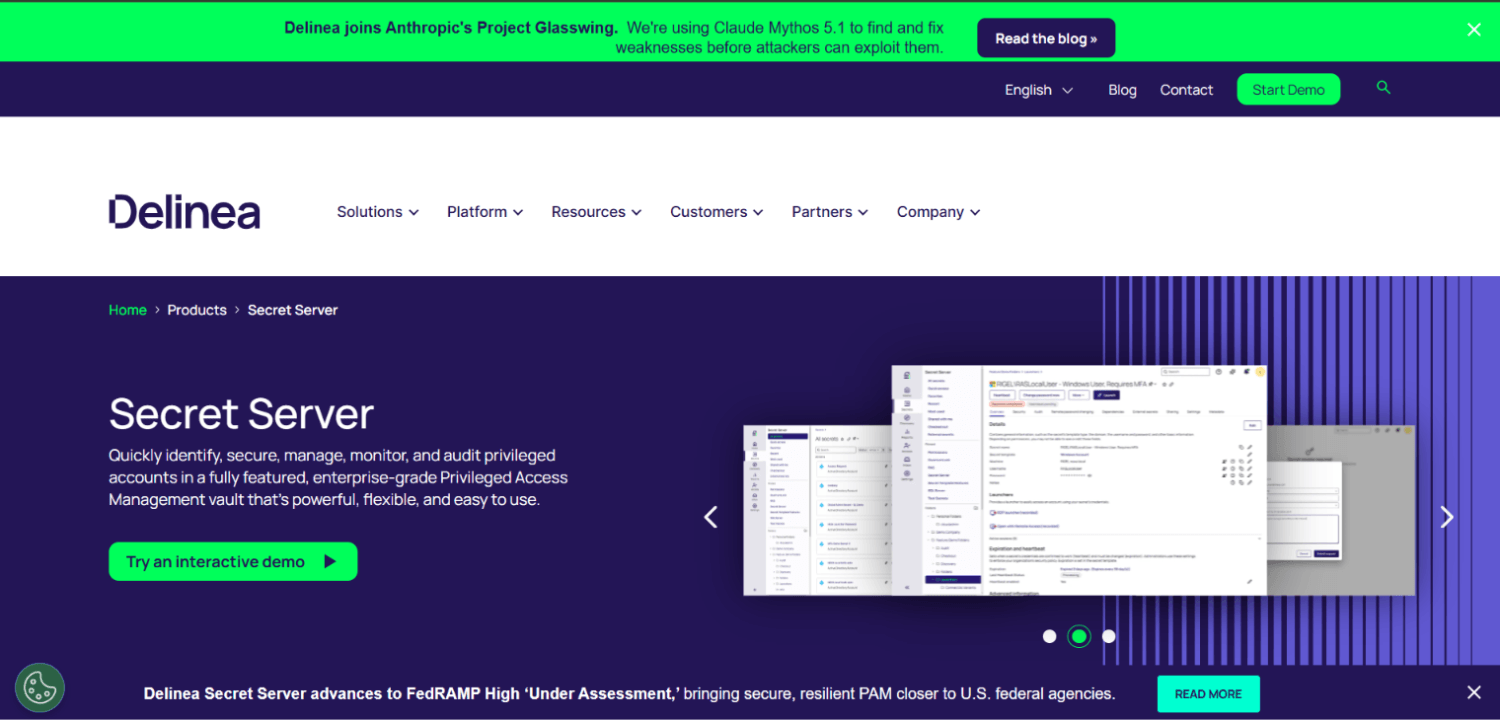
Delinea Secret Server is the most widely deployed dedicated secrets and service account vaulting platform in mid-market enterprises. Its service account management workflow starts with AD discovery, enumerates Windows services and scheduled tasks associated with a discovered account, and then uses a built-in dependency manager to propagate credential changes to each dependency before the rotation is considered complete. That propagation step is what makes it meaningfully safer than vaulting tools that rotate first and ask questions later.
The platform supports gMSA management alongside traditional service account vaulting, which matters for shops that want to migrate accounts to gMSA where possible rather than rotating passwords indefinitely. Delinea does not publish per-account or per-seat pricing publicly. Pricing is quote-based per environment size.
The operational cost to watch is the Secret Server agent footprint. Dependency detection for services and tasks requires the Delinea agent on domain-joined machines. In environments with thousands of servers across multiple domains, agent deployment and maintenance becomes its own project. Cloud coverage relies on connectors to AWS, Azure, and GCP but is less unified than the AD experience. Teams with significant cloud workload identity sprawl will feel that gap.
2. CyberArk Privileged Access Manager
CyberArk PAM is the reference implementation for enterprise service account vaulting at scale. The Central Policy Manager (CPM) handles automated rotation and enforces dependency-aware propagation. CyberArk’s onboarding discovery, including its account discovery utilities for AD, can sweep domains for service accounts and feed them into the vault with dependency metadata attached. For large, regulated enterprises with 10,000-plus service accounts across multiple forests, CyberArk is the most mature option operationally.
Cloud identity coverage has improved significantly with the addition of Cloud Entitlements Manager, which addresses AWS, Azure, and GCP privilege sprawl as a separate but integrated module. The gap in earlier versions, where on-premises PAM and cloud IAM were essentially disconnected programs, is partially closed by that module, though the integration requires deliberate configuration.
CyberArk does not publish standard pricing. At enterprise scale it is the most expensive option on this list. The operational cost that buyers most often underestimate is the connector and plugin library: every application that receives a rotated credential needs a CyberArk application identity plugin or API integration. Maintaining that library is ongoing engineering work, not a one-time implementation task. This is the PAM platform most commonly associated with large team requirements; running it well at enterprise scale typically requires dedicated PAM engineers.
3. BeyondTrust Endpoint Privilege Management and Privileged Remote Access
BeyondTrust Password Safe handles service account vaulting and rotation, with dependency detection for Windows services and scheduled tasks. BeyondTrust also offers a free Service Account Discovery Tool that performs AD enumeration without requiring a full PAM deployment. For teams that are at the inventory stage of their service account program and not yet ready to commit to vaulting, that free tool is a legitimate starting point.
The free discovery tool finds accounts by querying AD attributes, identifies accounts with non-expiring passwords, and flags accounts with excessive privilege. What it does not do is enumerate runtime dependencies. You get the account list; you do not get the dependency graph. That distinction is critical when planning a rotation program.
Full Password Safe deployment closes most of that gap for AD service accounts. Cloud coverage spans AWS, Azure, and GCP through connectors. BeyondTrust does not publish standard pricing publicly and quotes per environment. The free tool earns its place on this list specifically for teams that need to answer “how many service accounts do we have and where are they” before making a platform decision.
4. ManageEngine PAM360
ManageEngine PAM360 positions itself as an integrated IT management and PAM platform, which reflects its buyer profile: IT operations teams that own both AD administration and security posture rather than a dedicated security engineering function. The service account management workflow covers AD discovery, Windows service and task dependency mapping, automated rotation with propagation, and session recording for privileged access. Cloud connectors cover AWS, Azure, and GCP for basic account discovery and rotation.
The practical advantage PAM360 has in mid-market environments is its integration with the broader ManageEngine suite, particularly with ADManager Plus and ADSelfService Plus. For a team that is already running ManageEngine for AD management, extending into PAM360 for service account vaulting involves less net-new infrastructure than deploying CyberArk or Delinea. ManageEngine does not publish standard PAM360 pricing publicly; it is quote-based.
The limitation to be aware of is depth. Dependency enumeration works for standard Windows services and scheduled tasks. More complex application-level dependencies, where a middleware component reads credentials from a config file rather than from a Windows service registration, require manual documentation that the tool does not automate. For environments where that manual work is manageable, PAM360 is a solid mid-market choice. For environments with hundreds of undocumented legacy application integrations, the gap will be felt.
5. Securden Unified PAM
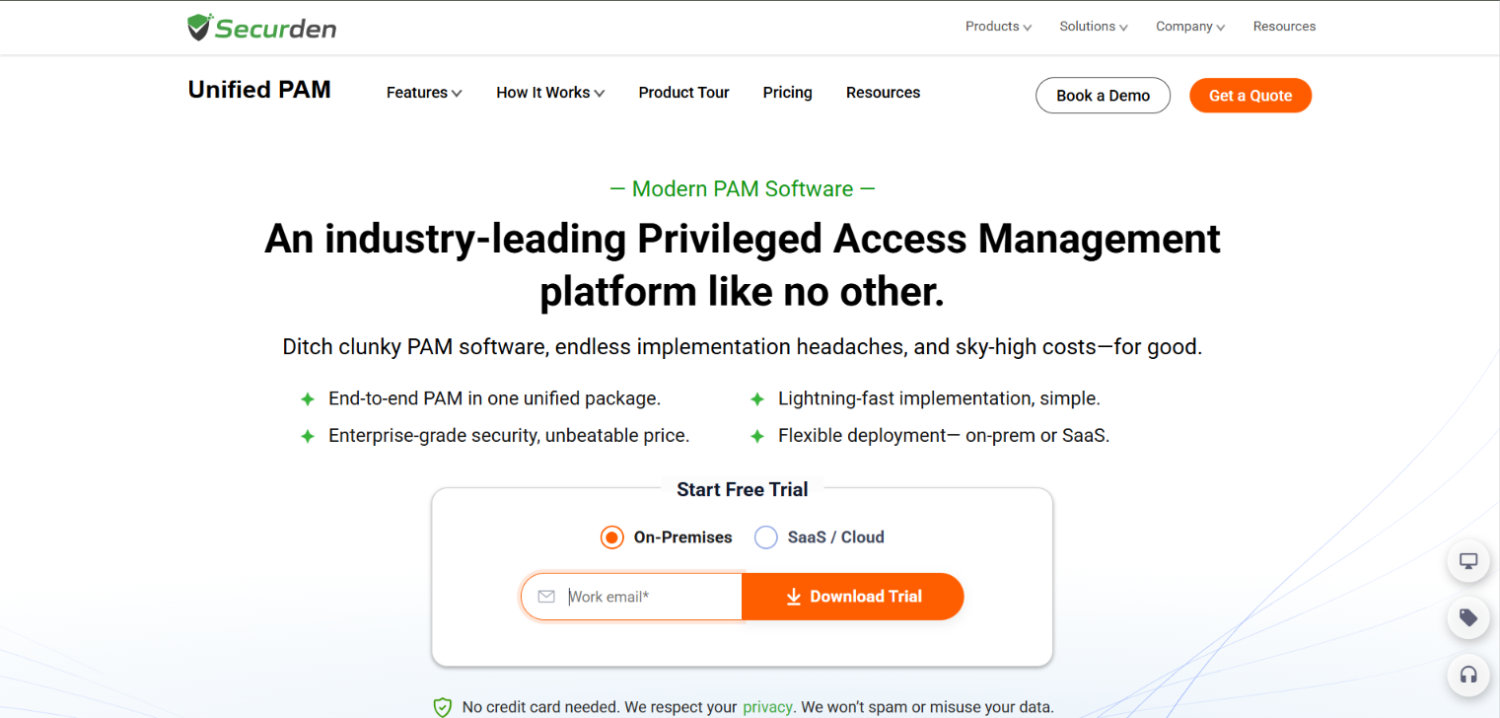
Securden Unified PAM covers service account discovery, vaulting, and rotation with dependency-aware propagation for Windows services and scheduled tasks. It is positioned as an alternative to CyberArk and Delinea for mid-market organizations that need full PAM functionality without the implementation complexity or pricing of the enterprise incumbents.
The platform’s dependency management covers the standard Windows service account use cases well. Rotation propagates to discovered dependencies before marking the rotation complete, which is the baseline behavior any responsible service account rotation program requires. Securden does not publish pricing publicly.
Cloud coverage is the notable constraint. Securden’s primary strength is AD-centric environments. For teams with a predominantly Windows estate and limited cloud workload identity exposure, that is not a problem. For teams running significant AWS or GCP workloads where service-account-equivalent identities live as IAM roles or GCP service accounts, Securden is not the right single platform. The honest assessment is that Securden is the best option in its tier for AD-heavy mid-market shops, but hybrid and cloud-native teams should evaluate Oasis or Entro alongside it.
6. Silverfort Identity Protection Platform
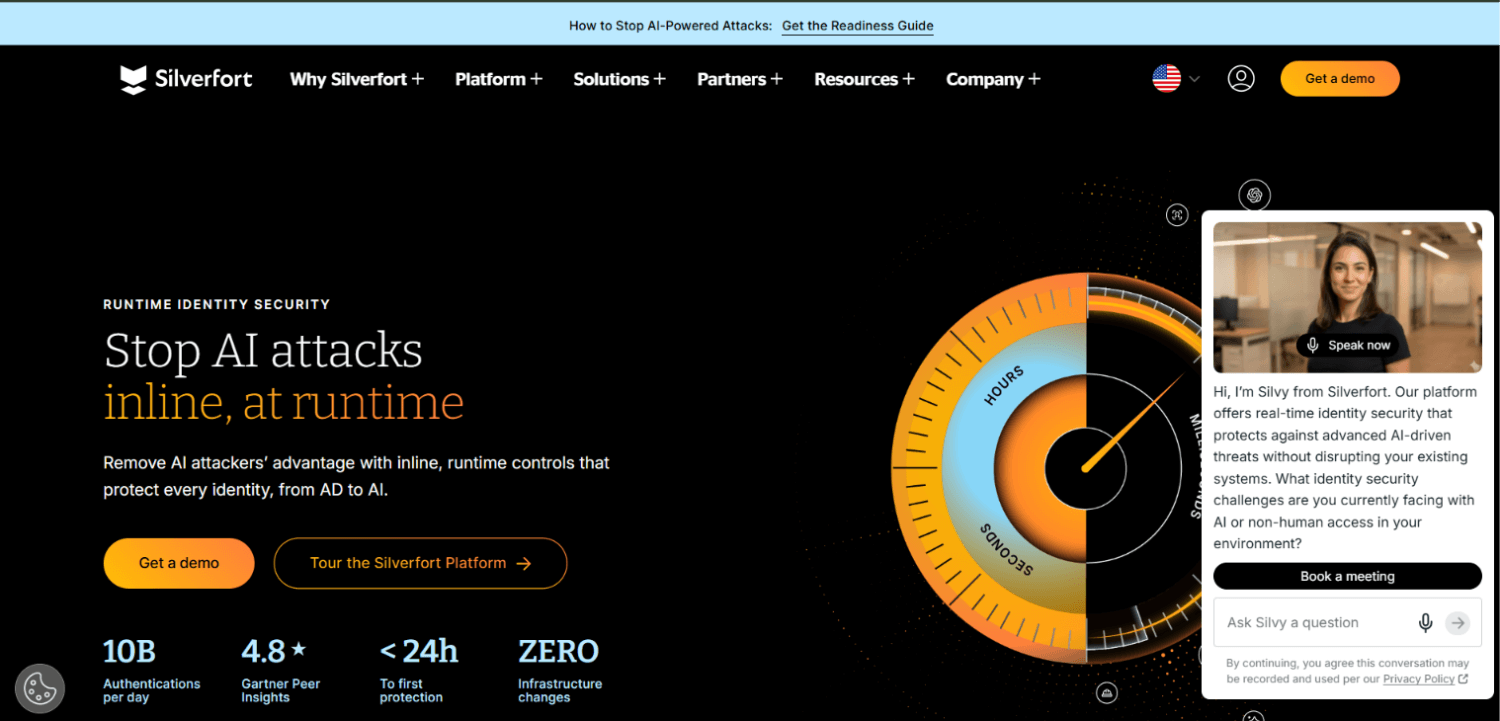
Silverfort approaches service account management differently from every other tool on this list. Rather than deploying agents on servers or connectors to vaults, Silverfort integrates at the authentication layer by proxying Kerberos and NTLM requests through the domain controller. This agentless architecture means Silverfort sees every authentication event involving a service account in real time, which is the basis for both its discovery and its behavioral dependency mapping.
The behavioral mapping is the key differentiator. Silverfort builds a dependency profile for each service account by observing what systems it authenticates to, from which source hosts, at what times, and using which protocols. That profile becomes the dependency graph. Before a rotation policy is applied, Silverfort can surface which systems will be affected because it has seen the authentication pattern directly, not because an agent reported a service registration.
This approach handles the cases that agent-based tools miss: service accounts used by applications that do not register as Windows services, accounts used by legacy middleware that nobody documented, and accounts that authenticate across trust boundaries. For hybrid environments, Silverfort extends its identity fabric to cover Azure AD and cloud service principals through federation. Silverfort does not publish pricing publicly.
The operational model is distinct enough that security teams evaluating Silverfort alongside traditional PAM platforms should treat them as complementary rather than directly substitutable. Silverfort identifies what to manage; a vaulting platform manages it. Some organizations run both. The analysis of non-human identity discovery tools covers this complementary-tool pattern in more detail.
7. Oasis Security
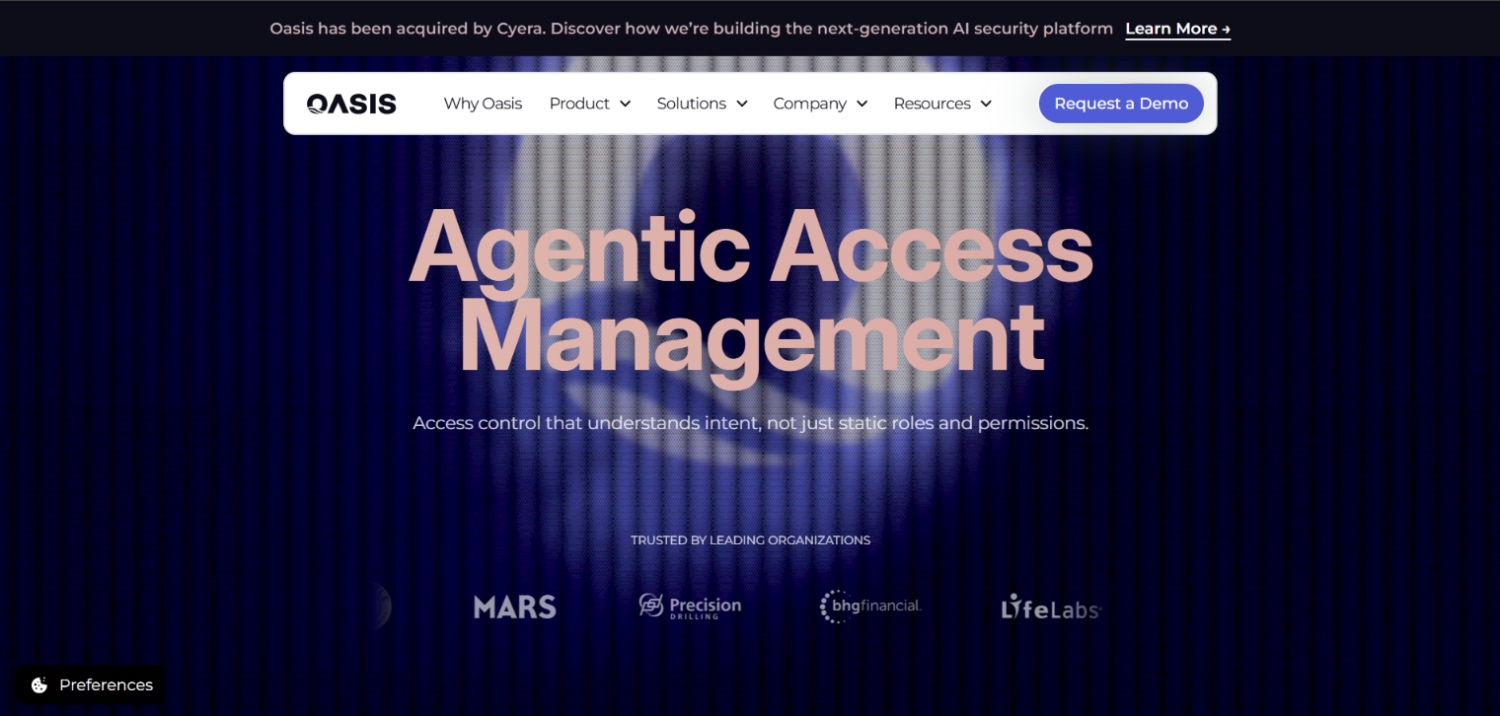
Oasis Security has been acquired by Cyera , the Oasis homepage states “Oasis has been acquired by Cyera. Discover how we’re building the next-generation AI security platform.” Buyers should verify current product availability, roadmap, and support continuity directly with Cyera before including Oasis in an active evaluation. The product was purpose-built for non-human identity management, designed from the start around cloud and hybrid NHI inventory rather than retrofitted from an AD-centric vaulting platform. Service accounts are one NHI class within a broader inventory that includes API keys, OAuth service principals, workload certificates, and cloud IAM roles.
The dependency mapping in Oasis is built around the NHI’s usage context: which application owns the identity, which environment it operates in, who created it, and which permissions it has exercised. The rotation workflow includes a rollback capability that matters in practice. If a rotation propagates to one dependency but fails on another, Oasis can revert rather than leaving a partially rotated credential state that breaks the application and leaves the old credential still in use somewhere else.
For teams running service account management as part of a broader NHI security program rather than as a PAM extension, Oasis fit more naturally than any of the incumbents. It is cloud-first; AD service account coverage exists but is not the primary design target. Oasis does not publish pricing publicly. Teams running primarily on-premises AD estates should evaluate whether the cloud-native design is actually an advantage or a mismatch for their environment, and should confirm what the Cyera acquisition means for licensing and product direction.
The growing overlap between service account management and full NHI programs is worth understanding before selecting tooling. The machine identity management tool comparison addresses how programs that start with service accounts often expand to cover certificates, API keys, and workload identities within 12 to 18 months of initial deployment.
8. Entro Security
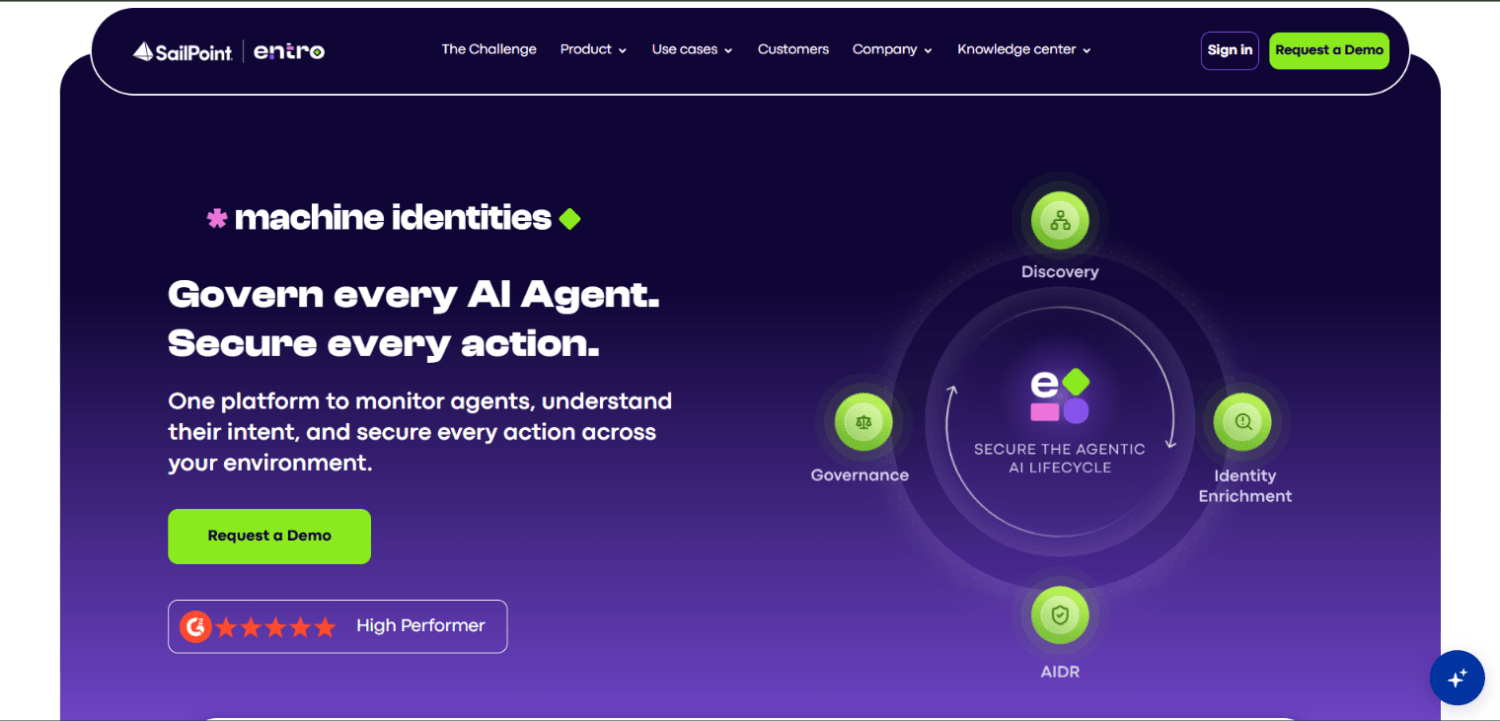
Entro Security focuses on secrets sprawl as its entry point into the NHI problem. The platform discovers secrets, API keys, and service account credentials across code repositories, CI/CD pipelines, cloud secrets managers, and developer tooling. For service accounts, that means Entro can find credentials that have leaked into version control or that are hardcoded into application configuration files, which is a class of dependency that AD-centric PAM tools do not see because those credentials are not registered as Windows services.
The dependency graph in Entro is built by tracing where each secret appears: which repositories reference it, which pipelines consume it, which runtime environments use it. That context directly answers the pre-rotation question. Before rotating a service account credential that Entro has found in three different Kubernetes secrets and two CI/CD variable stores, you can see exactly where the new credential needs to be deployed. Entro does not publish pricing publicly.
Entro fits best in DevSecOps environments where the service account problem presents as secrets sprawl in code rather than as Windows service registrations. For teams with a significant developer population, active CI/CD pipelines, and cloud-native workloads, Entro addresses the class of service account dependency that the PAM incumbents consistently miss. For teams whose service account problem is purely Windows services and scheduled tasks in on-premises AD, Entro is not the right primary tool.
How Much Does Service Account Management Actually Cost Per Account?
None of the enterprise platforms on this list publish per-account pricing. CyberArk, Delinea, BeyondTrust, ManageEngine, and Securden all operate on quote-based models that depend on account count, environment complexity, module selection, and support tier. What is observable from evaluations and community reporting in forums like r/sysadmin is that the all-in cost of a PAM deployment scales with three factors that vendors rarely lead with: connector development and maintenance for non-standard applications, agent rollout and lifecycle management across a server fleet, and the staff time required to build and maintain the dependency inventory that makes rotation safe.
Consider a hypothetical mid-market scenario: a 2,000-employee organization with 800 service accounts across two AD domains and three AWS accounts. The vaulting platform license may be the smallest line item in the total cost of ownership. Connector development for the five legacy applications that cannot accept credentials via a standard API integration, the six months of discovery work to build an accurate dependency map, and the one-quarter dedicated to testing rotations in a staging environment before running them in production often exceed the first year of licensing fees. This scenario is illustrative, but the cost structure it describes is consistent with what PAM architects report when scope-creep from initial deployment estimates is discussed honestly.
BeyondTrust’s free Service Account Discovery Tool and ManageEngine’s free AD tools are genuine exceptions for the discovery phase. They reduce the time-to-inventory without a licensing commitment, which is the right order of operations anyway: inventory before you vault, and vault before you rotate.
AD-Plus-Cloud Hybrid Service Account Environments: What Changes
Hybrid environments break the assumption that service account management is an AD problem. A common pattern in mid-sized organizations is an on-premises AD forest that federated with Azure AD five years ago, a set of AWS accounts where IAM roles replaced some on-premises service accounts but not others, and a GCP project that a product team stood up independently with its own GCP service accounts that never made it into the central identity inventory.
In that environment, an AD-centric PAM tool inventories roughly 60 to 70 percent of the actual service account population. The remainder sits in AWS IAM, Azure Managed Identities, and GCP service accounts, and is invisible to tools that enumerate only from domain controllers. The tools that close this gap are Silverfort (through its authentication proxy seeing cross-environment traffic), Oasis (through cloud-native connectors to all three providers), and CyberArk with Cloud Entitlements Manager deployed alongside core PAM.
The dependency problem is also harder in hybrid environments because a single workflow may use an AD service account on-premises, pass a token to an AWS Lambda function, and write results to an Azure storage account using an Azure Managed Identity. Rotating the AD service account without understanding that chain breaks the Lambda call. Tools that enumerate AD dependencies only will not surface that chain. Only tools with visibility into both authentication events and cloud API calls can map it reliably. This hybrid identity problem extends into workload identity patterns that the workload identity security platform comparison addresses in detail.
NHI Platforms vs. PAM Platforms: Where the Boundary Actually Is
PAM platforms were designed for human privileged access that happens to include service accounts. NHI platforms were designed for machine identities from the start. The operational difference is in how each treats service accounts: a PAM platform vaults the credential and manages rotation; an NHI platform maps the identity to its owner, its usage context, its risk posture, and its dependencies before considering whether a vault is even the right control.
That framing difference has practical consequences for program design. A PAM-led program starts with “what accounts do we have and can we vault them.” An NHI-led program starts with “what identities exist, who owns them, what do they access, and which ones are actually risky.” The second framing produces a dependency graph as a natural byproduct. The first framing tends to vault what is easy to vault and defer the hard dependencies indefinitely, which is why PAM deployments with five-year-old exception lists are common.
Silverfort, Oasis, and Entro sit closer to the NHI end of that spectrum. Delinea, CyberArk, ManageEngine, Securden, and BeyondTrust sit at the PAM end. For teams whose primary problem is regulatory compliance around privileged access documentation and session recording, the PAM platforms are the appropriate starting point. For teams whose primary problem is understanding what they have before they can manage it, the NHI-native tools often produce faster time-to-insight on the dependency mapping question.
Frequently Asked Questions
How do service account management tools find undocumented accounts in Active Directory?
Most tools query AD via LDAP for accounts that match service account patterns: non-expiring passwords, no interactive logon history, membership in specific groups, or naming conventions. More capable tools also scan Windows services, scheduled tasks, IIS application pools, and COM+ registrations on domain-joined servers to find accounts that are in use but were never formally documented in AD. Silverfort takes a different approach, identifying accounts through live authentication traffic rather than attribute queries, which surfaces accounts that AD queries miss because they are configured ambiguously.
Which tools rotate service account passwords without breaking dependent applications?
Delinea Secret Server, CyberArk PAM, ManageEngine PAM360, and Securden Unified PAM all implement dependency-aware rotation: they enumerate Windows services and scheduled tasks using a credential, propagate the new credential to each dependency, and verify propagation before marking the rotation complete. Oasis adds a rollback step that reverts to the old credential if propagation fails on any dependency. For application-level dependencies that are not registered as Windows services, all tools require either manual documentation or agent-level instrumentation to capture those relationships.
What is the difference between a service account and a privileged account?
Service accounts are identities used by applications, services, and automated processes rather than by humans. Privileged accounts are accounts with elevated permissions, which may be human or non-human. The two categories overlap significantly: many service accounts hold domain admin, local admin, or DBA rights that make them privileged accounts as well. The distinction matters for tooling because PAM platforms were designed around human privileged access workflows, while service accounts have additional complexity around automated dependencies that human accounts do not have.
How do you identify all service accounts in a hybrid AD and cloud environment?
A complete hybrid inventory requires querying AD for Windows service accounts, querying AWS IAM for roles and users used by applications and automation, querying Azure for Managed Identities and service principals, and querying GCP for service accounts and workload identity configurations. No single tool does all of this with equal depth. CyberArk with Cloud Entitlements Manager, Silverfort, and Oasis come closest to unified hybrid coverage. The gap between AD-only discovery and full hybrid discovery is typically 30 to 50 percent of the total account population in organizations with multi-cloud footprints.
What does a service account dependency map actually include?
A complete dependency map for a service account records: the Windows services, scheduled tasks, IIS application pools, COM+ applications, and ODBC connections that use the credential on each server; the application configuration files and secrets stores where the credential is stored statically; the cloud services or APIs the account authenticates to; and the business process or application the account supports. Most PAM tools capture the first category automatically. The third and fourth categories require either behavioral analysis (Silverfort’s approach) or secrets scanning (Entro’s approach) to populate reliably.
Is a gMSA the right alternative to managing service account passwords?
Group Managed Service Accounts automate password generation and management natively for domain-joined Windows services , according to Microsoft’s documentation, Windows generates and manages the password automatically, with the domain controller managing it and authorized hosts retrieving it. This removes a class of manual credential management risk for eligible services. The constraint is eligibility: gMSAs work for services that run on domain-joined machines and support gMSA authentication natively. Legacy applications with hardcoded credentials, cross-domain scenarios without appropriate KDS configuration, and non-Windows workloads cannot use gMSAs. A service account program should migrate to gMSA where possible and use PAM tooling for the remainder, rather than treating gMSA and PAM vaulting as competing approaches.
What operational costs do PAM platforms understate in service account programs?
Three costs are consistently understated. First, connector development: every application that receives a rotated credential via a non-standard method (config file, environment variable, custom API) requires a custom connector or integration that the platform does not ship with. Second, agent lifecycle management: dependency detection for Windows services requires agents on domain-joined servers, which creates a persistent patching and deployment burden. Third, exception management: accounts that cannot be rotated safely because of undocumented dependencies accumulate in most deployments and require dedicated engineering time to remediate.
How do Netwrix and Token Security fit into the service account management space?
Netwrix approaches service account management through its AD auditing and access governance products rather than through PAM-style vaulting. It is strong for discovery, audit trail, and privilege analysis, but rotation and dependency-aware credential management are not its primary capabilities. Token Security is focused on machine identity and non-human identity posture management with discovery and risk prioritization as its core functions. Both tools fit an inventory and visibility phase better than a rotation execution phase, making them candidates for the assessment stage before a PAM platform is selected and deployed.
How to Sequence a Service Account Program That Will Not Stall
The programs that stall do so at rotation. A team inventories 600 service accounts, vaults them into a PAM platform, schedules rotations, and then hits the first break. The break causes a rollback. The rollback creates an exception. The exception list grows. Two years later, the exception list has 400 accounts on it and the PAM deployment is effectively managing the 200 that were easy to begin with.
The programs that succeed run discovery and dependency mapping as a standalone phase before touching a PAM platform. They use tools like the BeyondTrust free discovery tool, Silverfort’s authentication observability, or Entro’s secrets scanning to build a dependency map with ownership attribution. They tier accounts by rotation risk: gMSA-eligible services move to gMSA, accounts with documented and automatable dependencies move to PAM rotation, and accounts with complex or undocumented dependencies get a dedicated remediation sprint before any rotation is attempted. That sequencing is not a process improvement. It is the difference between a rotation program that runs and one that does not.
The dependency mapping step is also where the NHI framing pays off most clearly. An organization that treats service accounts as an NHI inventory problem from the start will have a dependency graph before it has a vault. An organization that treats it as a PAM vaulting problem from the start will have a vault before it has a dependency graph. The former sequence produces a functional rotation program. The latter produces an exception list. For security teams thinking about how service account programs connect to broader identity threat detection, the non-human identity security platform analysis provides the program design context that tooling evaluations alone do not.