
- API-based CASB covers only the SaaS apps that have published APIs and only after data has already moved. The browser sees every session, every field, every paste, in real time, regardless of whether the app has an integration.
- Shadow SaaS discovery from a CASB depends on traffic logs or proxies. A browser extension sees the actual navigation, which means it catches OAuth grants, trial sign-ups, and one-off app logins that never appear in firewall exports.
- Browser-layer controls can enforce DLP inside apps with no admin API: block copy-paste into a personal Gmail tab, redact fields in an unmanaged CRM, or block file uploads to an unsanctioned storage tool, all without a network change.
- The cost comparison between a browser security layer and an existing CASB license is not purely additive. For the long tail of apps a CASB never covers, browser tooling is often the only control that exists.
- The ten tools below span enterprise browsers, browser extensions, and SaaS-native posture platforms. Choosing between them depends on whether you need session-level enforcement, SaaS identity governance, or both.
Browser security tools for SaaS work by instrumenting the point where every session actually runs: the browser tab. Unlike API-based CASB, which requires a published integration and sees data only after it reaches the vendor’s cloud, browser-layer tools intercept keystrokes, uploads, pastes, and OAuth grants in real time, including inside apps that will never publish an admin API. The ten tools covered here span enterprise browsers, lightweight extensions, and SaaS posture platforms. They differ significantly in deployment model, enforcement depth, and where they sit relative to an existing CASB or SSE stack.
Why API-Based CASB Leaves a Real Coverage Gap for SaaS Session Security
Most CASB deployments rely on two integration modes: API connectors to sanctioned SaaS apps, and inline inspection via a proxy or SSE gateway. The API connector model is the one most teams believe gives them comprehensive coverage. It does not.
API connectors work only when a SaaS vendor publishes a management API, when that API exposes the specific activity you want to monitor, and when the connector has been configured and tested for that app. For the typical enterprise running hundreds of SaaS apps, a large portion will never appear in a CASB integration catalog. A browser session in those apps is invisible to the CASB entirely.
Inline proxy inspection covers more apps by volume, but it has its own gaps. Pinned certificates, app-level TLS termination, and apps that embed iframes from other origins all create blind spots. More practically: the inline model still logs events rather than blocking in-session behavior at the field level. It can see that a file was uploaded; it cannot prevent a user from pasting confidential text into a notes field in an app the proxy has not been tuned for.
The browser sits below all of that. It sees the DOM. It knows what is in every input field before the data leaves the tab. That architectural difference is why browser-layer tooling and CASB are not substitutes. They cover different surfaces, and the surface the browser covers is the one that matters for the long tail of SaaS apps, personal accounts accessed on managed devices, and any session-level enforcement that needs to operate without a network change.
How Do Browser Tools Discover Shadow SaaS That CASB Misses?
Shadow SaaS discovery from a CASB is constrained by its data source. If discovery relies on firewall or proxy logs, it sees domain names and IP traffic. It does not see what happened inside the session, whether the user created an account, whether they used an OAuth grant from a corporate identity provider, or whether they uploaded a file.
A browser extension sees the navigation. When a user lands on app.notion.so and signs in with a Google Workspace account, the extension sees the OAuth redirect, the resulting session token exchange, and the identity used. That is a materially different signal than a firewall log entry showing traffic to notion.so. The CASB sees a domain. The browser sees an authenticated session tied to a corporate credential.
This distinction matters for building a real SaaS inventory. OAuth grants issued from corporate identity providers are among the highest-risk shadow SaaS vectors because they extend session access well beyond the initial login, sometimes indefinitely. Browser-layer discovery catches these at the moment they are issued. Most CASB platforms catch them only if an IdP integration is configured and the OAuth event is logged at the IdP level.
The CASB-to-Browser Gap Test: A Framework for Measuring Real Coverage
Before evaluating any tool on this list, run what we call the SaaS Blind Spot Audit. It takes two hours and produces a defensible gap list you can present to a vendor or a board.
- Export your CASB’s SaaS discovery report for the last 30 days. Note the discovery method for each app: API connector, proxy inspection, or log analysis.
- Pull your IdP’s OAuth grant log for the same period. Count the number of third-party apps that received a grant from a corporate identity. Compare that list to the CASB report.
- Identify five apps in the business that have no CASB API connector and are accessed by more than ten users. Open a session in each one and try to paste text containing a test string into a notes or description field. Confirm whether your CASB logged that activity.
- Check your proxy or SSE logs for any app using certificate pinning or non-standard TLS behavior. These apps are effectively opaque to an inline CASB.
- Count the total apps found in the IdP OAuth log but not in the CASB discovery report. That number is your browser-layer coverage gap.
The output of this audit is a concrete scope for browser-layer tooling. It also tells you which of the ten tools below you actually need, because the right tool depends on whether your gap is in discovery, session enforcement, or identity governance.
10 Browser Security Tools for SaaS and Web Applications
1. Island Enterprise Browser

Island builds a Chromium-based enterprise browser with security controls baked into the browser engine itself, not layered on top via extension. Policy enforcement happens at the rendering layer, which means controls cannot be bypassed by disabling an extension or switching a profile. Island can restrict clipboard operations, control file downloads and uploads, enforce watermarking on rendered pages, and block credential entry on unsanctioned sites, all without a proxy and without any changes to the SaaS app itself.
The architectural advantage is significant for apps with no admin API. Island can enforce session controls in a custom internal tool, a legacy web app, or an obscure SaaS product with the same policy set it applies to Salesforce. The trade-off is deployment scope: Island requires replacing or supplementing the default browser, which is a meaningful change management effort, particularly for BYOD environments. Island does not publicly disclose pricing; quotes are per environment.
Island fits enterprise teams that need deep session-level control and can absorb the deployment work. It is not the right starting point for a team looking for a lightweight discovery layer on top of Chrome or Edge.
2. Akamai Workforce Protector (Formerly LayerX)
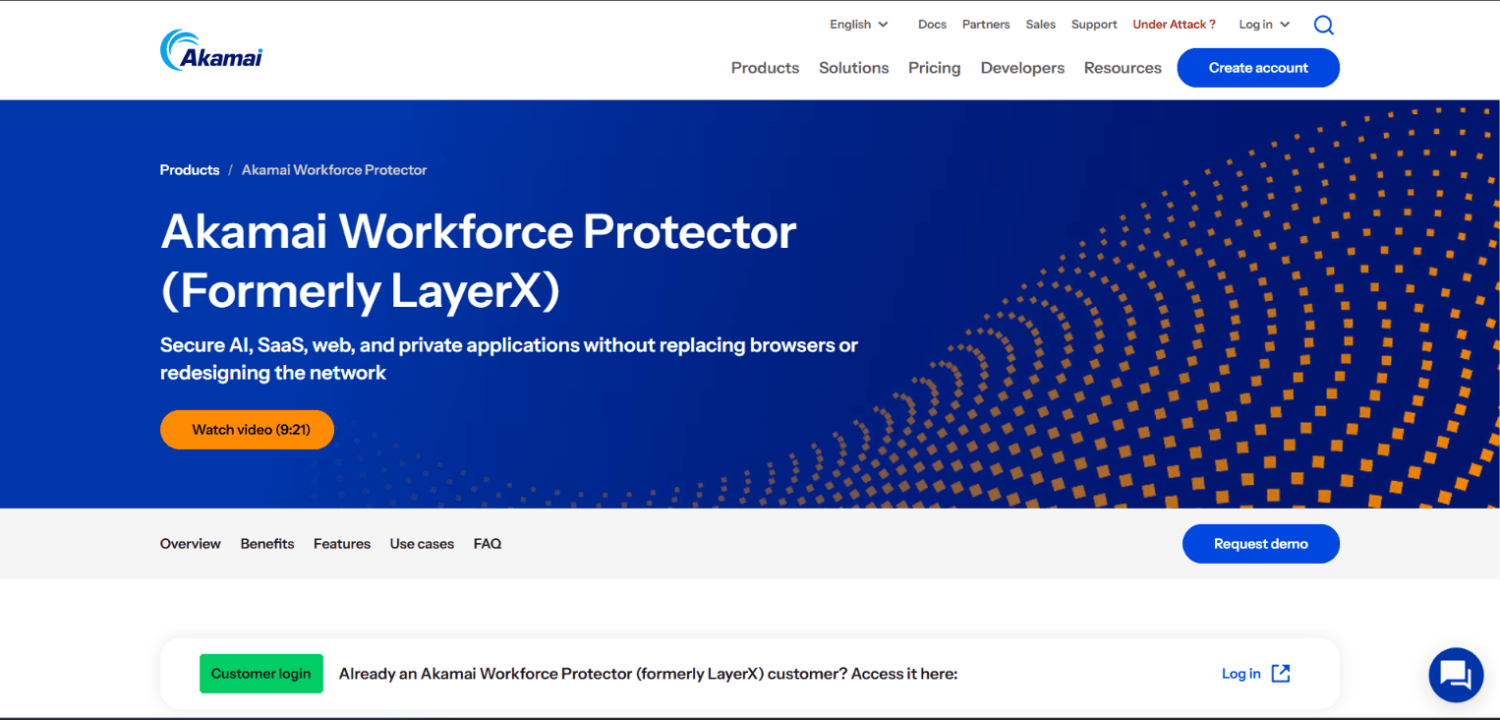
Akamai Workforce Protector, formerly LayerX, deploys as a browser extension on existing browsers rather than requiring a browser replacement. The extension instruments the browser at the JavaScript execution level, which gives it visibility into DOM content, form fields, and extension activity. Its primary use cases are DLP at the browser layer, shadow SaaS discovery via session telemetry, and control over generative AI tool usage.
For SaaS session security specifically, Akamai Workforce Protector can flag or block data pasted into personal web apps on managed devices, enforce controls based on identity context (managed versus unmanaged account), and generate a shadow SaaS inventory from actual session data rather than proxy logs. The extension model makes deployment faster than an enterprise browser replacement, and it works across Chrome, Edge, and Firefox.
The product does not publish list pricing. The extension model also means that a technically capable user who can remove browser extensions can remove the control, which is a meaningful consideration for high-risk roles. For most enterprise deployments, extension management via MDM addresses that gap, but it requires the MDM to be in place and enforced.
3. Push Security
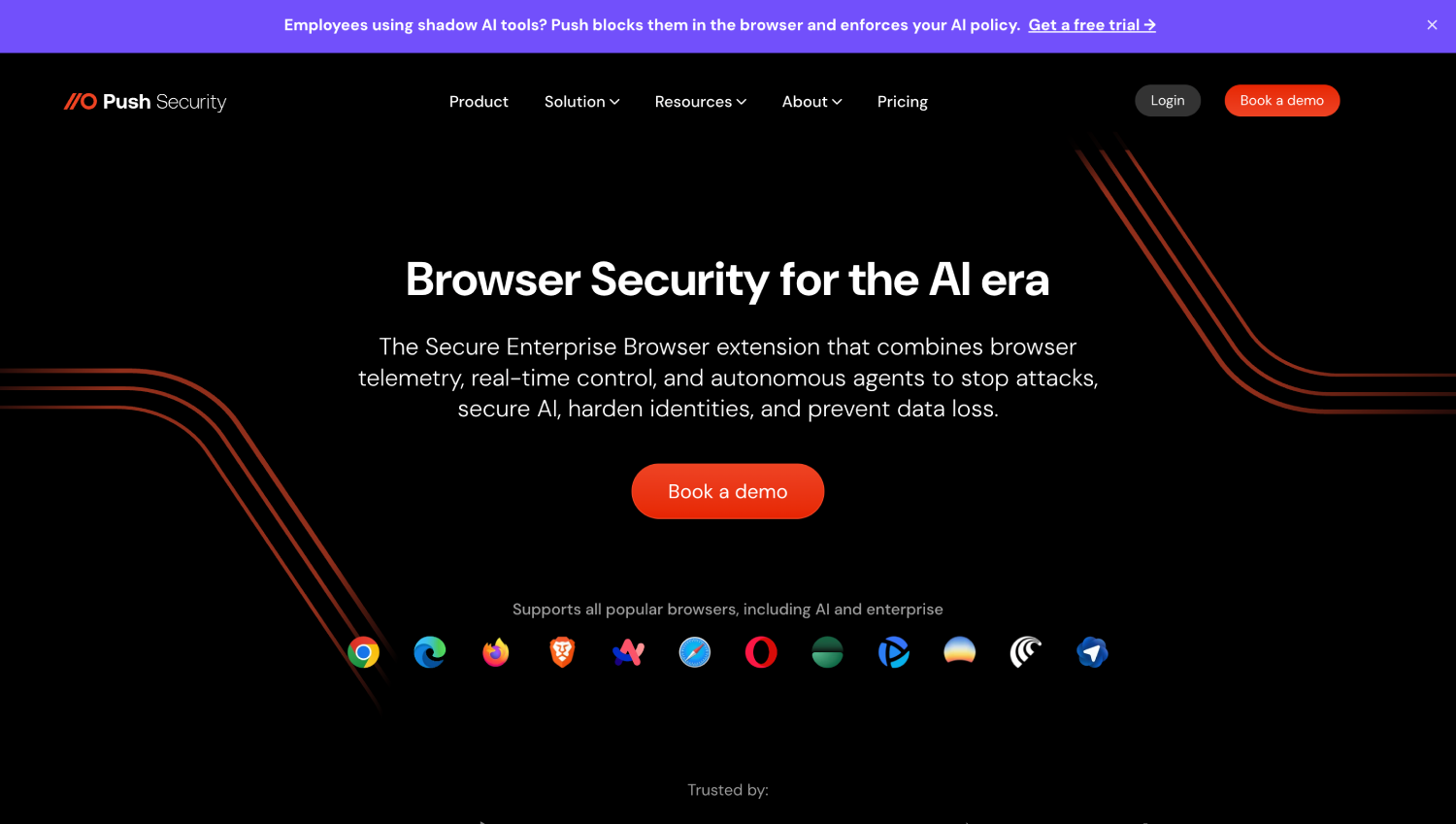
Push Security takes a different angle than the session-enforcement tools. It focuses on identity threat detection at the browser layer: credential phishing, password reuse, account takeover indicators, and shadow SaaS discovery through OAuth grant monitoring. The Push extension monitors authentication events across SaaS apps and alerts on risky identity behaviors in real time, including when a user submits a corporate password to a non-corporate site.
Push is particularly strong for teams whose primary concern is identity-based risk in SaaS rather than data movement. It integrates with SIEM platforms and surfaces findings in a format that works for a detection engineer rather than requiring a separate investigation console. For SaaS access governance, the OAuth grant inventory Push builds is more detailed than what most CASB platforms produce because it captures the actual authentication flow, not just the domain.
Push does not publish list pricing. Teams running primarily identity-focused programs and already satisfied with their DLP tooling will find Push a tighter fit than a full session-enforcement platform.
4. Grip Security
Grip Security approaches SaaS security from the identity and access governance side. Grip discovers SaaS apps through a combination of SSO log analysis, browser telemetry, and credential monitoring, producing a SaaS inventory that includes apps employees access without IT knowledge. Its core value is SaaS access governance: identifying orphaned accounts, excessive permissions, and apps connected via OAuth that have not been reviewed.
Grip does not operate as an inline enforcement layer in the same way Island or Akamai Workforce Protector do. It is better described as a SaaS identity governance platform with browser-layer discovery inputs. For a team that has already deployed a session-enforcement tool and needs to close the governance gap on who has access to what and what OAuth grants are outstanding, Grip addresses that specific problem well. Grip does not publish list pricing.
5. Obsidian Security
Obsidian focuses on SaaS threat detection and posture management, pulling telemetry from SaaS app APIs, SSO logs, and browser extensions to detect anomalous behavior, account compromise indicators, and misconfigurations in sanctioned apps. Its browser extension contributes session data that enriches the API-sourced signals, particularly for apps where the admin API does not expose user activity at sufficient granularity.
Obsidian is strongest in the detect-and-investigate workflow. It builds behavioral baselines per user per app and alerts on deviations that suggest session hijacking or account takeover. For SaaS data controls and DLP enforcement, Obsidian is not the primary tool; that is handled through its integrations with existing DLP or CASB platforms. Teams looking for SaaS-native detection on top of their existing control layer will find Obsidian fits that role. Obsidian does not publish list pricing.
Security teams evaluating broader identity threat detection across SaaS and cloud may find it useful to cross-reference Obsidian’s capabilities against the coverage covered in our review of non-human identity security platforms, since service account and OAuth token abuse is a shared concern.
6. Keep Aware
Keep Aware, which has been acquired by Jamf, is a browser security platform that delivers visibility and control through a browser extension, with a particular focus on real-time phishing detection, shadow SaaS discovery, and data protection inside web apps. Keep Aware instruments browser sessions to detect credential entry on lookalike sites, unsanctioned app usage, and data exfiltration via browser-based channels like personal webmail and cloud storage.
Keep Aware’s shadow SaaS discovery is session-based: it identifies apps from actual browser navigation rather than from network logs, which gives it coverage for apps accessed over encrypted channels that a proxy cannot inspect. The platform is positioned for mid-market and enterprise teams that want browser-layer coverage without replacing the browser. Keep Aware does not publish list pricing.
7. CrowdStrike Falcon Seraphic Enterprise Browser
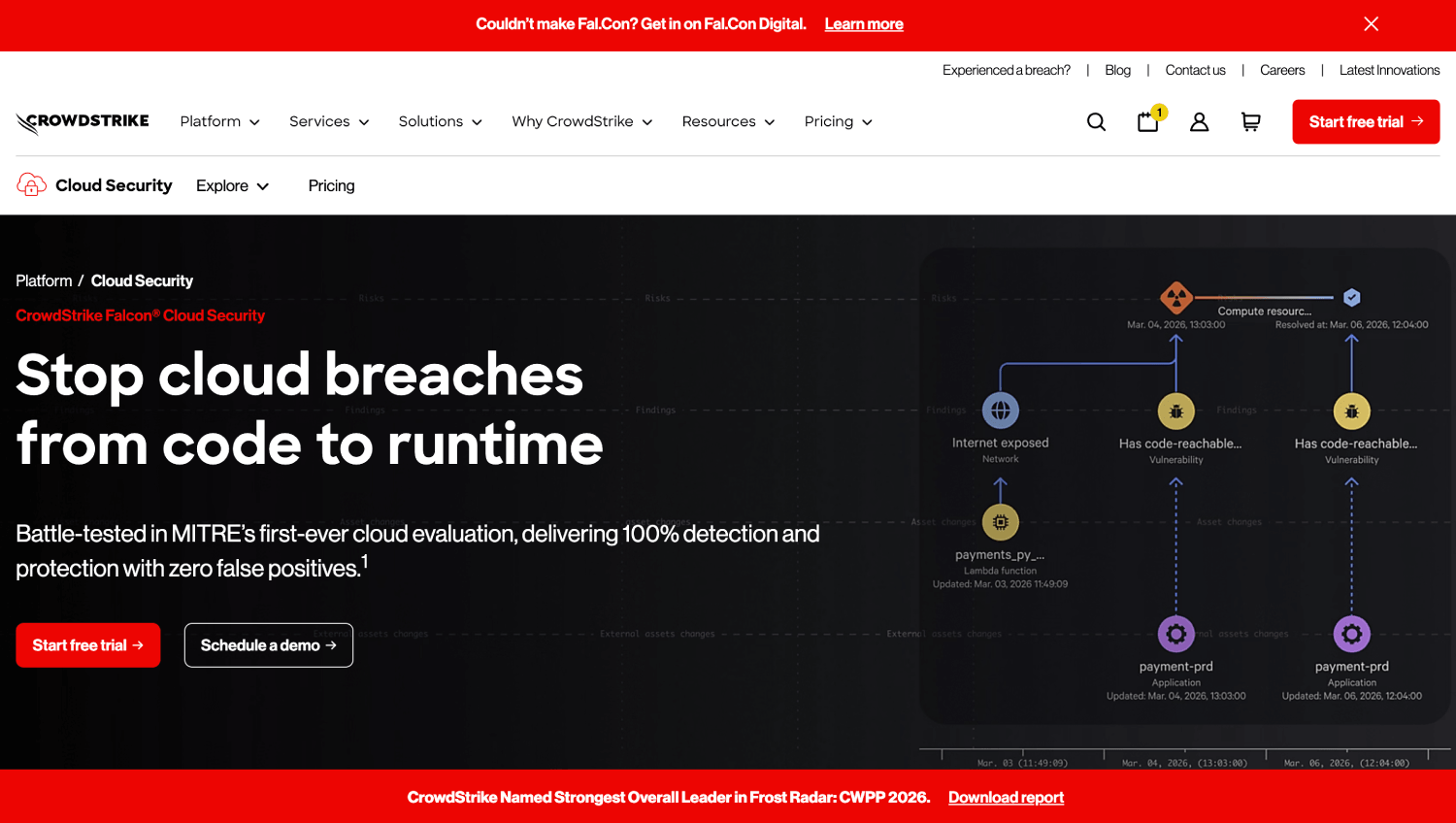
CrowdStrike Falcon Seraphic Enterprise Browser extends existing browsers through an agent that operates below the browser extension layer, at the browser process level. This architecture gives it access to session content that extensions cannot reach, including content in iframes from different origins and within browser-native PDF rendering. The approach is designed to be harder to bypass than a standard extension because it does not appear in the browser’s extension management interface.
For SaaS session security, CrowdStrike Falcon Seraphic enforces DLP policies on content in web applications, detects browser-based malware and malicious extensions, and provides shadow SaaS discovery through session telemetry. The sub-extension architecture is its primary differentiator. For teams facing insider risk or environments where users have local admin rights, the harder-to-bypass nature of the agent matters. The product does not publish list pricing.
8. Netskope
Netskope is primarily an SSE and CASB platform, but it includes a browser extension component that addresses some of the API gap described above. The Netskope browser extension extends its inline inspection capabilities to sessions that would otherwise be opaque to its proxy, and it contributes to SaaS discovery by surfacing session-level data that complements the existing proxy and API telemetry.
For teams already running Netskope as their CASB or SSE platform, the extension is the most practical path to closing the API coverage gap without adding a separate vendor. The extension is not a replacement for a purpose-built browser security platform; it does not deliver the same depth of session-level enforcement that Island or CrowdStrike Falcon Seraphic provide. Netskope does not publish list pricing for its extension component independently of its broader platform licensing.
Teams evaluating Netskope alongside other SSE or CASB options should note that the extension addresses the discovery and visibility gap more directly than the enforcement gap. If real-time session controls inside unmanaged apps are the primary requirement, a purpose-built browser tool will cover that use case more completely.
9. Valence Security
Valence Security focuses on SaaS security posture management, specifically on misconfigurations, overprivileged integrations, and the third-party app connections that accumulate in sanctioned SaaS environments over time. Valence pulls from SaaS admin APIs to audit sharing settings, OAuth grants, and integration permissions, then surfaces remediation workflows directly to application owners rather than routing everything through the security team.
Valence is not a browser-layer enforcement tool in the same sense as Island or Akamai Workforce Protector. Its value is in the governance layer: finding that a Slack workspace has a hundred OAuth-connected apps, half of which are no longer used, and providing a workflow to remediate that without requiring the security team to do it manually. For teams whose SaaS security gap is primarily a posture and governance problem rather than a session-enforcement problem, Valence addresses that directly. Valence does not publish list pricing.
10. Nudge Security
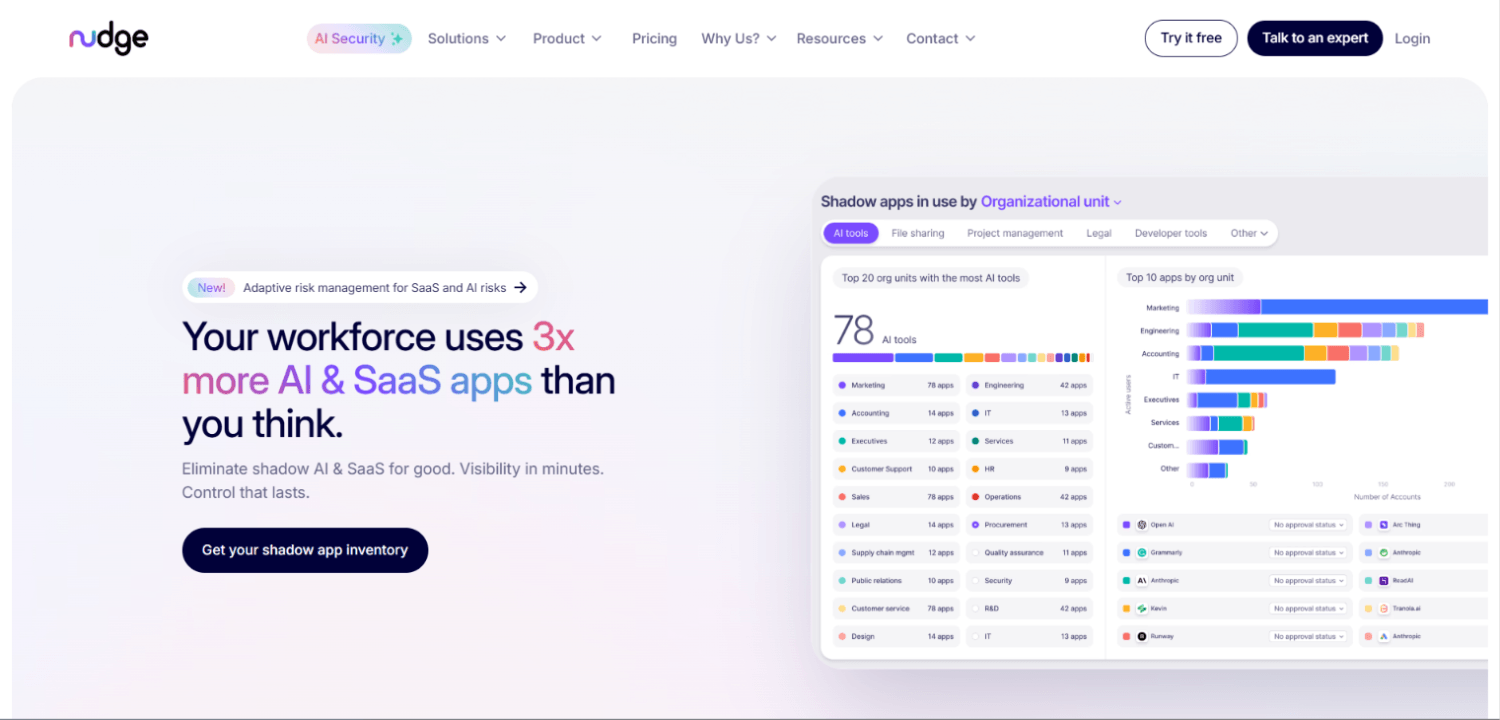
Nudge Security discovers shadow SaaS through a combination of Google Workspace and Microsoft 365 email-based discovery, SSO log analysis, and browser extension telemetry. Its distinctive approach is the remediation model: rather than blocking shadow SaaS outright, Nudge Security contacts the employee directly with a contextual notification and a path to either sanctioning the app through IT or offboarding it. This “nudge” model is designed for organizations where hard blocking would generate more friction than the risk warrants.
Nudge Security has a public pricing page at nudgesecurity.com/pricing. Readers should verify current pricing directly there, as SaaS pricing changes frequently.
For SaaS session-level enforcement, Nudge Security is not the right tool. It is a discovery and governance platform. The combination of email-based discovery and browser telemetry gives it broader coverage than a pure browser extension approach, but the trade-off is that it cannot enforce controls inside a session the way Island or CrowdStrike Falcon Seraphic can.
How Do These Tools Compare Across Key SaaS Security Capabilities?
| Tool | Deployment Model | Session Enforcement | Shadow SaaS Discovery | SaaS Identity Governance | DLP at Browser Layer | Requires Browser Replacement |
|---|---|---|---|---|---|---|
| Island | Enterprise Browser | Deep (engine-level) | Yes | Yes | Yes | Yes |
| Akamai Workforce Protector | Browser Extension | Strong (DOM-level) | Yes | Partial | Yes | No |
| Push Security | Browser Extension | Identity-focused | Yes (OAuth-focused) | Strong | Limited | No |
| Grip Security | SaaS + Extension | Limited | Yes | Strong | No | No |
| Obsidian | SaaS API + Extension | Detection-focused | Partial | Strong | No | No |
| Keep Aware | Browser Extension | Strong | Yes | Partial | Yes | No |
| CrowdStrike Falcon Seraphic | Sub-extension Agent | Deep (process-level) | Yes | Partial | Yes | No |
| Netskope | SSE + Extension | Moderate | Yes (with proxy) | Partial | Yes (proxy-based) | No |
| Valence | SaaS API | None | Partial | Strong | No | No |
| Nudge Security | Email + Extension | None | Strong | Moderate | No | No |
How Do Browser Security Tools Enforce Controls in Apps With No Admin API?
This is the question that most CASB sales conversations avoid. The honest answer: a CASB with no inline proxy component cannot enforce any control in an app with no API. It can log traffic at the network layer, but it cannot intercept what a user types into a form field, prevent a paste operation, or stop a file upload to an unsanctioned app if that app uses encrypted traffic on port 443 that the proxy has not been configured to inspect.
Browser-layer tools enforce controls by operating inside the browser process. An enterprise browser like Island controls clipboard access at the engine level; the application cannot be made to accept pasted content if Island’s policy blocks it, regardless of whether the app has an admin API. An extension like Akamai Workforce Protector or Keep Aware operates at the JavaScript layer and can intercept form submissions, monitor input field content, and trigger alerts or blocks before data leaves the browser tab.
The practical implication for a security team: if your enforcement requirement is “prevent a user from pasting a customer record into a personal Google Doc,” a CASB API connector to Google Workspace solves that only for managed Google accounts. For a personal account accessed on a managed device, the browser-layer tool is the only mechanism that works.
What Does Browser Security Cost Against an Existing CASB License?
None of the purpose-built browser security vendors on this list publish standard list pricing. That is a deliberate sales motion, not an oversight. Quotes are typically per-seat and vary by deployment size, feature tier, and whether the browser tool is positioned as a CASB replacement or a complement.
For teams evaluating cost, the relevant comparison is not the total price of the browser tool against the total CASB license. The relevant comparison is the cost of the browser tool against the cost of closing the coverage gap through other means. If your CASB does not cover 60% of the apps in your SaaS inventory and you have no session-level controls for those apps, the cost of the browser layer should be compared against the cost of an incident involving one of those apps, or against the cost of expanding your CASB deployment to cover them (which, for apps without APIs, may not be technically possible at any price).
Netskope is the only tool on this list where the browser extension is part of a broader platform license rather than a separate line item. For existing Netskope customers, extending to the browser extension adds capability without a separate vendor relationship. For teams not already on Netskope, adding the full platform to get the extension component does not make economic sense unless the SSE and CASB capabilities are also needed.
Nudge Security is the only tool on this list with a publicly available pricing page. All other vendors require a direct conversation to get to numbers.
Which Tool Fits Which Environment?
Take a mid-sized company running 300 seats, mostly on Windows with some Mac, a mix of managed and BYOD devices, an existing Okta SSO deployment, and an Entra ID-connected Microsoft 365 environment. The security team is two people. Their CASB is in the SSE stack but covers only their top eight SaaS apps by API connector. Their shadow SaaS inventory from their proxy logs shows 400 domains, but they have no session-level visibility into any of them.
For this team, the right starting point is discovery before enforcement. Push Security or Nudge Security would give them a working shadow SaaS inventory in days, built from OAuth grant data and email-based discovery, without requiring MDM-enforced extension deployment. Once they have the inventory, they can identify which apps carry the most session-level risk and prioritize browser-layer enforcement for those apps specifically.
A 2,000-seat financial services firm with a dedicated security engineering team, full MDM coverage, and a board-level data protection mandate is a different situation. Island or CrowdStrike Falcon Seraphic makes sense there: deep session enforcement, policy at the browser engine or process level, and the ability to demonstrate control over data in any web application regardless of API availability. The deployment work is significant but the team has the capacity, and the control depth justifies it.
For teams already running a mature enterprise browser deployment, the governance layer tools, Valence, Grip, and Obsidian, address the adjacent problem of what to do with the SaaS access you have already discovered. Discovery without remediation is an audit finding, not a security control.
How Does Browser-Layer SaaS Security Fit With BYOD Environments?
BYOD is where the enterprise browser model faces its steepest deployment challenge and where the extension model has a clear practical advantage. Requiring an employee to replace their personal browser with an enterprise browser to access work applications creates friction that most HR and legal teams will not accept without significant policy justification.
Browser extensions deploy on personal devices via MDM profile or, in some cases, via a managed browser profile within an existing personal browser installation. This is a materially lower friction path. Push Security, Akamai Workforce Protector, Keep Aware, and Nudge Security all support BYOD deployments through this model. The trade-off is enforcement depth: an extension that a user can disable on their personal device has a different security posture than an enterprise browser that owns the process.
For BYOD specifically, the governance-layer tools (Valence, Grip) are worth considering as a complement because they operate from the SaaS admin side rather than requiring anything on the device. They see the OAuth grants and the permission sets regardless of what browser the user is running. Teams evaluating BYOD browser controls may find the coverage comparison in our article on enterprise browsers for BYOD security useful for framing the trade-offs.
Frequently Asked Questions
What is shadow SaaS and why does a CASB miss it?
Shadow SaaS is any web application an employee uses to do work without IT knowledge or approval, including tools they sign up for using a corporate email or authenticate to via an OAuth grant from a corporate SSO account. A CASB misses it when discovery relies on API connectors (which only cover sanctioned apps with configured integrations) or proxy logs that show domain traffic but not authenticated session context. Browser-layer discovery captures the OAuth grant at the moment it is issued, which is a stronger signal than a firewall log showing traffic to a domain.
Can browser security tools replace a CASB?
For most enterprise environments, no. A CASB covers network-layer policy enforcement, cloud storage DLP, and sanctioned app governance at scale. Browser-layer tools cover session-level enforcement, shadow SaaS discovery, and controls inside apps with no admin API. They are complementary layers. The exception is a small organization with no existing CASB investment that primarily needs shadow SaaS discovery and basic session controls; a browser extension tool may be sufficient on its own at that scope.
How does session hijacking relate to browser security for SaaS?
Session hijacking in a SaaS context means an attacker obtains a valid session cookie or token and replays it to authenticate as the victim without needing credentials. Browser-layer tools address this from two directions: detection of anomalous session behavior (multiple simultaneous sessions from different geolocations, impossible travel) and prevention of credential theft through phishing detection at the browser layer. Tools like Push Security and Obsidian are specifically built to surface session anomaly signals that indicate an active account takeover.
What does a browser extension actually see inside a SaaS session?
A browser extension operating at the JavaScript layer can access the DOM of the current page, which includes rendered text, form field content, and the structure of the application interface. It can observe navigation events, authentication redirects (including OAuth flows), and file upload operations. It cannot access content inside iframes served from a different origin unless it has specific permissions for that origin. Sub-extension agents like CrowdStrike Falcon Seraphic’s approach extend visibility beyond this boundary by operating at the browser process level.
How should a security team prioritize browser security tools against other SaaS security investments?
Start with the SaaS Blind Spot Audit described above. If your gap is primarily in discovery and governance (you do not know what apps exist or who has OAuth grants outstanding), begin with Nudge Security, Push Security, or Grip. If your gap is in session-level enforcement for apps with no CASB integration, begin with a browser extension tool like Akamai Workforce Protector or Keep Aware. If you need enforcement depth for regulated data in any web application on managed devices, Island or CrowdStrike Falcon Seraphic address that use case. Buying an enforcement tool when you do not yet have a complete inventory is a common sequencing mistake.
Do browser security tools work with applications that use certificate pinning?
Certificate pinning prevents a proxy from intercepting traffic, which is why it creates blind spots for inline CASB inspection. Browser-layer tools are not affected by certificate pinning in the same way because they operate inside the browser, not in the network path. The browser has already terminated TLS before the extension or enterprise browser engine accesses the content. This is one of the concrete architectural advantages of the browser-layer approach over proxy-based inspection for specific app classes.
What is the operational cost of running a browser security extension at scale?
The primary operational costs are extension deployment and management via MDM, policy tuning to reduce false positive alerts on legitimate data movement, and integration maintenance with SIEM or SOAR platforms for alert routing. Extension-based tools generate browser-session telemetry at a volume that can be significant; teams should confirm how each vendor handles log retention and whether ingest into a SIEM is priced separately. Enterprise browser tools like Island add the ongoing cost of managing browser policy as a separate configuration layer, which requires dedicated ownership.
The Part Most Evaluations Skip
Every tool on this list will demonstrate well in a proof of concept against your top five SaaS applications. That is not the hard problem. The hard problem is what happens to the 200 applications your users access that are not in the demo script. Run the SaaS Blind Spot Audit before any vendor call. The gap you find will tell you whether you need session enforcement, identity governance, or discovery coverage, and that determines which tool category you are actually evaluating.
The CASB-versus-browser debate is mostly a distraction. The real question is whether your current controls have any visibility into the session, not just the network hop. If the answer is no for the majority of your SaaS inventory, the browser layer is not optional coverage. It is your only coverage. Teams that have worked through this distinction may also find value in understanding how data security posture management platforms address the adjacent problem of data classification and control in SaaS storage, which browser-layer tools surface but do not fully govern.
The tools that earn their place in a mature stack are the ones that close a specific gap the existing stack cannot close, at a cost and operational burden the team can actually sustain. For most organizations, that means starting narrow: one browser extension, one coverage gap, one measurable outcome. Expand from there based on what the first deployment actually finds, not on what the next vendor promises.