
TLDR
- Regex-based pattern matching finds everything that looks like a Social Security number, including routing numbers, serial codes, and test data. The false-positive rate from pure pattern matching makes triage unworkable at scale.
- The real differentiator between tools is classifier quality and context awareness, not the number of built-in patterns. A tool with 50 well-trained classifiers outperforms one with 500 regex rules.
- Standalone sensitive data discovery tools and full data security posture management (DSPM) platforms solve different problems. Buying a DSPM when you need discovery adds cost and complexity you will not use for months.
- Before buying, run both finalists against a controlled sample set with known content and a known ground truth. False-positive rate and missed-classification rate on unstructured data are what separate production-ready tools from demos.
- On-premises file share coverage is the gap most teams discover after purchase. Confirm agent architecture, protocol support (SMB, NFS), and scanner throughput before signing.
The best sensitive data discovery tools in order of fit: Spirion for on-premises file share depth, Varonis for unstructured data with behavioral context, BigID for data inventory programs at scale, Cyera for agentless cloud-first scanning, Securiti for privacy and compliance workflow integration, Microsoft Purview for Microsoft 365 environments, Concentric for autonomous classification without rules tuning, Strac for SaaS and endpoint scanning without infrastructure overhead, and Nightfall for developer-facing API-first detection. Google Cloud Sensitive Data Protection rounds out coverage for GCP-native environments.
What Is a Sensitive Data Discovery Tool, and How Is It Different From a DSPM Platform?
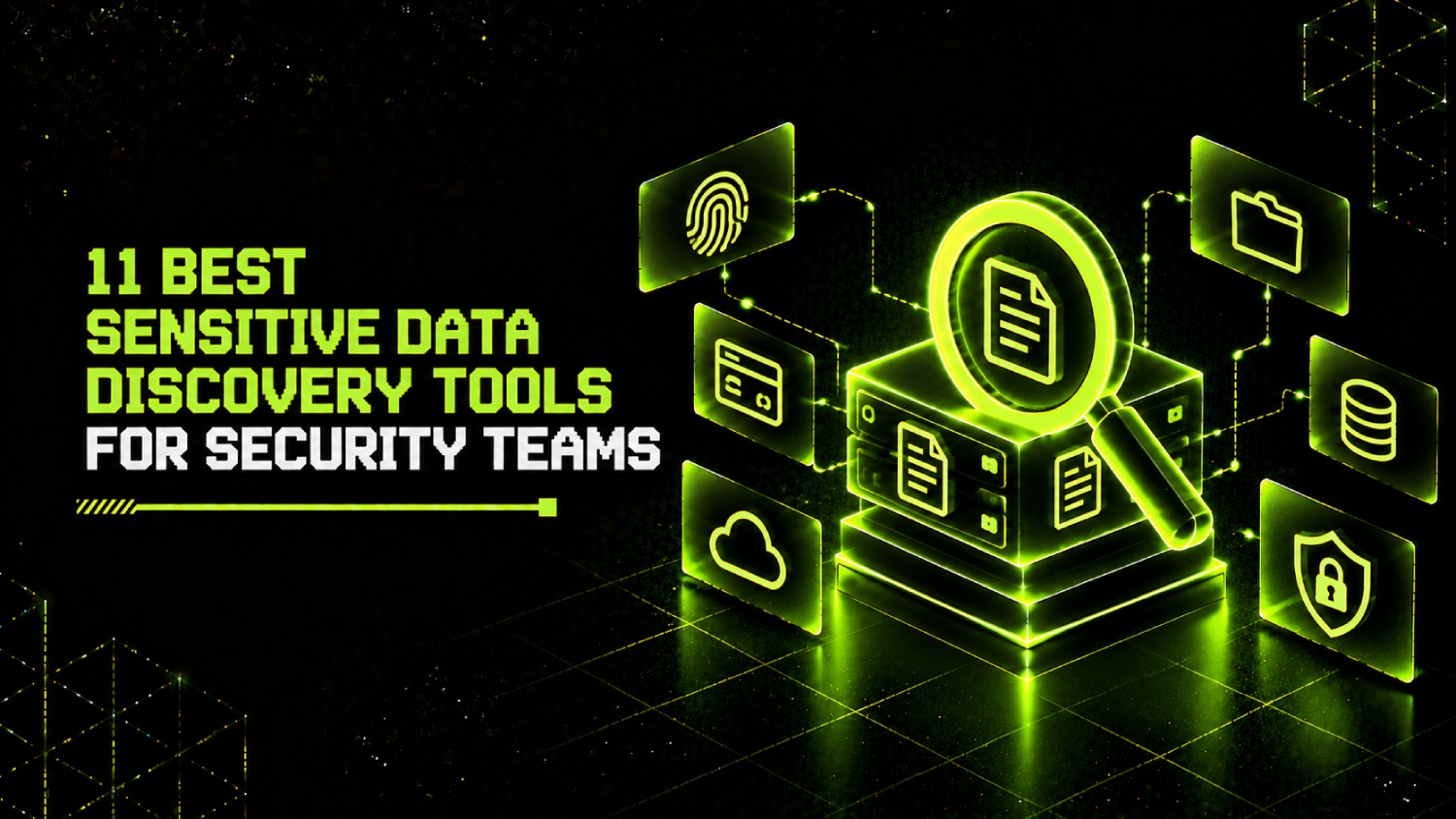
A sensitive data discovery tool scans data stores, classifies what it finds, and reports where sensitive data lives. That is the job. It answers the question: where is our PII, PHI, payment card data, and intellectual property, and how is it labeled?
A data security posture management (DSPM) platform does discovery as one component, then layers on access analytics, risk scoring, policy enforcement, and remediation workflows. Buying a DSPM when you need discovery is like buying a SIEM when you need log collection. The discovery capability is there, but you are paying for and deploying an architecture you are not ready to operate.
The distinction matters practically. Teams that need to answer a specific compliance question (where is cardholder data in our environment?) need a discovery tool. Teams that need continuous monitoring, data access governance, and exposure remediation across a multi-cloud estate need a DSPM. Several products in this list started as discovery tools and grew into DSPM platforms. That history shows in their classification depth, which tends to be stronger than vendors who built discovery as an afterthought inside a broader posture product.
Why Regex and Pattern Matching Alone Produce Unusable Results
Pattern matching works exactly as designed. It finds every nine-digit number in your environment. The problem is that nine-digit numbers appear in employee IDs, product serial codes, test fixtures, and configuration files, not just Social Security numbers. A scanner running pure regex against a 50TB file server will return tens of thousands of hits, most of which require manual review to classify correctly.
Consider a realistic scenario: a financial services company with 40TB of unstructured data on Windows file shares runs a regex-based PII scanner for the first time. The tool returns 800,000 findings flagged as potential SSNs. The security team has two analysts. At even one minute per finding, triage takes longer than the heat death of a fiscal year. The findings sit in a report nobody acts on.
The tools worth buying solve this with layered classification. They use proximity analysis (is the nine-digit number near the word “Social” or “SSN”?), document-type context (is this a W-2 template or a parts manifest?), and in stronger products, machine learning classifiers trained on labeled corpora of real-world sensitive data. The output is a prioritized finding list with a confidence score, not a raw count of pattern matches. That confidence score is what makes findings something a team can act on.
False-positive reduction is not a feature checkbox. It is the difference between a tool your team uses and one that generates reports nobody opens.
The SecurityOpsWire Classification Accuracy Test: How to Evaluate Tools Before You Buy
Most tool evaluations in this category go wrong because teams test on their own live data, which has no ground truth. Without knowing what is actually sensitive in the test set, you cannot calculate false-positive or false-negative rates. You can only observe that the tool found something.
The SecurityOpsWire Classification Accuracy Test fixes this with a controlled sample set approach. Build or acquire a test corpus with known ground truth before you evaluate any tool. The corpus should include four content types across both structured and unstructured formats.
- True positives: Files and records that genuinely contain sensitive data: real-format SSNs, credit card numbers passing the Luhn algorithm, names paired with dates of birth and addresses, PHI formatted per common EHR export patterns. Generate synthetic data using a library like Faker, confirm the format accuracy, and label every record.
- True negatives: Files that look like they could contain sensitive data but do not: documents with nine-digit employee IDs, configuration files with API keys in non-standard formats, spreadsheets with phone numbers that are internal extension codes.
- Format variation: The same SSN in plain text, in a PDF with light OCR noise, in a ZIP archive, and in a database column named “identifier” rather than “ssn.” Tools diverge sharply on format and encoding variation.
- Context noise: Redacted documents with partial numbers, historical records where PII has been masked but the masking format still triggers regex.
Run both finalist tools against this corpus. Calculate precision (of everything flagged, what percentage is actually sensitive?) and recall (of everything actually sensitive, what percentage did the tool find?). For most compliance programs, recall matters more than precision: missing a genuine SSN is worse than a false positive. But precision determines operational cost: how many analyst hours your team burns on triage.
Any vendor unwilling to let you run this test against their tool is telling you something important about their confidence in the output.
Which Sensitive Data Discovery Tools Cover On-Premises File Shares and Cloud Together?
On-premises file share coverage is the gap most teams discover after signing a contract. Cloud-first vendors built their scanners for S3, Azure Blob, and GCS. When asked about on-prem Windows file servers or NFS shares on legacy NAS, the answer is often a roadmap item.
The following table maps each tool’s primary scanning coverage across the environments most enterprise teams actually run.
| Tool | On-Prem File Shares (SMB/NFS) | Cloud Object Storage | SaaS Applications | Databases (Structured) | Endpoints |
|---|---|---|---|---|---|
| Spirion | Strong (agent-based) | Yes | Limited | Yes | Yes (agent) |
| Varonis | Strong (proxy + agent) | Yes | Yes (M365, Box, Salesforce) | Yes | Limited |
| BigID | Yes (connector-based) | Yes | Yes | Yes (strong) | Limited |
| Cyera | Limited (roadmap) | Yes (strong) | Yes | Yes | No |
| Securiti | Yes (connector) | Yes | Yes | Yes | Limited |
| Microsoft Purview | Yes (via MIP scanner) | Azure Blob only (native) | M365 strong, limited third-party | Yes (Azure SQL) | Yes (MDE integrated) |
| Concentric | Yes | Yes | Yes (M365, Google Workspace) | Limited | No |
| Strac | No | Yes | Yes (strong) | Yes | Yes (DLP agent) |
| Nightfall | No | Yes | Yes (API-first) | Yes | No |
| Google Cloud Sensitive Data Protection | No | GCS/BigQuery strong | Limited | BigQuery strong | No |
Teams with significant on-premises footprint should look at Spirion, Varonis, or Microsoft Purview first. Agentless cloud-first tools like Cyera are genuinely strong for cloud coverage but require an honest conversation with the vendor about their on-prem roadmap before signing a multi-year deal.
The 11 Best Sensitive Data Discovery Tools, Assessed for Classifier Quality and Operational Fit
1. Spirion
Spirion built its scanner on what the company calls “AnyFind” technology, which combines pattern matching, checksums, and file analysis to reduce false positives on unstructured data. The on-premises file share scanner is the strongest in this list for Windows environments, using an agent that runs locally and supports network share traversal without sending file contents to a cloud service, which matters for air-gapped or regulated environments.
Spirion’s classifier quality on mixed content (PDFs with scanned images, compressed archives, encrypted files it can prompt to open) is a practical strength that shows up in evaluations. The reporting workflow is built for compliance teams, with remediation tracking that connects findings to HIPAA, PCI DSS, and GDPR controls. Spirion’s website does not publish pricing; contact the vendor directly for a quote sized to your environment.
The operational cost to note: the agent-based architecture means deployment scales with your endpoint and server count. Large environments with thousands of servers require a deployment plan. The trade-off is depth of coverage, not a weakness.
2. Varonis
Varonis sits at the intersection of sensitive data discovery and data access governance. Its scanner finds sensitive data, and then it layers on who has access to that data, who is actually accessing it, and whether that access pattern looks normal. For security teams that care not just about where PII is but whether it is overexposed, this combination is the core value proposition.
Unstructured data classification is a genuine strength. Varonis handles file servers, NAS devices, SharePoint, OneDrive, Exchange, and cloud storage through a proxy architecture that does not require agents on every file server. The behavioral analytics component, which detects anomalous data access, is what differentiates Varonis from pure discovery tools. Varonis does not publicly list pricing; contracts are sized by managed data volume and environment complexity.
The operational reality: Varonis requires a deployment appliance (physical or virtual) in your environment. For teams without dedicated infrastructure to support it, this adds setup time. It is not a lightweight SaaS deployment, and sizing the appliance correctly for scan throughput matters.
3. BigID
BigID is the strongest option when the primary program goal is data inventory and governance rather than security detection alone. Its classification engine handles both structured and unstructured data with a connector model that spans databases, cloud storage, SaaS applications, and file shares. The catalog output is purpose-built for privacy and data governance workflows: record linkage across systems, data subject request automation, and retention policy management.
For security teams, BigID’s strength is in database classification depth. It samples and classifies database columns using ML-based inference, which means it can identify sensitive data in columns named “field_01” that a regex scanner would miss entirely. BigID does not publish pricing; it is quoted per data source and environment scale.
BigID is a heavier implementation than most tools in this list. Plan for a professional services engagement on initial deployment. The return on that investment shows up in programs that need a governed data catalog, not just a one-time scan result.
4. Cyera
Cyera is a cloud-native DSPM platform whose data discovery component is built for agentless deployment across AWS, Azure, and GCP. It spins up read-only compute in your cloud accounts, scans data stores without moving data out of region, and returns classified findings with access context. For teams that need fast time-to-value on cloud coverage without infrastructure overhead, the deployment model is a practical advantage.
Classification accuracy on cloud-native data types (Parquet files in S3, BigQuery tables, Snowflake schemas) is strong. Cyera’s access risk correlation, which flags sensitive data stores that are publicly accessible or overly permissioned, moves it toward DSPM territory rather than pure discovery. On-premises coverage is a limitation; teams with mixed environments should evaluate this directly with the vendor before committing.
Cyera does not publish pricing publicly. If your environment is predominantly cloud-based and you want a tool that also gives access visibility alongside classification, Cyera is worth including in a bakeoff. For deeper context on agentless DSPM deployment trade-offs across multi-cloud environments, the coverage comparison there is directly relevant.
5. Securiti
Securiti combines sensitive data discovery with privacy operations: data subject access request automation, consent management, and compliance workflow tracking. The classification engine handles structured and unstructured data across cloud, SaaS, and on-premises sources through a connector model.
For security teams at companies with a large privacy operations function, the appeal is consolidation: one platform for the discovery scan and for the downstream privacy workflow. For pure security-focused discovery programs, the extra complexity of the privacy operations layer may not add value. Securiti does not publicly disclose pricing.
The classification accuracy on unstructured data is good but not Varonis-level for file server depth. It is strongest in cloud data stores and SaaS sources. Teams running a privacy-led data governance program with a secondary security use case will get more value from Securiti than teams running a security-led program.
6. Microsoft Purview Information Protection
Microsoft Purview is the default choice for organizations that run primarily on Microsoft 365 and Azure. Its sensitivity label framework integrates with Teams, SharePoint, OneDrive, Exchange, and Azure services natively. The on-premises scanner (deployed as a Windows service) extends classification to local file shares and on-premises SharePoint without requiring a separate product.
The classification engine includes trainable classifiers that can be trained on your organization’s specific content, not just Microsoft’s pre-built categories. For regulated industries with document types that do not fit standard patterns (legal contracts, proprietary engineering specifications), trainable classifiers are a meaningful capability.
The honest limitation: Purview’s classification depth outside the Microsoft stack drops sharply. Third-party SaaS coverage requires connectors that vary in depth. Teams running a mixed vendor environment should test Purview’s non-Microsoft coverage directly before assuming the Microsoft advantage extends beyond M365. Purview licensing is bundled into Microsoft 365 E3 and E5 plans; specific DLP and information protection features are included at different tiers, and Microsoft’s licensing documentation is the authoritative reference for what is included where.
7. Concentric AI
Concentric uses semantic deep learning to classify data without requiring teams to write and maintain rules. The pitch is that the model understands document context rather than matching patterns, which reduces the tuning burden that plagues rules-based tools. In practice, this means less time spent maintaining a library of regex expressions and more time acting on findings.
Concentric covers M365, Google Workspace, cloud storage, and file shares. Its autonomous risk detection, flagging files that are mislabeled, overshared, or outside expected access patterns, makes it relevant for teams that want classification to feed access risk workflows. It is not a deep database scanner; that is not its primary use case.
For teams that have tried rules-based classifiers and found the maintenance cost too high, Concentric’s model-driven approach is worth a direct comparison. Pricing is not publicly disclosed.
8. Strac
Strac focuses on SaaS data loss prevention with an embedded discovery and classification layer. It connects to SaaS applications via API and scans for sensitive data in Slack messages, Google Drive documents, Salesforce records, Zendesk tickets, and similar sources. The endpoint DLP agent extends coverage to local device content.
For security teams at SaaS-heavy companies where the data risk is in collaboration tools rather than file servers, Strac’s coverage model fits the actual environment. It is not the right tool for teams whose primary concern is on-premises file shares or cloud infrastructure data stores. Strac’s pricing model is usage-based; the vendor does not publish public rates, and quotes vary by SaaS connector count and data volume.
9. Nightfall AI
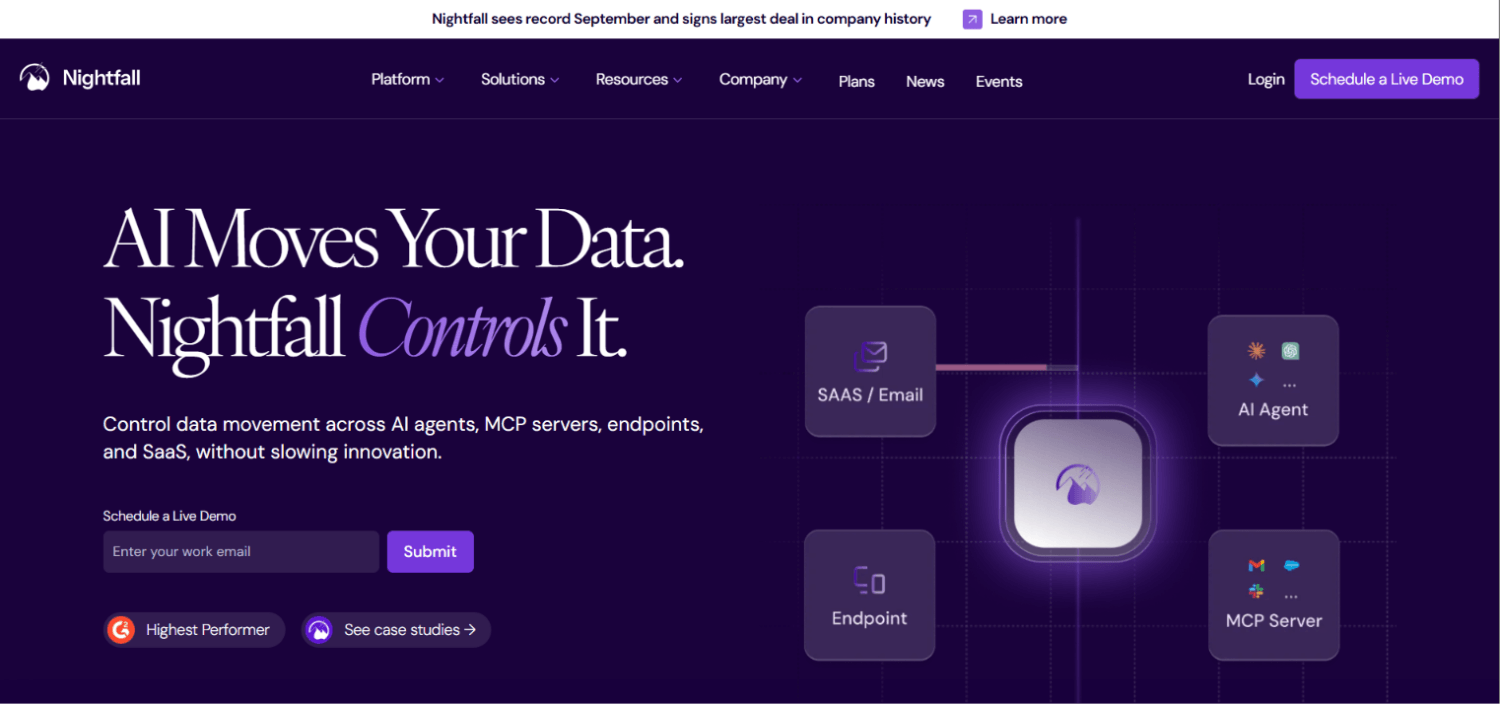
Nightfall is built API-first. Its detection engine is designed to be embedded into applications and workflows via API, which makes it particularly relevant for security engineering teams that want to build sensitive data detection into CI/CD pipelines, internal applications, or data pipelines rather than deploy a standalone scanner. Pre-built detectors cover PII, PHI, PCI, credentials, and secrets.
The developer-facing positioning means Nightfall fits a different buyer than most tools in this list. If your program goal is scanning cloud infrastructure and file servers, Nightfall is not the primary choice. If your goal includes detecting secrets and sensitive data in code repositories, developer collaboration tools, or application data flows, it warrants serious consideration. The API model also means it can complement a heavier enterprise scanner for specific use cases without replacing it.
For teams thinking about how sensitive data detection connects to application security programs, the relationship between data discovery and ASPM tooling for GitHub-centric engineering teams is worth reviewing, as secrets detection is a common overlap point.
10. Google Cloud Sensitive Data Protection
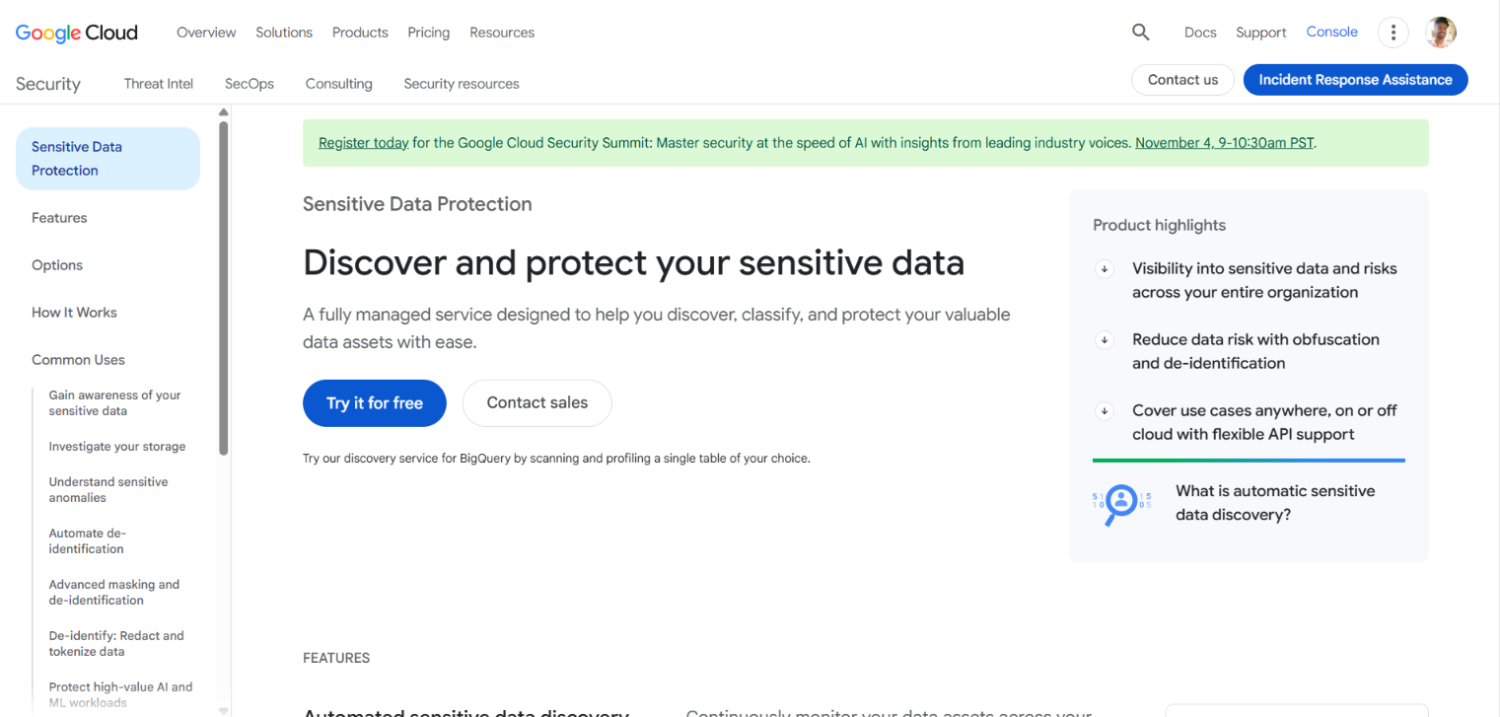
Google Cloud Sensitive Data Protection is the native choice for GCP-centric environments. It integrates directly with BigQuery, Cloud Storage, Datastore, and Pub/Sub, and its classifiers cover standard PII types across more than 150 countries. For GCP workloads, it is the lowest-friction option because it requires no additional deployment, runs as a managed API, and bills per data volume inspected.
Outside GCP, the coverage drops to what can be submitted via API. It is not a tool for scanning on-premises file servers or multi-cloud environments without significant custom integration work. Pricing is published on the Google Cloud Sensitive Data Protection pricing page; verify current rates directly there, as cloud service pricing changes frequently.
11. Nightfall for GenAI / AI Data Pipelines
When AI pipelines are ingesting enterprise data, sensitive data discovery at the pipeline level becomes a distinct problem from scanning storage. Nightfall’s API model is one of the few approaches that can be embedded directly into data preprocessing workflows before data reaches a model training job or a retrieval-augmented generation system. This is a niche use case, but it is a real one for teams managing AI deployments that touch regulated data. For the broader problem of securing data that feeds AI systems, the coverage of DSPM tools built specifically for AI and GenAI data security goes into more depth on what controls exist at the data pipeline layer.
How Are False Positives Tuned Down in Production?
Every tool claims false-positive reduction. The mechanisms differ, and the tuning burden lands on your team differently depending on the approach.
Rules-based tools (most legacy scanners) require you to write and maintain exclusion rules. You find that a pattern fires on product serial numbers, so you add an exclusion for that format. Then it fires on something else. The rules library grows, becomes brittle, and eventually requires a dedicated resource to maintain. This is what practitioners mean when they talk about “tuning debt.”
ML-based classifiers shift this burden in a meaningful way. The model learns from labeled examples, and false-positive feedback can be incorporated through retraining rather than writing exclusion logic. Tools like Concentric and BigID take this approach. The trade-off is that model behavior is less transparent than a rule: you know the model classified something incorrectly, but the reason requires more investigation than reading a regex string.
The most operationally sustainable approach in practice is a hybrid: ML classifiers for initial classification, with a thin rules layer for known organizational patterns (internal ID formats, proprietary document codes) that the model consistently misclassifies. Teams that try to run purely on rules end up with tuning debt. Teams that run purely on ML without organizational context rules tend to have persistent false-positive clusters on internal data formats the model was not trained on.
Confidence scoring is the practical mechanism that makes findings something a team can act on. Tools that assign a confidence score to each finding let you set a threshold: only alert on findings above 85% confidence, quarantine findings between 60-85% for periodic review, and discard below 60%. Spirion, Varonis, BigID, and Nightfall all surface confidence scores. Microsoft Purview uses a similar confidence band system for its built-in sensitive information types.
What Does Sensitive Data Scanning Cost per Terabyte?
Most vendors in this category do not publish per-terabyte pricing. That is not evasion; it reflects genuine complexity. Scanning cost depends on data store type (scanning a structured database is fundamentally different from OCR-parsing a directory of scanned PDFs), connector architecture, whether OCR is required, and scan frequency.
The pricing models break into three patterns:
- Data volume-based: Google Cloud Sensitive Data Protection publishes pricing for inspection jobs on its pricing page. For other vendors using this model, expect quotes to vary by total managed data volume, typically broken into tiers.
- Data source or connector-based: BigID, Securiti, and others price by the number of connected data sources, regardless of volume within each source. For environments with many small data stores, this can be more favorable than volume-based pricing. For environments with a small number of very large data stores, it can be less favorable.
- Seat or environment-based: Varonis prices by managed data volume. Spirion and Purview pricing is tied to licensing tiers and endpoint or user count respectively.
The honest operational cost calculation is not just the license. For agent-based tools, add deployment engineering time: budgeting 40-80 hours for a 1,000-server deployment is realistic, not pessimistic. For connector-based tools, each new data source requires connector setup and credential management. For any tool that produces high-volume findings, budget analyst hours for triage, or factor in whether the tool’s remediation workflow reduces that burden.
Teams evaluating these tools alongside broader data security posture questions should look at the DSPM platform comparison for context on how discovery licensing typically rolls up into larger platform contracts.
How to Structure a Proof-of-Concept Evaluation
A 30-day POC with no ground-truth test set produces a report that tells you how many things the tool found, not how accurate it is. Structure the evaluation differently.
- Build the controlled sample set before the vendor engages. Use synthetic PII generators (confirm the data is synthetic and not accidentally valid for any real individual) to create a corpus with known ground truth: exact counts of SSNs, credit card numbers, names with DOBs, and non-sensitive files with numeric patterns that look like sensitive data.
- Run the vendor’s default configuration first, with no tuning. This tells you the out-of-box precision and recall. Most teams never do this and instead let the vendor tune the demo environment, which produces misleadingly clean results.
- Then allow one tuning session: let the vendor’s team adjust classifiers, exclusions, and confidence thresholds. Run again. The gap between untuned and tuned results tells you how much ongoing maintenance the tool requires to perform at demo quality.
- Test against the formats your environment actually contains. If your most sensitive data is in old Excel files on a legacy NAS, test that. If it is in Salesforce records or Slack exports, test that. A tool that scores perfectly on S3 text files but misses Excel workbooks on SMB shares has not been tested for your environment.
- Measure total time-to-triage: how long does it take an analyst to work through one day of findings at the tool’s default sensitivity setting? That number tells you the real operational cost more directly than any vendor benchmark.
Frequently Asked Questions About Sensitive Data Discovery Tools
What is the difference between a PII discovery tool and a data classification tool?
A PII discovery tool scans environments to locate records containing personally identifiable information and reports where those records exist. A data classification tool assigns sensitivity labels to data, which can then drive access controls, DLP policies, and retention rules. In practice, most modern tools do both: they scan to find sensitive data and apply a classification label as part of the finding. The distinction matters when a vendor claims classification without meaningful discovery depth, or vice versa. Evaluate both capabilities independently during a POC.
How accurate is ML-based classification compared to regex-based scanning?
On well-defined, consistently formatted data types like SSNs and credit card numbers, regex performs comparably to ML. The gap opens on unstructured content: handwritten-to-PDF scans, inconsistently formatted legacy documents, and data types that require context to classify correctly. ML classifiers trained on labeled corpora consistently outperform pure regex on unstructured data in precision (fewer false positives) without sacrificing recall. The tuning burden is lower long-term with ML, but the model behavior is less transparent when it misclassifies something.
Which tool handles scanning at petabyte scale without degrading classification accuracy?
BigID and Varonis are the most consistently cited for large-scale structured and unstructured data environments respectively. BigID’s connector model and sampling approach for database classification is designed to handle large data volumes without full-table scans on every run. Varonis handles large file server environments through its proxy architecture. At petabyte scale, scan scheduling, incremental scanning (only scanning changed files since the last run), and sampling strategies matter more than raw throughput. Confirm your finalists support incremental scanning before evaluating full-corpus scan performance.
Can sensitive data discovery tools find data inside databases without read access to every table?
This depends on the tool and the database. Most tools request read-only access to database metadata (schema, column names, sample rows) rather than full-table access. ML-based column classification can infer sensitive data from column names and a small sample of values without reading the entire table. Tools that support schema-only sampling reduce database load and limit the credential permissions required for scanning. Ask vendors specifically what database permissions their scanner requires and whether schema-only sampling is supported for initial classification runs.
What scanning coverage do these tools have for GenAI training data and AI pipelines?
Most tools in this list scan storage where training data sits (S3 buckets, cloud databases, file shares) but do not intercept data in motion through a pipeline. Nightfall’s API model is the exception: it can be embedded into data preprocessing workflows to scan content before it reaches a model or retrieval system. For teams whose concern is sensitive data entering AI systems through RAG pipelines or fine-tuning jobs, API-embedded scanning at the pipeline level is the relevant control, not storage scanning alone. The DSPM tools built for AI data security cover this intersection in more depth.
How long does an initial scan of a large environment take?
First-run scan duration depends on data volume, network throughput between scanner and data store, OCR requirements, and whether the tool samples or performs full reads. A realistic range for a 10TB unstructured file share: anywhere from hours to several days depending on scanner architecture, concurrency settings, and whether optical character recognition is applied to image-based PDFs. Ask vendors for reference scan rates (GB per hour) at your expected concurrency setting, and confirm those figures against reference customers in environments similar in size to yours.
What makes sensitive data discovery relevant to non-human identity security?
Service accounts, API keys, and automation credentials often have access to sensitive data stores that human access reviews never examine. A sensitive data discovery program that maps where PII and regulated data lives also reveals which non-human identities have access to those stores, frequently with permissions far broader than the automation requires. This intersection between data discovery and machine identity governance is where discovery findings feed directly into access risk remediation. Teams exploring this connection should look at non-human identity security platforms for the access governance side of that problem.
Conclusion
The real evaluation question for sensitive data discovery tools is not how many patterns the scanner supports. It is what percentage of your team’s triage time goes toward findings that turn out to be nothing. That ratio, precision in statistical terms, is what determines whether discovery output drives action or generates noise that trains your team to ignore it.
Classifier quality and context awareness separate the tools that work in production from the ones that work in demos. A tool that returns 50,000 findings requiring manual review is not better than one that returns 5,000 findings at 90% precision. It is worse, because it consumes the analyst hours that would otherwise go toward remediation. Before any purchase decision, run the controlled sample set evaluation described in this article. The gap between untuned and tuned results, and between vendor A and vendor B on your specific content types, will be more instructive than any feature matrix.
One final distinction to keep in mind: the tools that started as pure discovery scanners (Spirion, Varonis, early Nightfall) have different classifier depth than platforms where discovery is one module among many. If classification accuracy on mixed content types is the primary requirement, that history shows in the output. Buy the tool whose core engineering effort has gone into the problem you are trying to solve, not the tool where that problem is one checkbox in a broader platform roadmap.