
- Security Copilot operates as embedded assistance inside Microsoft’s tooling stack; third-party AI SOC platforms take end-to-end ownership of alerts, including sources Sentinel never touches.
- Integration depth varies sharply: some tools use the Log Analytics API directly, others run as Logic Apps connectors, and a handful now support the Sentinel MCP path for agent-to-tool access, each with different ingest cost implications.
- Security Copilot bills in Security Compute Units (SCUs); at scale, a third-party AI analyst layer can cost less per resolved alert than running Copilot sessions against a high-volume Sentinel workspace.
- Defender XDR support is not universal among third-party tools; verify whether a vendor ingests Defender alerts natively or re-ingests them through Sentinel, which doubles your ingest cost on that telemetry.
- The tools that add the most value in Sentinel environments are the ones that close the coverage gap on non-Microsoft sources: cloud infrastructure logs, Linux endpoints, SaaS APIs, and OT telemetry.
The best AI SOC tools for Microsoft Sentinel environments fall into two non-overlapping categories: Microsoft Security Copilot, which provides AI assistance embedded inside Sentinel and Defender XDR for analysts who are already in those consoles, and third-party AI SOC platforms, which take autonomous ownership of the full alert queue including sources Sentinel does not natively cover. For most mid-market and enterprise teams running Sentinel as their primary SIEM, the right answer is not one or the other but a clear-eyed understanding of where each layer stops working.
Why Microsoft Security Copilot Does Not Replace a Third-Party AI SOC Layer
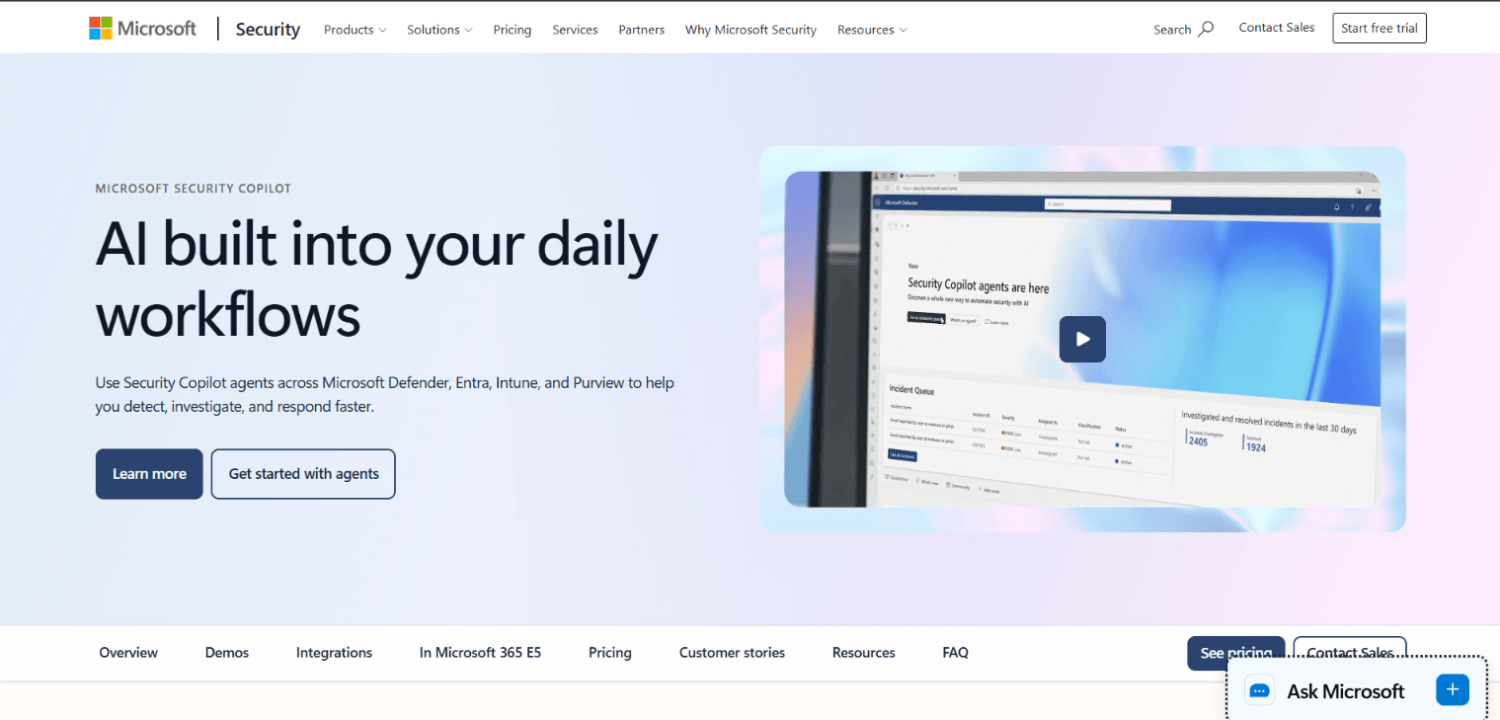
Microsoft Security Copilot is genuinely useful for what it does: it accelerates analyst workflows inside Sentinel and Defender XDR by summarizing incidents, generating KQL queries, and surfacing threat intelligence from Microsoft’s graph. The problem is the constraint embedded in that description. Copilot is an analyst productivity tool, not an autonomous triage engine. It does not close alerts without a human in the loop. It does not own the workflow from alert creation to disposition.
The second constraint is source coverage. Copilot works well on Microsoft telemetry because it has deep context from Defender products, Entra ID, and the Microsoft threat intelligence graph. For a Sentinel workspace that ingests Palo Alto firewall logs, Okta events, AWS CloudTrail, or Linux endpoint telemetry from a non-Microsoft EDR, Copilot’s contextual enrichment degrades. The non-Microsoft signals are present in the workspace, but Copilot does not have the same depth of product-specific knowledge to reason over them.
Third-party AI SOC platforms are built differently. They are designed to own the full alert lifecycle autonomously: ingest, triage, investigate, enrich, and either close with documented reasoning or escalate with a pre-built case. That is the operational gap they fill in a Sentinel environment, not better KQL, but alert ownership without a human for the first one to four hours of the investigation.
How Third-Party AI SOC Tools Actually Integrate With Microsoft Sentinel
Integration architecture determines your ingest cost and your latency. There are three distinct paths a third-party tool can take to connect with Sentinel, and they are not equivalent.
Log Analytics API and Direct Workspace Query
The most common integration: the third-party platform authenticates to your Log Analytics workspace via a service principal, queries alert or incident tables (SecurityAlert, SecurityIncident), and pulls the relevant event records for investigation. This approach does not re-ingest data into Sentinel; it reads from what is already there. The cost impact is query cost, not ingest cost, which under Sentinel’s pricing model is generally lower than a re-ingest scenario.
Logic Apps Connectors and Automation Rules
Sentinel’s native automation layer can trigger a Logic Apps playbook on incident creation, which calls a webhook at the third-party platform. This is a push model: Sentinel pushes incident metadata to the tool rather than the tool polling for it. Latency is lower, and the tool does not need standing read access to your workspace. The trade-off is orchestration complexity: the playbook must be maintained, and if the third-party tool’s endpoint changes, you have a broken automation rule that may fail silently.
The Sentinel MCP Path
The Model Context Protocol path is newer and less mature but worth understanding for teams already evaluating agent-to-tool access models. In this architecture, an AI agent uses MCP server tooling to query Sentinel workspace data, run KQL, and write back investigation notes or close incidents, all through a structured tool-call interface rather than a raw API. The security implications of this path are non-trivial: an agent with write access to Sentinel through an MCP server can modify incidents, close alerts, and create automation rules. Teams exploring this model should review the access control design carefully before granting those permissions. For a broader treatment of how MCP access controls work in security tooling, see our coverage of MCP gateway versus AI gateway architecture.
Defender XDR Alongside Sentinel
Many environments run both Sentinel and Defender XDR, with Defender XDR as the primary alert surface for Microsoft endpoint and identity telemetry and Sentinel as the correlation and retention layer. Third-party tools that support both products natively can ingest Defender XDR incidents directly via the Defender XDR API and Sentinel incidents separately, avoiding double-counting. Tools that only integrate with Sentinel will re-ingest Defender XDR alerts through the Sentinel connector, which means you pay Sentinel ingest costs on telemetry that already exists in Defender XDR. Ask every vendor explicitly: does your tool pull from the Defender XDR API independently, or does it rely on the Sentinel connector for Defender data?
The SecurityOpsWire Sentinel Cost Stack: How to Model What You Actually Pay
Before comparing vendor pricing, build the cost model for your existing Sentinel environment. There are two separate consumption meters that third-party AI SOC tools affect differently.
Sentinel ingest pricing follows a commitment tier or pay-as-you-go model billed per GB ingested into the Log Analytics workspace. Microsoft’s public pricing page lists these tiers; the specific per-GB rate depends on your commitment level and region. Adding a third-party AI SOC tool does not change your ingest cost if the tool reads from existing tables. It raises ingest cost only if it writes back to the workspace (investigation notes, enrichment records, or custom table entries), which some tools do by design.
Security Copilot bills separately in SCUs. The Microsoft Security Copilot pricing page does not publish a per-SCU rate; it directs prospective buyers to contact sales for pricing specific to their requirements. Because per-SCU rates are not publicly disclosed, the per-session cost at any given usage level cannot be independently modeled without a vendor quote. A high-volume SOC running Copilot against every Sentinel incident can see SCU costs accumulate faster than expected, particularly if analysts are iterating on the same incident across multiple sessions, but the rate at which that happens depends on contract terms your team will need to obtain directly from Microsoft.
To illustrate the trade-off with a hypothetical that is explicitly not based on published rates: imagine a team ingesting 80 GB per day into Sentinel, handling 400 incidents per month, with two Tier-1 analysts spending an average of 25 minutes per incident on initial triage. Running Copilot on every incident adds SCU consumption per session at a rate your Microsoft account team can quote; running a third-party autonomous triage tool instead removes the analyst time cost but adds a per-seat or per-incident licensing fee from the vendor. The break-even point depends on your negotiated SCU rate and the vendor’s pricing model. Neither approach is universally cheaper. The math depends on incident volume, incident complexity, and how much Copilot session depth your analysts actually need, and it can only be done accurately after getting real numbers from both Microsoft and the third-party vendor.
The 9 Tools and Their Sentinel Integration Depth
1. Dropzone AI
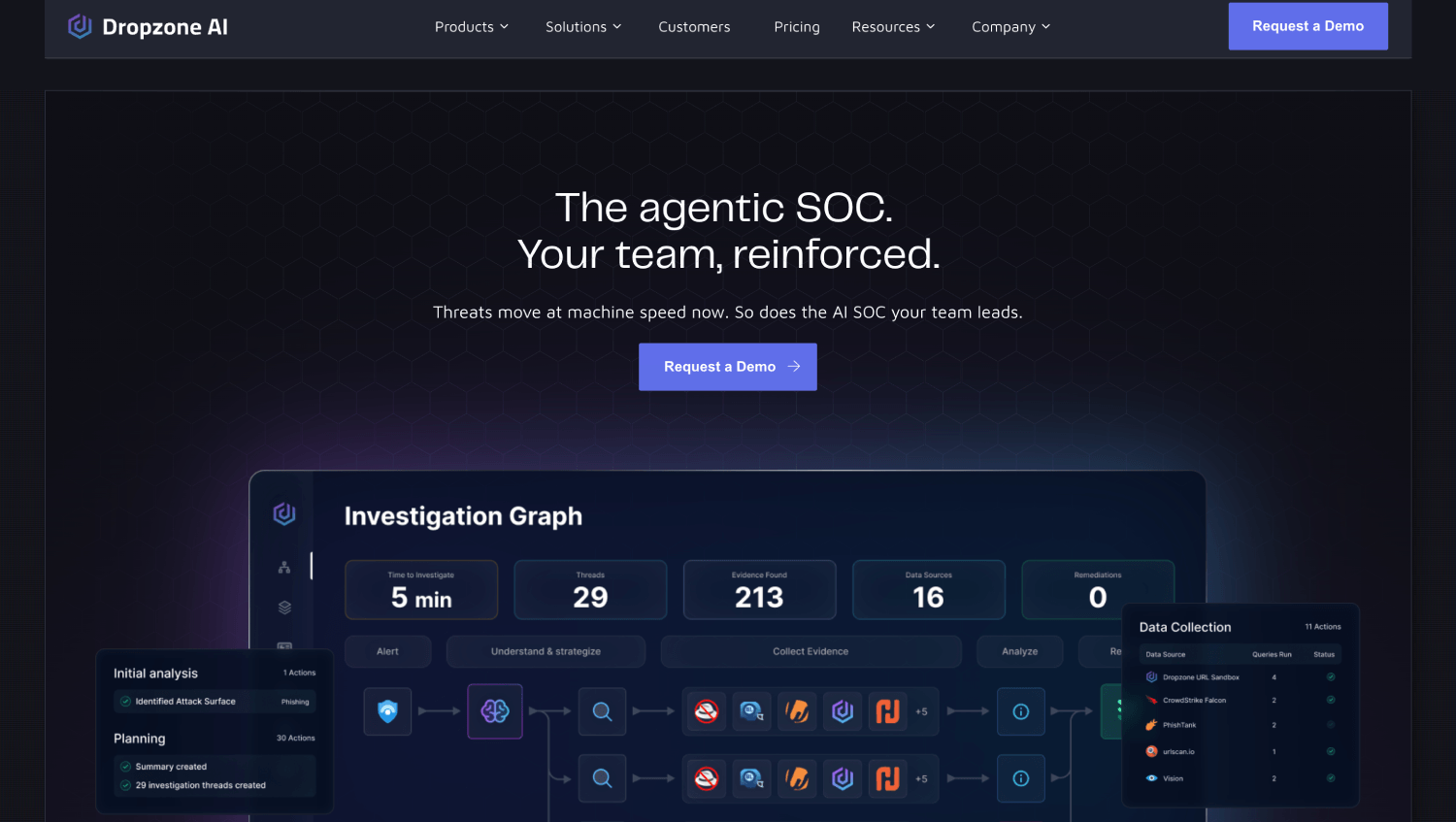
Dropzone AI positions itself as an autonomous AI SOC analyst that investigates alerts end-to-end without human involvement on Tier-1 work. Its Sentinel integration reads from the Log Analytics workspace via API and supports Defender XDR as a separate native data source, which avoids the re-ingest problem on Microsoft telemetry. Dropzone produces a written investigation report for each alert, documenting the reasoning chain, evidence reviewed, and disposition decision.
The platform covers non-Microsoft sources directly, including Okta, CrowdStrike, and AWS, which means a mixed-signal Sentinel environment gets genuine coverage across the full alert queue rather than only on Microsoft-sourced incidents. Pricing is not publicly disclosed; Dropzone quotes per environment. For teams evaluating autonomous SOC platforms more broadly, our comparison of autonomous SOC platforms for lean security teams covers the operational trade-offs.
2. Prophet Security
Prophet Security integrates with Sentinel through the Log Analytics API and supports incident write-back, meaning it can update Sentinel incident status and add comments as it works through an investigation. The platform focuses on AI-driven investigation rather than just triage scoring; it reasons across alert context, user behavior, and asset risk before returning a decision.
Prophet supports Defender XDR alongside Sentinel and ingests from cloud infrastructure sources independently. The combination makes it a reasonable fit for environments where the Sentinel workspace is the correlation layer but not the sole alert source. Pricing is not publicly disclosed.
3. Radiant Security
Radiant Security runs an AI SOC analyst that triages and investigates Sentinel incidents autonomously. The platform’s Sentinel integration uses both alert ingestion and bidirectional write-back: it pulls incidents, works them, and updates the Sentinel incident record with its findings. Radiant specifically addresses the alert volume problem in large Sentinel deployments, where the sheer number of medium-severity incidents creates tuning debt that human analysts cannot keep current.
One operationally relevant detail: Radiant’s enrichment process queries external threat intelligence sources as part of investigation, which means investigation quality is not purely a function of what is in the Sentinel workspace. Pricing is not publicly disclosed.
4. Intezer
Intezer approaches AI SOC from a malware analysis and alert triage angle. Its Sentinel integration pulls SecurityAlert records and runs autonomous triage on endpoint and malware-related alerts, returning a verdict with supporting evidence. Intezer’s differentiation is depth of analysis on binary and code-based threats: it decomposes malware samples and maps code reuse to known threat families, which Copilot does not do natively.
For Sentinel environments where endpoint detection is a primary use case and a significant share of alert volume comes from Defender for Endpoint or a third-party EDR via the Sentinel connector, Intezer adds genuine investigation depth that generic AI triage tools do not match. Intezer does not publicly disclose list pricing and quotes per environment.
5. Torq
Torq is a security automation platform with an AI layer, closer in category to an AI-augmented SOAR than a fully autonomous SOC analyst. Its Sentinel integration is connector-based and supports bidirectional communication: it can trigger on Sentinel incidents via Logic Apps and write back statuses and comments. Torq’s strength is breadth of integrations rather than depth of autonomous investigation; it connects to more tools and systems than most dedicated AI SOC platforms.
The trade-off is automation design overhead. Torq requires workflow configuration to define what the AI does with each alert type, whereas purely autonomous platforms make those decisions without workflow templates. For teams that want control over the automation logic and have the engineering capacity to build and maintain playbooks, Torq is the stronger fit. For teams that want the AI to own the decision without playbook design, it is not the right tool. Torq does not publicly disclose per-tier pricing.
6. Conifers.ai
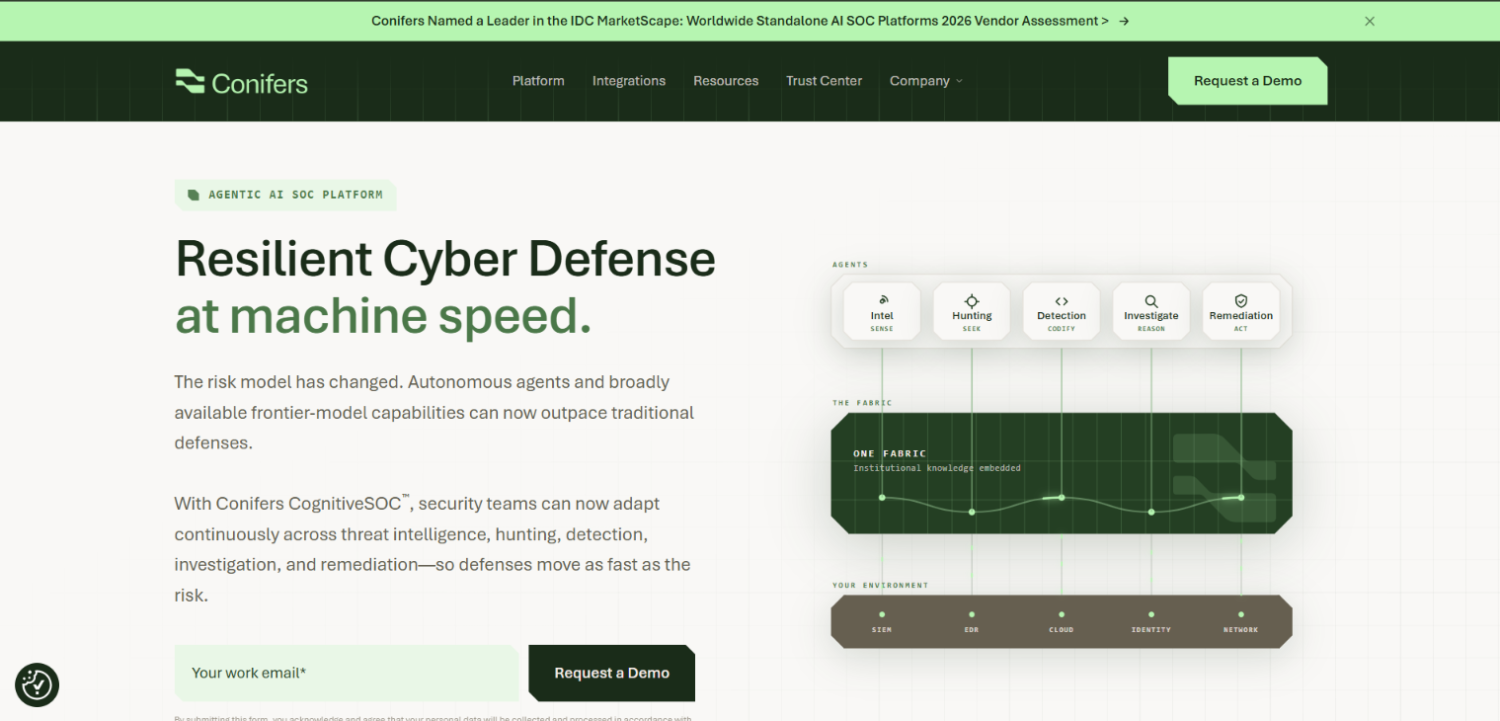
Conifers.ai focuses on Sentinel-native AI investigation, with integration built specifically around the Sentinel and Defender XDR data model. The platform’s approach emphasizes reducing mean time to respond on high-fidelity alerts by running autonomous investigation workflows that draw on the full incident graph available in the Sentinel workspace.
Conifers is relatively earlier in market visibility than some of the other tools on this list, but it is worth evaluating specifically for teams whose stack is predominantly Microsoft because the Sentinel-native design means less integration surface to maintain. Pricing is not publicly disclosed.
7. Exaforce
Exaforce positions its AI SOC capability around agentic investigation, with agents that can reason across multiple data sources and execute investigative steps autonomously. The Sentinel integration path uses the Log Analytics API for read access and supports enrichment from threat intelligence and identity sources outside the Sentinel workspace.
Exaforce’s differentiation relative to simpler triage scoring tools is the multi-step reasoning model: the agent does not just score an alert, it runs a sequence of investigation actions and documents each step, producing an audit trail that maps to analyst workflow expectations. For security teams that need to demonstrate investigation process to auditors or compliance programs, that audit trail matters operationally. Pricing is not publicly disclosed.
8. Microsoft Security Copilot
Security Copilot belongs on this list because it is the default choice most teams consider first, and being clear-eyed about what it does and does not do is prerequisite to evaluating the alternatives. Copilot is embedded directly in the Sentinel console and in Defender XDR; it can summarize incidents, write and explain KQL, surface relevant threat intelligence, and generate natural-language descriptions of attack chains for briefing leadership.
What Copilot does not do: close alerts autonomously, own the investigation workflow without analyst interaction, or provide meaningful depth on alerts originating from non-Microsoft products. It is an analyst assistant, and it is a good one for analysts who live in Sentinel. The SCU pricing model means cost scales with usage depth, not incident volume, which can be favorable for environments with high alert volume but shallow per-alert investigation, and unfavorable for complex incident investigation where analysts iterate heavily within a session.
9. Sublime Security (for Email-Sourced Sentinel Alerts)
Sublime Security is not a general-purpose AI SOC tool, but it is directly relevant for Sentinel environments where a significant share of alert volume originates from phishing and email threats. Sublime ingests email and produces high-fidelity verdicts that feed into Sentinel as structured alerts, reducing the noise from Microsoft Defender for Office 365 detections and giving the downstream AI SOC layer cleaner signal to work from.
Including a purpose-built email analysis layer upstream of the AI triage tool materially reduces false-positive burden across the full alert queue. That upstream noise reduction is often more cost-effective than tuning the AI SOC platform itself to handle low-quality email alert signal. Pricing is not publicly disclosed for enterprise tiers.
Integration Depth and Defender XDR Support: Side-by-Side
| Tool | Sentinel Integration Method | Bidirectional Write-Back | Defender XDR Native API | Non-Microsoft Source Coverage | Autonomous Close (No Human) |
|---|---|---|---|---|---|
| Dropzone AI | Log Analytics API | Yes | Yes | Yes (Okta, CrowdStrike, AWS) | Yes |
| Prophet Security | Log Analytics API | Yes | Yes | Yes | Yes |
| Radiant Security | Log Analytics API + Write-back | Yes | Partial (via Sentinel connector) | Yes | Yes |
| Intezer | Log Analytics API | Partial | Via Sentinel connector | Limited (endpoint-focused) | Yes (endpoint/malware alerts) |
| Torq | Logic Apps / Webhook | Yes | Via connector | Yes (workflow-defined) | Workflow-dependent |
| Conifers.ai | Sentinel-native | Yes | Yes | Limited | Yes |
| Exaforce | Log Analytics API | Yes | Partial | Yes | Yes |
| Security Copilot | Native (embedded in Sentinel) | Yes | Yes (native) | Limited context depth | No (analyst-in-the-loop) |
| Sublime Security | Alert feed into Sentinel | No | No | Email sources only | Yes (email verdict) |
Note: Integration details are based on vendor documentation and public product descriptions current at publication. Verify bidirectional write-back behavior directly with each vendor before committing, as this capability affects both your Sentinel ingest cost and your incident audit trail.
What Does Adding a Third-Party AI SOC Tool Do to Sentinel Ingest and Query Cost?
The short answer: read-only integrations have near-zero ingest cost impact. Write-back integrations add ingest cost that scales with the volume and size of data the tool writes back to the workspace.
Tools that write investigation notes, enrichment records, or custom table entries into the Log Analytics workspace generate new billable ingest. Depending on the verbosity of the tool’s write-back format, this can add meaningful cost in high-volume environments. Before deploying a tool with write-back capability, ask the vendor how much data their platform writes back per incident on average, vendors vary significantly in how much they document this, so treat any estimate as a starting point and validate it against your own incident volume during a proof of concept. Multiply by your monthly incident count and apply your per-GB ingest rate to build a cost projection you can defend at procurement.
Query costs are a separate line. Sentinel charges for Log Analytics queries beyond included amounts in certain pricing tiers. A tool that polls the workspace frequently for new incidents, or that runs wide KQL queries as part of investigation, will generate query charges that do not appear in a simple ingest cost estimate. The Logic Apps trigger model avoids repeated polling but introduces its own costs through Logic Apps execution pricing, which is per-action rather than per-GB.
For teams evaluating the full Sentinel AI SOC cost picture, the categories to model are: existing ingest cost, query cost from third-party tool polling, write-back ingest from tool output, Logic Apps execution cost if using the connector model, SCU consumption if running Copilot in parallel, and the vendor’s own license fee. Getting all six numbers before a procurement decision is the minimum standard of due diligence.
Which Teams Should Run Security Copilot Alone Versus Adding a Third-Party Layer?
Teams whose alert sources are predominantly Microsoft products, whose analysts are experienced Sentinel users who benefit from natural-language query assistance, and whose primary bottleneck is investigation speed rather than investigation volume are the strongest fit for Security Copilot as a standalone AI layer. The tool is well-matched to a skilled SOC that needs an AI co-analyst, not a replacement for Tier-1 headcount.
Teams running mixed-vendor environments, where Sentinel ingests from Palo Alto, Okta, Splunk-sourced data, AWS, or non-Microsoft EDR products, get diminishing returns from Copilot on non-Microsoft alerts and should evaluate third-party tools for that alert population. The same applies to teams with a genuine Tier-1 headcount problem: if the bottleneck is the number of incidents waiting for a human to open them, an autonomous triage platform solves a different problem than Copilot does.
Running both is a legitimate answer for larger environments. Copilot provides analyst assistance on complex Microsoft-sourced incidents; a third-party autonomous platform handles the high-volume, repetitive Tier-1 queue across all sources. The cost model for the combined approach requires honest accounting of SCU consumption plus third-party licensing, but the operational benefit is a SOC where analysts spend most of their time on incidents that actually need human judgment. Our broader coverage of AI SOC platforms covers the category-level decision criteria in more depth.
How to Evaluate AI SOC Tools Against Your Sentinel Environment: The SecurityOpsWire Sentinel Fit Test
Most evaluations start with feature demos. A more reliable evaluation starts with four questions that the vendor’s sales cycle will not surface on its own.
First: what is the tool’s false-positive rate on your specific alert mix? Ask for a trial against live Sentinel incidents, not a curated demo dataset. The tool’s accuracy on generic phishing alerts tells you nothing about how it handles the specific detection rules your team has written. Second: does the tool’s investigation reasoning match what your analysts would document? Pull ten closed investigations from the tool and have a senior analyst review the reasoning chain. A tool that closes alerts correctly but cannot explain its reasoning in terms that survive an auditor or a post-incident review is a liability, not an asset. Third: what is the re-escalation rate? An autonomous triage tool that escalates 80% of incidents back to Tier-1 with inadequate context has not improved your operational load; it has added a processing step. Fourth: what is the total cost per resolved incident, including analyst time on escalations, vendor license, and the Sentinel cost impact described above?
These four questions produce numbers that a feature matrix does not. They also surface the difference between a tool that is impressive in a demo and one that actually reduces alert backlog in production. For teams thinking through the broader AI agent security implications of deploying autonomous tools inside their SOC environment, our analysis of AI SOC analyst tools for Tier-1 investigation covers the agent trust and escalation design considerations.
Frequently Asked Questions
Does Microsoft Sentinel use AI natively, and does that make third-party AI tools redundant?
Sentinel includes machine learning-based anomaly detection, fusion analytics that correlate low-fidelity signals into high-fidelity incidents, and native integration with Security Copilot. These capabilities reduce alert noise and assist analyst investigation. They do not autonomously investigate and close alerts, and they do not provide deep contextual reasoning on non-Microsoft alert sources. Third-party AI SOC tools address the autonomous closure and cross-source investigation gaps that Sentinel’s native AI does not cover.
How does Security Copilot pricing work relative to a third-party AI SOC platform?
Security Copilot bills in Security Compute Units, where each session consumes SCUs based on task complexity. Microsoft does not publish a per-SCU rate on its public pricing page; actual rates require contacting Microsoft sales. Third-party AI SOC platforms typically charge per seat, per incident, or as a flat subscription. At high incident volumes with shallow per-incident investigation depth, some third-party platforms cost less per resolved alert than equivalent SCU consumption. The comparison requires knowing your negotiated SCU rate and your vendor’s contract structure.
What Sentinel integration method avoids adding ingest cost?
Read-only integrations via the Log Analytics API do not generate new ingest cost because they query existing data rather than writing new records. The Logic Apps connector model introduces Logic Apps execution costs but not ingest costs. Tools that write back investigation notes, enrichment data, or custom tables to the Sentinel workspace do generate ingest cost that scales with write-back volume. Always ask a vendor whether their platform writes any data back to your workspace and request information on the typical data volume per incident.
Which AI SOC tools support Defender XDR natively alongside Sentinel?
Dropzone AI, Prophet Security, Conifers.ai, and Security Copilot support Defender XDR as a distinct data source alongside Sentinel. Tools that do not have a native Defender XDR API integration will access Defender XDR data through the Sentinel connector, which means you pay Sentinel ingest costs on Defender telemetry. Verify this directly with each vendor; the distinction between native Defender XDR integration and connector-mediated access has direct cost implications in environments where Defender products generate significant alert volume.
What is the Sentinel MCP path and is it production-ready?
The Model Context Protocol path allows AI agents to interact with Sentinel data and capabilities through structured tool calls, enabling query execution, incident retrieval, and write-back through a defined interface rather than raw API calls. This approach is emerging rather than broadly deployed, and production MCP integrations with Sentinel remain uncommon among third-party tools at this stage. Teams evaluating MCP-based access should pay close attention to the permission scope granted to agents, since write access through MCP allows incident modification and automation rule creation with the same consequences as direct API write access. For a detailed look at how these access models are structured, see our coverage of MCP security tools.
Can a third-party AI SOC tool handle both Sentinel incidents and alerts from sources not connected to Sentinel?
Several can. Dropzone AI, Prophet Security, and Exaforce support direct API integrations with sources like Okta, CrowdStrike, and AWS that operate independently of the Sentinel connector. This means the tool can investigate alerts from those platforms without requiring that you route all telemetry through Sentinel first. For teams that have intentionally excluded certain data sources from Sentinel to control ingest costs, this architecture preserves that cost control while still getting AI triage coverage on those sources.
The Decision That Most Teams Get Backwards
Most Sentinel teams evaluate third-party AI SOC tools by asking whether the tool integrates with Sentinel. That is the wrong first question. The right first question is what percentage of your incident volume comes from non-Microsoft sources, and whether your primary bottleneck is analyst productivity or alert backlog volume. Security Copilot answers the first problem. An autonomous AI SOC platform answers the second.
Teams that run Security Copilot to solve an alert backlog problem will find that SCU costs climb as analysts open more sessions trying to process more incidents, without any corresponding reduction in the queue. Teams that deploy an autonomous triage platform to solve an analyst productivity problem will find that the tool handles the easy incidents fine but does not help analysts move faster on the complex ones that actually need investigation depth.
The clearest mental model: Copilot extends what each analyst can accomplish per hour by giving them faster access to context, KQL, and summarization. A third-party autonomous AI SOC tool removes analyst time entirely from the repetitive 60 to 70 percent of the alert queue that does not require skill, only judgment. Both are worth having in a mature Sentinel environment. The question is which gap hurts more right now, and whether the combined cost of running both can be justified by the operational outcome. That cost model, built honestly against your specific Sentinel workspace, is the only analysis that produces a defensible procurement decision.