
TLDR
- Endpoint DLP agents intercept file system operations and clipboard events at the OS level. They cannot inspect what happens inside a browser tab after a page renders, which means paste into ChatGPT, Gemini, or any web form is outside their visibility entirely.
- Browser DLP operates above the OS layer, inside the browser’s rendering engine, so it can read what a user types, pastes, or uploads to any web destination, including generative AI tools, before the data leaves the device.
- Microsoft Purview includes Edge DLP controls, but only at the Microsoft 365 E5 Compliance or E5 licence tier. Customers on E3 or standalone Purview plans get endpoint DLP coverage for Edge, not full in-browser session control.
- The GenAI paste-prevention use case is the fastest way to validate browser DLP before a broader rollout. It is a single, measurable data flow with clear business risk and a defined test population.
- Dedicated browser DLP vendors do not publish public list pricing. Evaluating total cost requires going through a vendor sales cycle and building an operational cost model alongside the licence cost, alert volume, tuning time, and analyst capacity all factor in.
Browser DLP tools enforce data loss prevention controls directly inside the browser session, covering paste, in-page typing, file uploads, and rendered content capture that endpoint agents cannot see. The vendors covered here include Microsoft Purview, Island, Menlo Security, Strac, Keep Aware, Akamai Workforce Protector (formerly LayerX), CrowdStrike Falcon Seraphic, Netskope, Zscaler, and Push Security, evaluated on their depth of in-browser control, GenAI-specific coverage, and deployment model.
Why Endpoint DLP Misses Browser Activity
Most endpoint DLP deployments hook the Windows or macOS clipboard API and monitor file system writes. That design covers a real set of risks: files copied to USB drives, documents saved to unmanaged cloud storage, sensitive data printed to PDF. What it does not cover is what happens after a browser tab is open and a user pastes text into a web form.
When a user copies a block of PII from a spreadsheet and pastes it into ChatGPT’s text input, no file is written to disk. The data moves from the clipboard into the browser’s DOM, from the DOM into an HTTPS POST request, and from there to OpenAI’s servers. An endpoint agent watching the clipboard event sees that a paste occurred, but cannot inspect the target field’s context: which site, which form element, whether the destination is a sanctioned SaaS application or a consumer AI tool. Blocking every paste system-wide is not a practical policy for a working organization.
In-browser DLP closes that gap by operating inside the browser process itself, either through a browser extension with access to DOM events, through a managed enterprise browser that has native policy enforcement built in, or through a Security Service Edge proxy that intercepts traffic before it reaches the destination. Each architecture sees different signals at different fidelity levels, and that matters when you are writing policy.
How Does Browser DLP Differ from Endpoint DLP?
The architectural difference determines what each tool can and cannot enforce. Endpoint DLP operates at the OS and file system layer, inspecting file operations, clipboard events, and application-level data transfers. Browser DLP operates at the session layer, inside or adjacent to the browser process, where it can read DOM content, form field values, upload targets, and rendered page text.
Endpoint DLP handles these correctly: block USB exfiltration, block printing of classified documents, block local application-to-application paste where both apps are monitored. Browser DLP handles these correctly: block paste of credit card numbers into a consumer AI chat interface, block upload of engineering specs to a file-sharing site, warn on typing of API keys into a public form. The failure mode for relying only on endpoint DLP is exactly the GenAI paste scenario: the data never touches the file system, so the agent never fires.
Teams that already hold enterprise DLP licences (Microsoft Purview, Symantec, Forcepoint) should map their existing policy coverage against browser-specific data flows before buying a standalone browser DLP product. In many cases the existing licence covers part of the gap, and the real question is which specific flows remain exposed.
The Paste-Into-GenAI Problem and Why It Is the Right Starting Test
Paste into a generative AI tool is the highest-risk browser data flow in most enterprise environments right now, and it is also the cleanest one to test. The population of users doing it is measurable, the destination domains are known (chat.openai.com, gemini.google.com, claude.ai, perplexity.ai), and the data types that matter are already defined in most existing DLP policies. A security team can stand up a browser DLP pilot targeting that single flow, run it in monitor-only mode for two weeks, and get a real picture of exposure volume before writing a block policy.
That is the behavioral goal worth pursuing before a broader rollout. Not because the other browser data flows are unimportant, but because paste-into-GenAI is fast to scope, fast to measure, and generates the kind of concrete finding that justifies expanding the program. If you discover that 40 employees pasted content flagged by your existing DLP classifiers into ChatGPT in a two-week window, that number moves budget conversations in a way that vendor demos cannot.
For teams concerned about the broader GenAI data leakage surface, the DSPM tools for GenAI and AI data security comparison covers the data-at-rest and data-in-training dimensions that browser DLP does not address.
DSPM vs Browser DLP: Different Problems, Occasional Overlap
Data Security Posture Management (DSPM) discovers and classifies sensitive data stored in cloud environments, then identifies misconfigurations and excessive access paths to that data. Browser DLP prevents sensitive data from leaving the organization through browser-based exfiltration channels. They operate on opposite ends of the data flow: DSPM asks where sensitive data lives and who can reach it; browser DLP asks what data is being sent out through the browser right now.
The overlap appears when a DSPM platform classifies a dataset and surfaces that classification to a browser DLP policy engine, so that a user pasting content from a classified source triggers a more restrictive policy. A small number of vendors (Strac is the clearest example) market both discovery and enforcement as a unified surface. Most organizations assemble this from two separate tools. Neither replaces the other. The DSPM tools comparison covers the discovery and classification side of that architecture in depth.
8 Browser DLP Platforms With Built-In Controls
1. Microsoft Purview (Edge DLP)
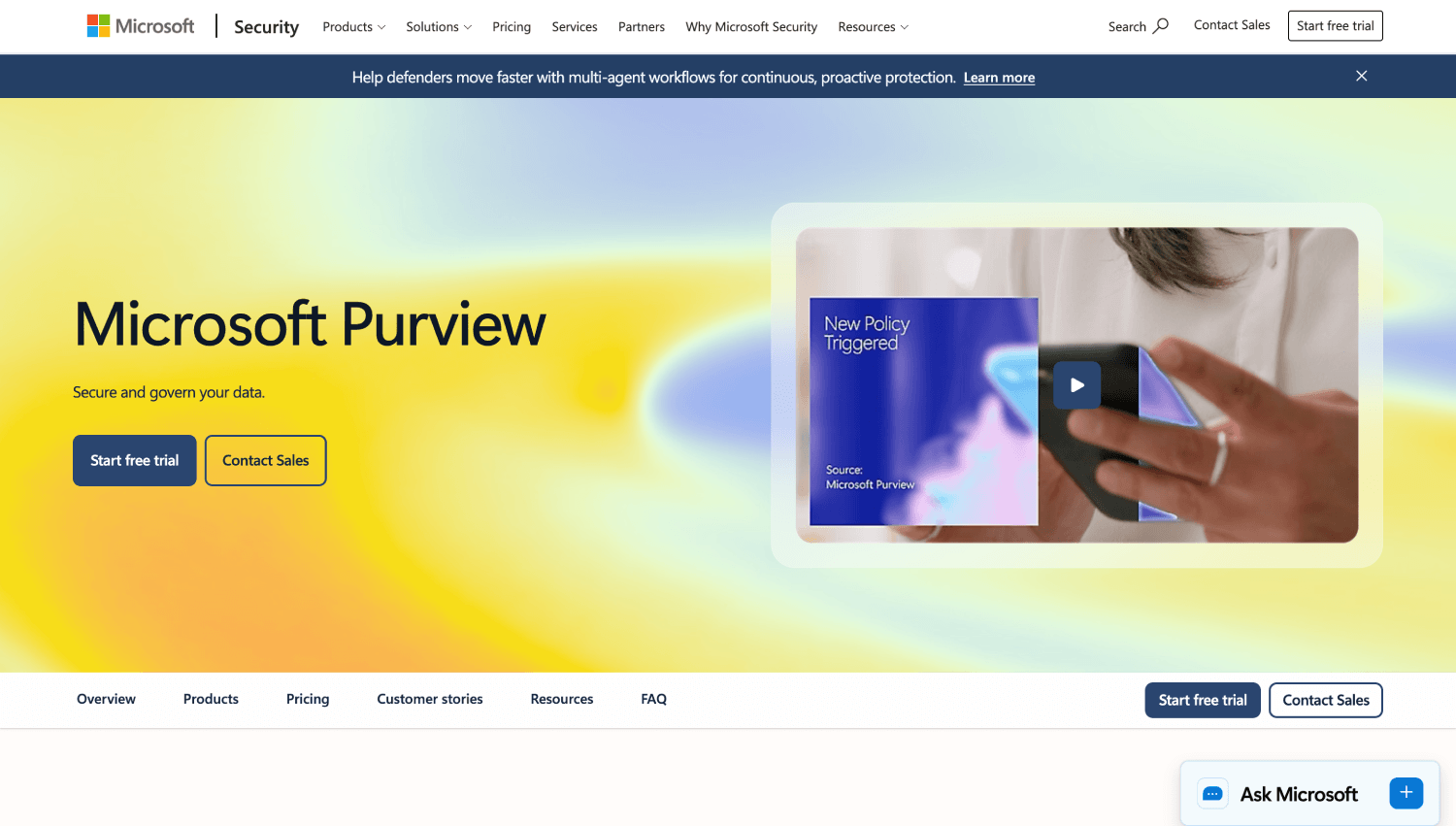
Microsoft Purview’s Edge DLP integration extends the platform’s existing endpoint DLP policies into the Microsoft Edge browser, giving organizations that already run Microsoft 365 at E5 a path to browser-level enforcement without deploying a separate agent or extension. The integration reads from the same policy engine and classifier library used across Exchange, SharePoint, and OneDrive.
The licence requirement is the detail that matters most to buyers. Edge DLP, as a browser-native enforcement capability, is included in the Microsoft 365 E5 Compliance add-on and the Microsoft 365 E5 bundle. Organizations on E3 get endpoint DLP coverage for Edge as a monitored browser, meaning they can see activity and generate alerts, but granular in-browser controls such as restricting paste to specific web categories or blocking upload to non-approved domains require the E5 Compliance licence tier. Microsoft does not publicly publish standalone per-user pricing for Purview DLP outside the M365 suite context, and pricing for E5 licences should be confirmed directly with Microsoft given frequent bundle changes.
For organizations already in the Microsoft stack, this is the path of least friction if the E5 licence is already in place. If it is not, the incremental cost of upgrading from E3 to E5 Compliance solely for browser DLP is difficult to justify against standalone alternatives. Edge DLP does not extend natively to Chrome or Firefox, which limits it to environments where Edge is the enforced browser.
2. Island Enterprise Browser

Island is an enterprise browser built on Chromium with DLP controls built directly into the browser engine rather than layered on top via extension. Because Island owns the full browser process, it can enforce policy at the rendering layer: blocking paste of classified content into specific site categories, watermarking rendered pages, preventing screenshot or screen recording of sensitive sessions, and controlling what files can be uploaded to which destinations.
The GenAI paste-prevention control in Island is a policy object applied to a category of destinations (consumer AI tools) rather than a firewall rule, which means policy writers define the data types and the site categories without maintaining domain blocklists manually. The tradeoff is deployment model: Island requires users to run a new browser, which introduces change management friction that extension-based tools do not. For BYOD environments or contractors, that friction is higher. Island’s pricing is not publicly disclosed; the vendor quotes per environment based on seat count and use case. For deeper comparison of enterprise browser options for different deployment contexts, the enterprise browser platform comparison covers the full category.
3. Menlo Security
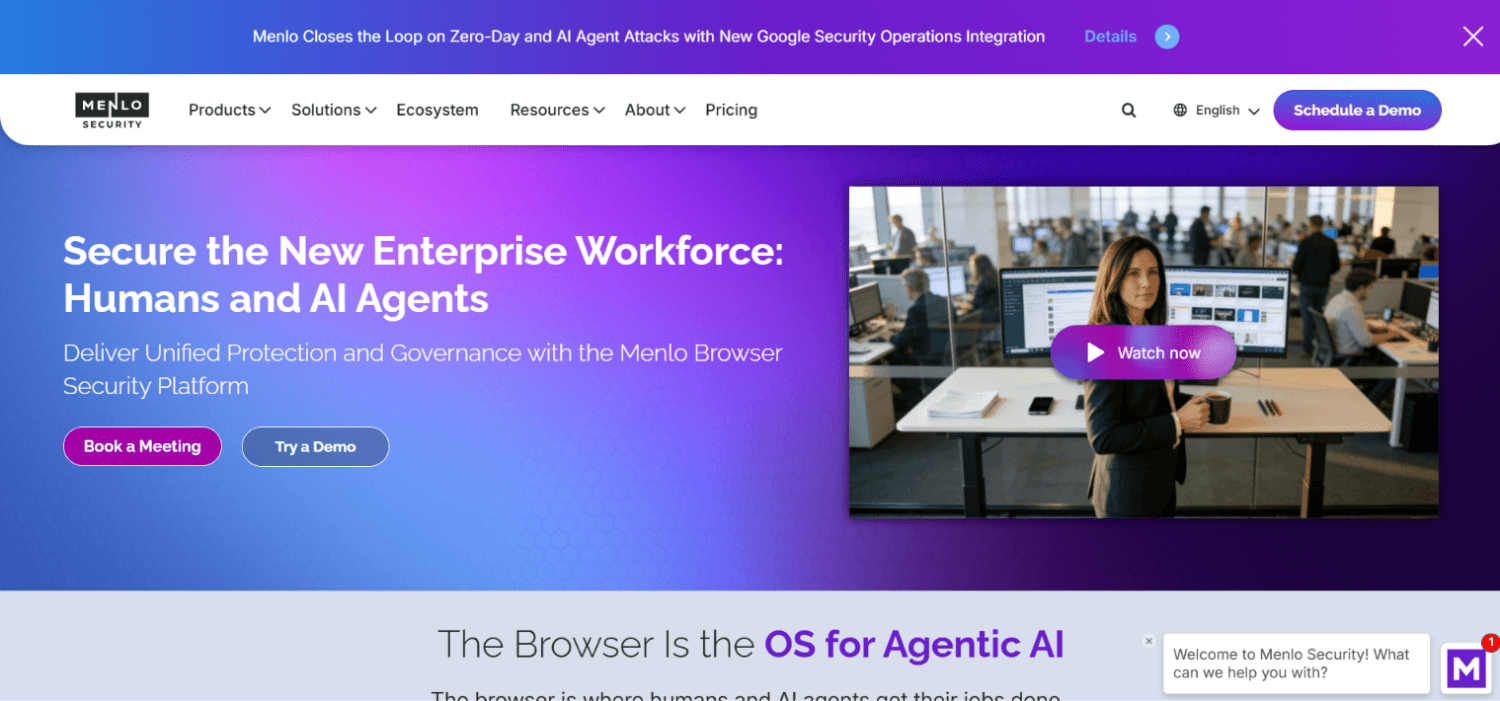
Menlo Security’s browser DLP operates through its cloud-based isolation platform, which proxies browser traffic through Menlo’s infrastructure before it reaches the end user. Because Menlo sits in the middle of every browser session, it can inspect page content, form submissions, and file uploads without deploying a client-side agent or replacing the user’s browser. Menlo’s own documentation describes DLP tools as “blind to sensitive data being pasted into GenAI tools,” positioning its proxy approach as the control that covers that gap.
The architectural advantage of a proxy model is breadth: any browser on any device can be covered if traffic routes through the proxy. The architectural cost is latency and the proxy’s ability to inspect encrypted content, which depends on TLS inspection being in place. For organizations already running Menlo for remote browser isolation, adding the DLP policy layer is a configuration change rather than a separate deployment. For teams not already running Menlo, the proxy architecture is a larger infrastructure commitment than an extension-based tool. Menlo does not publish per-user DLP pricing publicly.
4. Strac
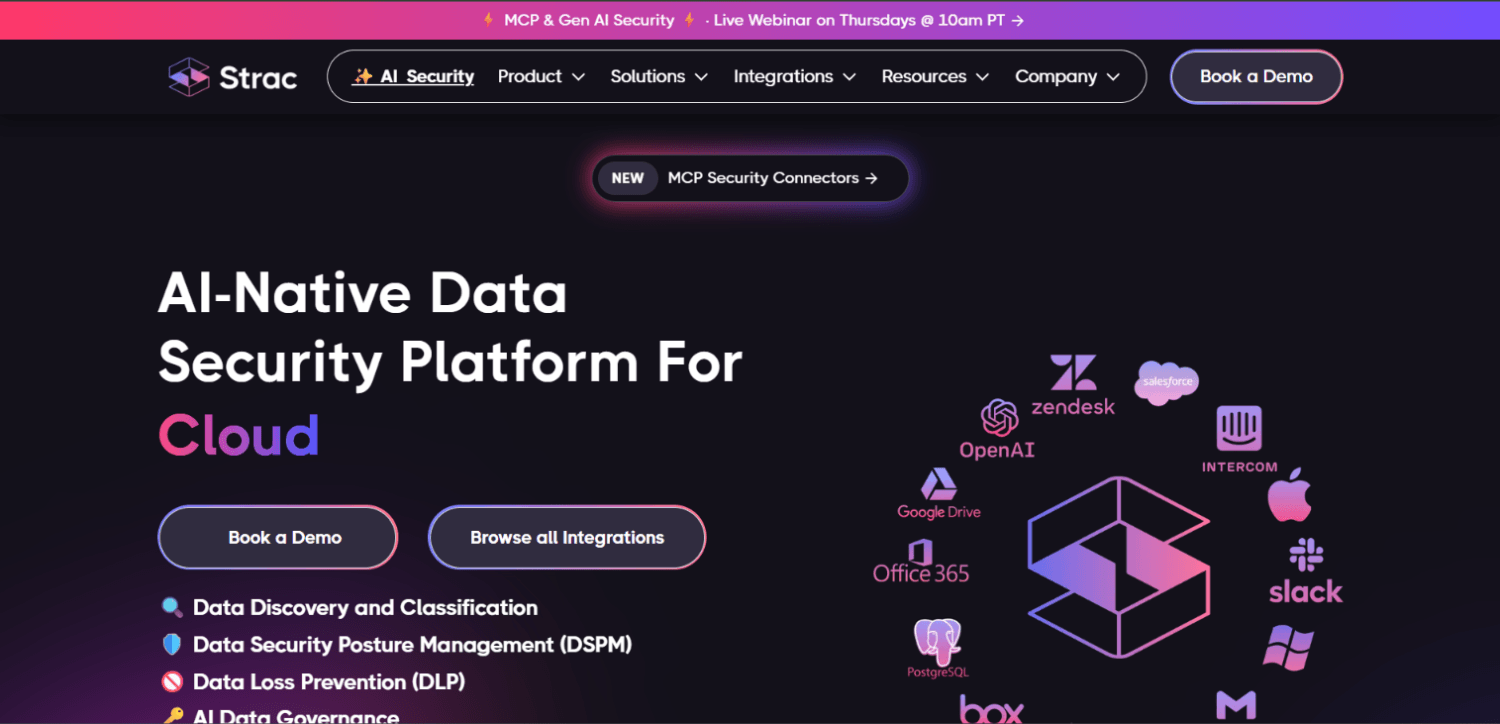
Strac offers browser DLP through a Chrome extension that monitors paste, typing, and file upload events in real time, using ML-based classifiers to detect sensitive content patterns including PII, payment card data, credentials, and custom data types. According to Strac’s product documentation, the extension operates with a central admin console for policy management and generates alerts on risky data movements without requiring traffic to be routed through a proxy.
Strac’s positioning is unified: it markets discovery, classification, and browser enforcement as a single platform, which appeals to smaller security teams that want to manage fewer consoles. The extension-based model deploys through standard MDM or Chrome Enterprise policy, which is operationally lighter than deploying a new browser or configuring a proxy. Strac does not publish per-seat pricing publicly; the vendor quotes based on environment size.
5. Keep Aware (acquired by Jamf)
Keep Aware, which has been acquired by Jamf, focuses specifically on browser-native security, providing real-time visibility into typing, pasting, and upload activity across web sessions. Keep Aware’s documentation describes monitoring at the form field level, which gives policy writers granular control: block paste of content matching a Social Security Number pattern into any form field on a consumer AI site, rather than blocking the site entirely.
The granularity of form-field-level monitoring is the capability worth examining in any evaluation. Most proxy-based and endpoint-adjacent tools intercept at the HTTP request level, which means they see the data after a form is submitted rather than as a user types. Keep Aware’s extension operates at the DOM event layer, catching the data before submission. That distinction matters for user experience: a tool that blocks after submit frustrates users; a tool that warns before submit gives users a chance to correct the action. Organizations evaluating Keep Aware should confirm current product roadmap and integration plans with Jamf directly, as the acquisition may affect standalone availability and licensing. Keep Aware does not publish public pricing.
6. Akamai Workforce Protector (formerly LayerX)
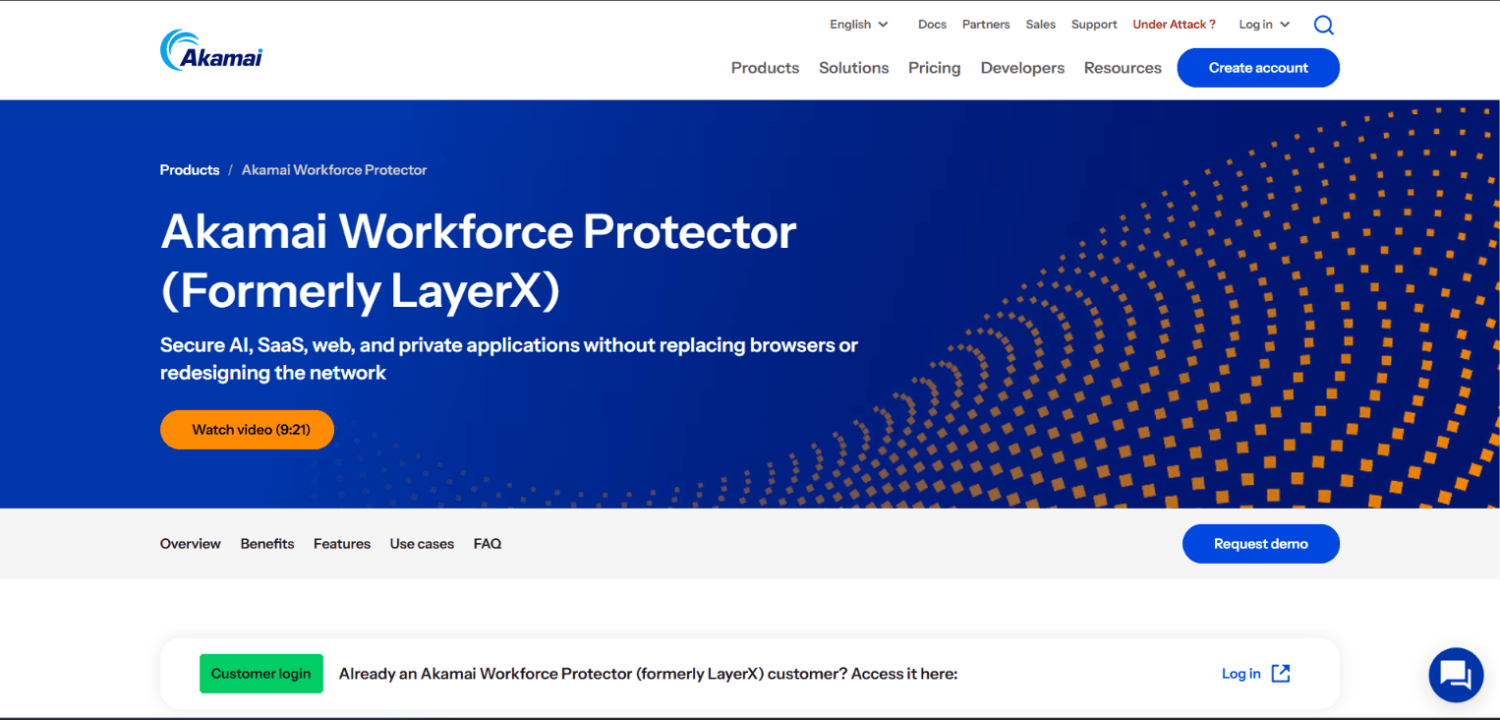
Akamai Workforce Protector, formerly LayerX, delivers browser security through a browser extension that monitors session activity and enforces policy on data interactions including paste, download, upload, and screen capture. The product’s design treats every browser session as a policy enforcement point, applying controls based on the identity of the user, the classification of the data being interacted with, and the category of the destination site.
One operationally relevant detail: the product can apply different policies to the same user depending on whether they are accessing a managed SaaS application versus an unmanaged external site. That means a security team can permit paste of certain data types into Salesforce (a sanctioned application) while blocking the same paste into a consumer AI tool, without writing two separate policies. Pricing is not publicly disclosed. For organizations evaluating browser security alongside SaaS session control, the browser security tools for SaaS and web applications comparison covers the broader category.
7. CrowdStrike Falcon Seraphic
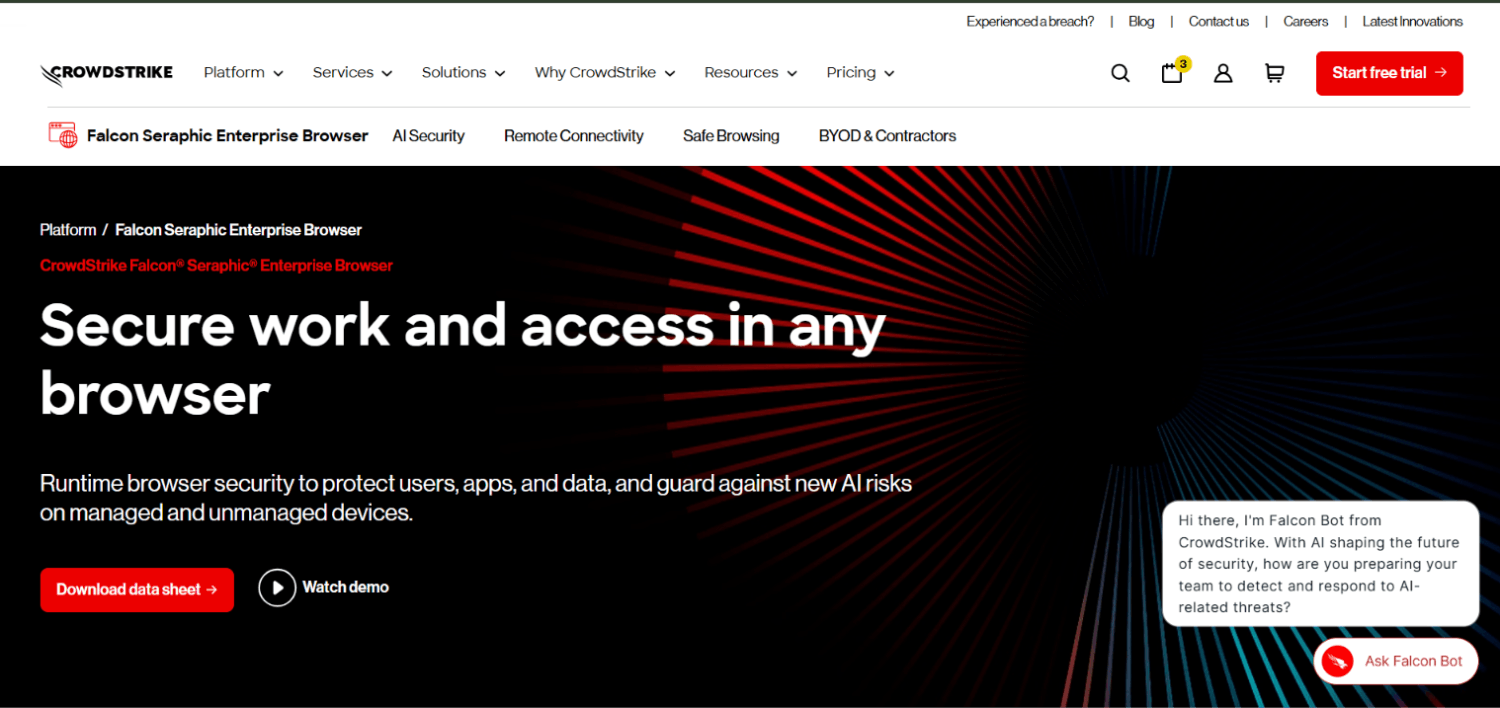
CrowdStrike Falcon Seraphic provides runtime browser security as part of CrowdStrike’s broader endpoint security platform. The product integrates with existing browsers and applies DLP controls at the browser layer, with enforcement positioned within CrowdStrike’s platform rather than as a standalone browser DLP product. Organizations evaluating Falcon Seraphic should assess it in the context of their existing CrowdStrike deployment, since the product’s controls and management surface are integrated into the broader Falcon platform.
For BYOD programs and contractor populations where the organization cannot mandate a specific browser, an any-browser approach is operationally relevant. The tradeoff against a managed enterprise browser is depth of control: extension-layer enforcement cannot reach as deeply as a browser the vendor controls at the engine level. CrowdStrike does not publish per-user pricing for Falcon Seraphic independently of its platform bundles. Teams comparing Falcon Seraphic against Island should weigh BYOD coverage breadth against depth of enforcement for managed fleets. The enterprise browser comparison for BYOD security covers that specific tradeoff.
8. Netskope
Netskope provides browser DLP as part of its Security Service Edge platform, combining cloud access security broker (CASB) controls with inline DLP inspection. Netskope’s approach intercepts web traffic through its cloud proxy, classifying content and applying policy to uploads, form submissions, and file transfers across both managed and unmanaged applications.
For organizations already running Netskope for cloud access control or secure web gateway, the DLP capability is an additive module rather than a new deployment. The GenAI coverage is handled through application-level policy: Netskope maintains a catalog of AI tools and can apply per-application controls, including restricting specific actions (paste, file upload) within a given application category while permitting others. Netskope’s pricing is not publicly disclosed and is typically quoted as part of a broader SSE platform contract, making direct per-user comparison with standalone browser DLP vendors difficult.
The SecurityOpsWire Browser DLP Architecture Test
Before committing to any of these platforms, security teams benefit from a structured evaluation framework that goes beyond feature checklists. The following five-question test surfaces the architectural and operational differences that vendor demos obscure.
Where does enforcement happen? Inside the browser process (managed browser or deep extension), at the browser extension layer (DOM events), or at the network layer (proxy/SSE). Each has different fidelity for in-page actions like typing and paste.
What browsers and devices are in scope? A tool that covers only Edge or only managed corporate devices has a blind spot every time a contractor or BYOD user accesses a sensitive application. Map your actual device population against the tool’s coverage model before the shortlist stage.
Can it block paste into a specific site category without blocking paste everywhere? Blanket paste blocking is not a deployable policy. Ask the vendor to demonstrate a policy that permits paste into sanctioned SaaS and blocks paste into consumer AI tools, using a real classifier, not a domain allowlist.
What is the false-positive burden on the SOC? Browser DLP running on paste and typing events generates alert volume proportional to user activity. Ask what the expected alert-to-incident ratio looks like in the vendor’s existing deployments at your industry vertical, and what tuning controls exist to reduce noise without reducing coverage.
What does it cost to operate, not just to buy? Extension management, policy tuning, classifier maintenance, and alert triage all require time. A tool priced lower per user per month that generates 200 daily alerts requiring analyst review may carry higher total operational cost than a more expensive tool with tighter classifier tuning and fewer false positives. Build the operational cost model, including analyst hours, not just the licence cost model.
How Does Per-User Browser DLP Pricing Compare With an Existing DLP Licence?
The pricing comparison is complicated by the fact that most dedicated browser DLP vendors do not publish list pricing, and most suite-based DLP vendors bundle browser coverage into a tier that includes many other capabilities. The honest answer for most buyers is that you cannot compare line-item pricing without going through a sales cycle with each vendor.
What the comparison actually comes down to is whether the browser-specific data flows you are trying to cover are worth a standalone purchase or an upgrade to a higher licence tier. For organizations on Microsoft 365 E3 considering E5 Compliance, the browser DLP capability is one of many incremental features in that upgrade. If browser DLP is the primary driver, the per-seat cost of the upgrade may exceed what a focused standalone tool costs. For organizations not in the Microsoft stack, standalone browser DLP tools price per user per month without public list rates; no vendor covered in this article publishes verified public pricing figures, and trial deployments are the fastest way to get a real quote.
The table below summarizes the architectural model and deployment approach for each platform covered. Pricing is not included because no vendor in this list publishes verified public pricing that can be responsibly cited without a direct sales quote.
| Platform | Enforcement Architecture | Browser Scope | GenAI Paste Control | Deployment Model |
|---|---|---|---|---|
| Microsoft Purview (Edge DLP) | OS agent + Edge integration | Edge only (natively) | Yes, via endpoint DLP policy (E5 Compliance required for full controls) | Agent + M365 policy engine |
| Island Enterprise Browser | Browser engine (Chromium fork) | Island browser only | Yes, native policy object | Browser replacement |
| Menlo Security | Cloud proxy / isolation layer | Any browser (proxied traffic) | Yes, via inline DLP inspection | Cloud proxy + optional extension |
| Strac | Chrome extension (DOM events) | Chrome (primary) | Yes, ML classifiers | Extension via MDM/Chrome Enterprise |
| Keep Aware (acq. by Jamf) | Browser extension (form field level) | Chrome/Edge | Yes, form-field-level controls | Extension via MDM |
| Akamai Workforce Protector (formerly LayerX) | Browser extension (session layer) | Chrome/Edge | Yes, per-destination policy | Extension via MDM |
| CrowdStrike Falcon Seraphic | Browser extension / platform-integrated | Any browser | Yes | CrowdStrike platform, any browser |
| Netskope | Cloud proxy / SSE inline | Any browser (proxied traffic) | Yes, per-app AI category controls | SSE proxy + optional client agent |
Which Architecture Fits Which Environment?
Managed enterprise fleets running Edge as the enforced browser and already licensed at M365 E5 Compliance should start with Purview. The deployment overhead is minimal, the policy engine is shared with the rest of the organization’s DLP program, and adding a second tool creates policy fragmentation. The constraint is that this only works if Edge is actually the browser in use across the population being protected.
Organizations that need cross-browser coverage on managed corporate devices without replacing the browser have the clearest case for an extension-based tool. Strac, Keep Aware, and Akamai Workforce Protector all deploy through existing MDM or Chrome Enterprise policy, with no network architecture change required. The evaluation criteria between them are classifier quality, alert volume, and the granularity of GenAI-specific controls.
Environments with significant BYOD or contractor populations, where enforcing a specific browser or MDM enrollment is not feasible, have two realistic options: CrowdStrike Falcon Seraphic (extension, any browser) or a proxy-based approach through Menlo or Netskope. The proxy model covers any device that routes traffic through it, but depends on TLS inspection and adds network complexity. The extension model requires the extension to be installed, which requires some level of device management even if informal.
Island fits organizations that are willing to replace the browser as the deployment model in exchange for the deepest available control plane. That trade makes the most sense for high-sensitivity user populations (legal, finance, executives handling M&A data) rather than for organization-wide rollout. Deploying Island to 5,000 users is a different proposition than deploying it to the 200 users who work with the most sensitive data.
Can Browser DLP Actually Stop Paste Into ChatGPT Specifically?
Yes, but the mechanism and reliability vary by architecture. Extension-based tools that operate at the DOM event layer can intercept a paste event targeted at a specific form field on chat.openai.com before the content is submitted. The extension reads the pasted content, applies a classifier, and either blocks the paste, replaces the content with a warning, or allows it and generates an alert. This works as long as the extension is installed and the browser is not running in an incognito session that blocks extensions.
Proxy-based tools intercept the HTTP POST request sent when the user submits content to ChatGPT, which means they see the data after the user has already typed or pasted it into the interface. The control happens at submission, not at paste, which changes the user experience of enforcement. Some users will have composed and submitted content before the block fires; the tool will block the transmission but cannot prevent what was already seen in the browser. For monitoring and alerting purposes, both approaches work. For true paste-time prevention, DOM-level interception is more precise.
Managed browsers like Island intercept at the rendering layer, which is deeper than either approach. Because Island controls the browser process, it can apply policy at the moment a user initiates a paste action, before content is inserted into any form field.
Push Security and Zscaler: Where They Fit
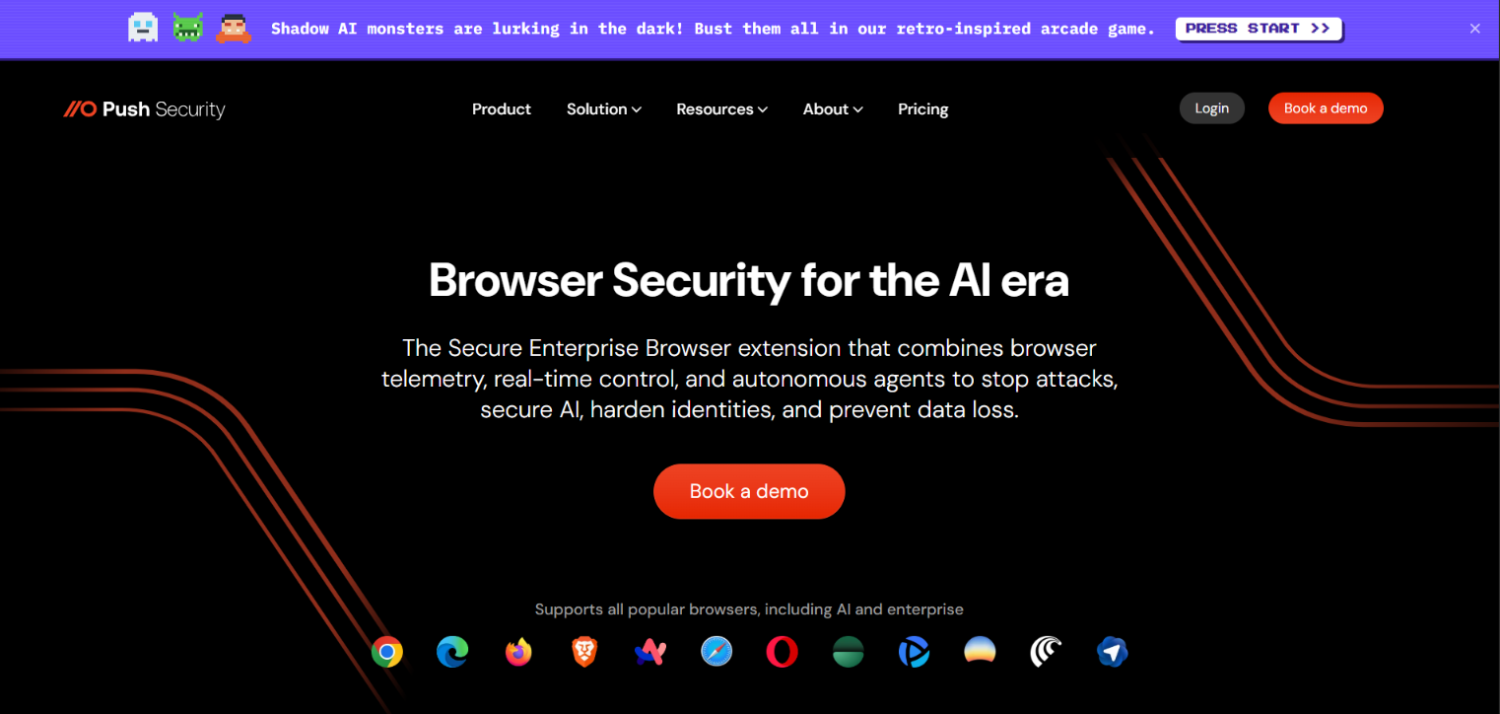
Push Security focuses on identity security within the browser, using an extension to detect credential exposure, phishing, and unauthorized SaaS application usage. Push includes data handling visibility as a component of its browser-based identity risk detection, but its primary positioning is identity threat detection and response (ITDR) rather than DLP. Teams evaluating Push for browser DLP specifically should clarify in their evaluation what content classification and paste-block capabilities are available versus what is purely identity-signal focused.
Zscaler’s Internet Access platform includes inline DLP as part of its Secure Web Gateway capability, operating similarly to Netskope at the SSE proxy layer. Like Netskope, Zscaler’s browser DLP coverage is most operationally relevant for organizations already running Zscaler for web filtering or zero trust network access. Adding inline DLP on top of an existing Zscaler deployment is an additive configuration; building a DLP program on Zscaler from scratch for browser control alone is disproportionate infrastructure. Zscaler does not publish per-user DLP pricing independently of its platform bundles.
For teams building out broader AI governance controls alongside browser DLP, the coverage of GenAI security platforms includes tools that address model access, prompt injection, and output control that browser DLP does not touch.
Frequently Asked Questions
What is browser DLP and how does it differ from traditional DLP?
Browser DLP enforces data loss prevention controls inside or adjacent to the browser process, covering in-page actions like paste, form-field typing, and file upload to web destinations. Traditional or endpoint DLP operates at the OS and file system layer, monitoring file writes, clipboard events between applications, and device-level transfers. Endpoint DLP cannot inspect what a user pastes into a web form because no file system event occurs. Browser DLP closes that gap by operating at the session or DOM layer where those actions are visible.
What Microsoft Purview licence tier includes Edge browser DLP?
Full browser-level enforcement controls in Microsoft Edge require the Microsoft 365 E5 Compliance add-on or the Microsoft 365 E5 bundle. Organizations licensed at E3 can use Purview endpoint DLP to monitor Edge as a browser and generate alerts, but the granular in-browser policy controls that restrict paste, upload, and copying to specific destination categories require the E5 Compliance tier. Microsoft’s licensing for Purview changes periodically, so buyers should verify current tier inclusions directly with Microsoft before making a purchasing decision based on this distinction.
Can browser DLP stop users from pasting sensitive data into ChatGPT?
Yes, with architecture-specific caveats. Extension-based tools operating at the DOM event layer can intercept a paste action targeting chat.openai.com before the content is submitted, applying a classifier and blocking or alerting in real time. Proxy-based tools intercept the HTTP submission rather than the paste event, which blocks transmission but not the act of composing content in the browser. Managed enterprise browsers like Island can intercept at the rendering layer, the deepest available control point. All three approaches can prevent the data from reaching OpenAI’s servers; they differ in when the control fires relative to the user’s action.
Is an extension-based browser DLP tool deployable on BYOD devices?
Extension-based tools require the extension to be installed on the device’s browser, which typically requires either MDM enrollment, Chrome Enterprise policy, or user-initiated installation. On true unmanaged BYOD devices without any enrollment, installing and maintaining a browser extension is operationally difficult and relies on user compliance. Proxy-based tools (Menlo, Netskope, Zscaler) cover BYOD more reliably because any traffic routed through the proxy is inspected regardless of what is installed on the device, though they depend on the proxy being in the traffic path. CrowdStrike Falcon Seraphic’s any-browser extension model gives the broadest extension coverage, but still requires the extension to be present.
How do you run a browser DLP pilot focused on GenAI paste prevention?
Start by identifying the five to ten generative AI tool domains most commonly accessed in your environment (chat.openai.com, gemini.google.com, claude.ai, perplexity.ai, and any others appearing in web gateway logs). Deploy the browser DLP tool in monitor-only mode for a defined user population, targeting paste events to those domains. Run for two weeks and measure how many paste events matched existing sensitive data classifiers. Use that volume to size the block policy and define the user experience for enforcement. Expand the pilot to upload controls and typing detection once paste-blocking is stable and tuned.
What data types should browser DLP classifiers cover at minimum?
At minimum, browser DLP classifiers should cover PII (name plus identifier combinations, Social Security Numbers, date of birth), payment card data (PAN patterns), credentials and secrets (API key patterns, password patterns), and any custom data types defined in your existing DLP policy. For most organizations, credentials and API keys pasted into consumer AI tools are a higher-probability and higher-consequence risk than PII, because a credential pasted into a public AI interface can result in account compromise rather than just a data disclosure. Classifier coverage for source code and intellectual property patterns is relevant for engineering organizations.
How does browser DLP interact with a DSPM program?
DSPM classifies sensitive data at rest in cloud storage and data stores, mapping where it lives and who can access it. Browser DLP enforces controls on data in motion through the browser. They address different control points. The integration that adds the most value is feeding DSPM classification labels into browser DLP policy: if a file is tagged as highly sensitive by a DSPM scan, a browser DLP policy can apply stricter controls when a user attempts to upload or paste content derived from that file. A small number of vendors market both capabilities together; most organizations connect them through a shared policy engine or manual policy alignment.
What Most Teams Get Wrong About Browser DLP Rollouts
The most common mistake is writing block policies before running discovery. Organizations deploy browser DLP and immediately configure block rules on paste-to-GenAI, then spend the next three months responding to false positives and frustrated users. The right sequence is monitor first, measure the actual data flow, tune classifiers against real organizational data types, and then write block policies for the patterns with the lowest false-positive rate and the highest risk.
The second mistake is treating browser DLP as a replacement for a broader data governance program. Browser DLP stops data from moving through the browser. It does not address what happens to data that has already been downloaded to a local device, shared through a collaboration tool, or accessed through an API that bypasses the browser entirely. For organizations building toward a complete data security program, browser DLP belongs alongside DSPM, endpoint DLP, and SaaS security controls, not instead of them.
The vendors that win browser DLP evaluations are not always the ones with the most features. They are the ones whose classifiers match the buyer’s actual data types, whose alert volume is operationally manageable for the team’s current analyst capacity, and whose deployment model fits the existing device management infrastructure. Start with the GenAI paste use case, measure real exposure, and let the data tell you whether the program needs to expand.